
Natural-language chart requests
Describe the chart you want in plain English instead of learning a scripting language or chart builder workflow. The product examples show prompts such as asking for a bar chart of sales by region.

Chat2CSV transforme les demandes en langage naturel en visualisations de données à partir de fichiers CSV. Créez rapidement des graphiques sans coder, avec une gestion des données axée sur la confidentialité et un accès gratuit.
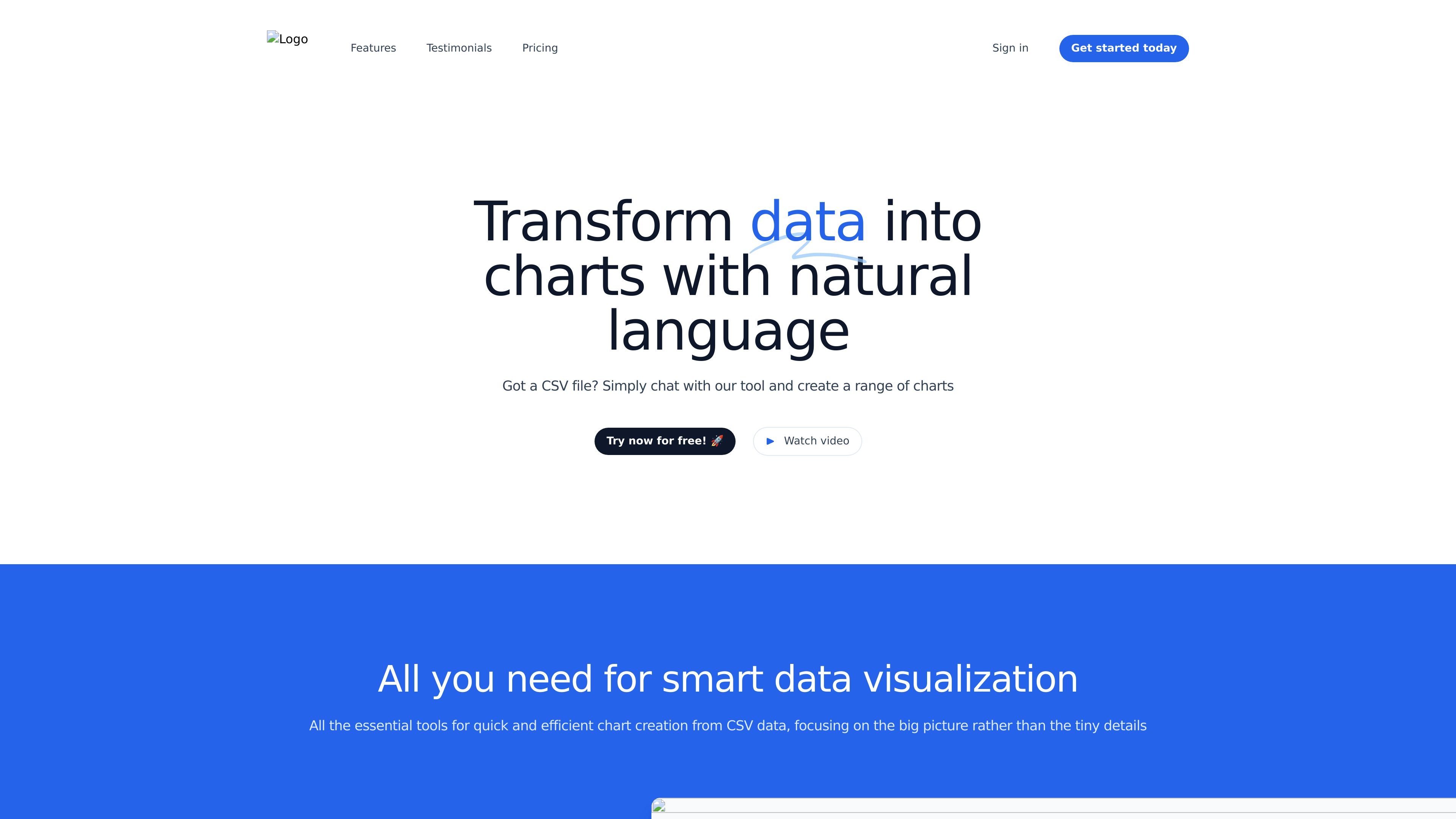
Chat2CSV is a CSV-to-chart visualization tool that lets you create charts by typing requests in natural language. The product is positioned for quick analysis of CSV data without coding or scripting, using an interface that turns plain-English instructions into visualizations.
The site emphasizes chart creation from CSV files, AI-assisted chart suggestions, and privacy-focused handling of data. It also states that the service processes only necessary metadata on its servers while the actual data remains on the user side, and it offers free access with usage limits plus a coming premium plan.
Describe the chart you want in plain English instead of learning a scripting language or chart builder workflow. The product examples show prompts such as asking for a bar chart of sales by region.
The platform can suggest chart types based on your data, which may help you choose a visualization that fits the dataset rather than guessing manually.
The site explicitly mentions line graphs, bar charts, pie charts, and scatter plots, and says the platform supports a wide range of chart types beyond those examples.
The product says it processes only the metadata needed on its servers while the actual data remains on your side, emphasizing privacy-aware handling.
Free access is available, with a stated usage cap of 15 queries per hour, one CSV file at a time, a 1 MB file limit, and five AI prompts per file.
The site lists a coming premium plan with higher limits, multi-file work, secure cloud storage, a personal dashboard, and chart history, though it is marked as coming soon.
Upload a CSV file and ask for a specific visualization, such as sales by region or product mix, when you want a quick chart without building one manually.
Use the AI’s chart suggestions when you have data but are not sure which visualization best matches the shape of the dataset.
Use the tool for fast, lightweight analysis when you need to inspect a single CSV and do not want to set up a coding environment.
Use the product when privacy is important and you want a workflow that keeps the actual data on your side while the server handles only necessary metadata.
Start with the free tier to test whether the natural-language workflow fits your team’s CSV analysis needs before considering the upcoming premium plan.
The site says CSV files are supported, and the FAQ specifies CSV only at the moment with headers.
You type a request in natural language, such as asking for a bar chart of sales by region, and the platform generates the chart from your CSV data.
The site says the platform supports a wide range of chart types, including line graphs, bar charts, pie charts, scatter plots, and more, and that the AI can suggest suitable chart types.
The FAQ says the servers process only necessary metadata while the actual data remains on your side, and the product copy describes the service as privacy-focused.
The current free access allows you to explore the product with minor daily limitations.
Les données de trafic sont fournies à titre indicatif uniquement.

www.basedash.com
Basedash est une plateforme d’informatique décisionnelle basée sur l’IA qui analyse les données, crée des tableaux de bord et permet aux équipes d’importer et d’exporter des fichiers Excel. Les utilisateurs peuvent poser des questions en langage courant et exporter les données des graphiques au format .xlsx.

stepsize.com
Stepsize AI transforme l’activité Jira ou Linear en rapports, graphiques et commentaires pour les équipes d’ingénierie, avec des workflows de dette technique et des contrôles de confidentialité.

graphy.app
Graphy est un outil web de création de graphiques qui transforme les données de feuilles de calcul, fichiers, API ou recherches AI en graphiques et tableaux de bord partageables, pour des visuels de marque, des rapports rapides et des intégrations.

supaboard.ai
Business intelligence avec IA pour données connectées, requêtes en langage naturel et tableaux de bord collaboratifs

chartgen.ai
ChartGen AI est un générateur de graphiques IA en ligne qui transforme des fichiers CSV, Excel, données collées ou sources connectées en graphiques et tableaux de bord.

pandada.ai
Pandada AI est un outil d’analyse de données accessible depuis un navigateur pour nettoyer des fichiers, poser des questions et créer des graphiques ou rapports. Il prend en charge les formats courants, avec une offre Basic gratuite et un forfait Plus payant.