
Multi-format file analysis
Upload files in common business and research formats, including CSV, XLSX, JSON, PDF, PPTX, Word documents, and images, then work across them in one analysis flow.

Pandada AI est un outil d’analyse de données accessible depuis un navigateur pour nettoyer des fichiers, poser des questions et créer des graphiques ou rapports. Il prend en charge les formats courants, avec une offre Basic gratuite et un forfait Plus payant.
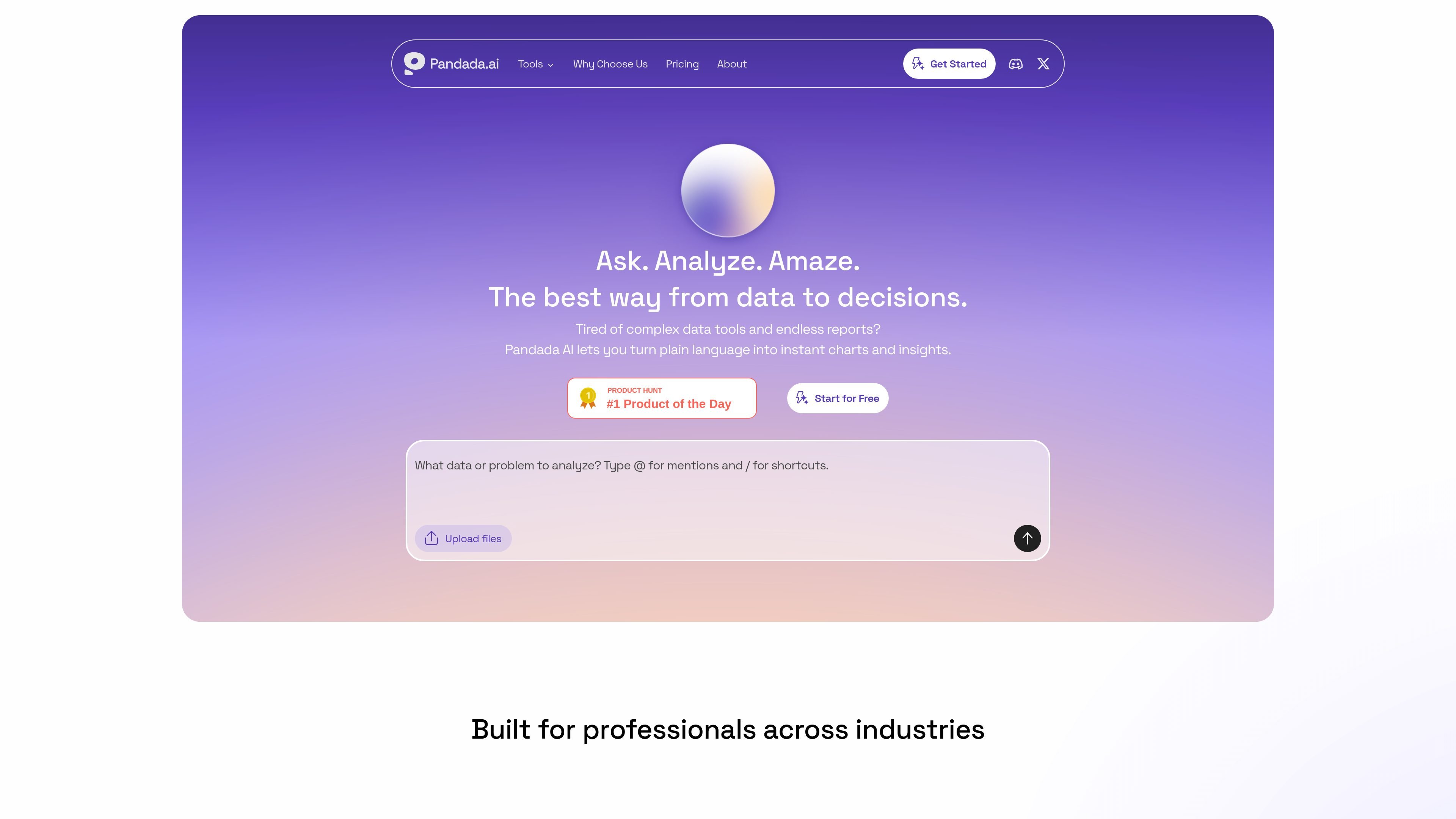
Pandada AI is an AI data analysis assistant for people who need to turn messy files into structured insight without using code. It is positioned for students, researchers, and professionals who work with spreadsheets, documents, and other local files.
The product combines natural-language questioning, data cleaning, chart generation, and report creation in one browser-based workflow. You can upload multiple files, ask follow-up questions, and receive reasoning, visualizations, and exportable reports that are intended to support business analysis, academic work, and similar research tasks.
Upload files in common business and research formats, including CSV, XLSX, JSON, PDF, PPTX, Word documents, and images, then work across them in one analysis flow.
Ask questions in plain language instead of writing formulas or code, and let the system map fields and produce answers, explanations, and calculations.
Use one-click actions for recurring tasks such as generating charts, merging Excel files, or converting PDFs to Word and Excel.
Clean, standardize, and repair messy data by handling formatting inconsistencies, duplicates, missing values, outliers, whitespace, and common entry errors.
Generate charts and reports from uploaded data, with export options that include Markdown, PDF, Google Docs, PNG, JPG, SVG, and, for Plus users, PowerPoint.
Work with multiple files at once, cross-reference content across sources, and keep the analysis inside a single workspace rather than restarting for each file.
Upload spreadsheets or mixed files, ask questions in plain language, and use the tool to identify trends, calculate metrics, or explain results without building formulas manually.
Work from papers, datasets, and supporting documents to clean up sources, compare fields, and generate concise outputs for assignments or literature-backed analysis.
Clean irregular spreadsheets by standardizing dates, text case, and number formats, removing duplicates, and handling missing values before handing the dataset to another workflow.
Turn raw data into charts and exportable reports when you need a shareable summary for stakeholders, classmates, or internal review.
Combine multiple files in one session to compare tables, align definitions, and cross-reference information that would otherwise live in separate folders or documents.
Pandada AI supports CSV, XLSX, JSON, PDF, PPTX, Word documents, and images on the main product site. The pricing page also states that files can be uploaded in multi-file chats, with limits that vary by plan.
The core workflow is to upload files, ask questions in plain language, and use shortcuts for common actions such as cleaning, merging, charting, and report generation. The product also presents visualizations and polished reports as outputs.
Yes, but collaboration appears limited. The site says it is currently designed for individual use, while shared analysis results can be sent via links; real-time team collaboration is listed as coming in a future update.
Basic is the free plan, and the pricing page describes Plus as the paid tier with higher usage limits, more web searches, larger storage, report generation, and PowerPoint export.
All files are encrypted during upload and storage, and the site says it does not use customer data to train AI models. The data-cleaning page also says uploaded files are processed securely and are not stored on its servers for that tool.
Les données de trafic sont fournies à titre indicatif uniquement.

formulabot.com
Plateforme d’analyse de données par IA pour poser des questions, générer des graphiques et automatiser les rapports.

www.basedash.com
Basedash est une plateforme d’informatique décisionnelle basée sur l’IA qui analyse les données, crée des tableaux de bord et permet aux équipes d’importer et d’exporter des fichiers Excel. Les utilisateurs peuvent poser des questions en langage courant et exporter les données des graphiques au format .xlsx.

graphy.app
Graphy est un outil web de création de graphiques qui transforme les données de feuilles de calcul, fichiers, API ou recherches AI en graphiques et tableaux de bord partageables, pour des visuels de marque, des rapports rapides et des intégrations.

excelmatic.ai
Outil d’analyse de tableurs par IA dans le navigateur, transformant fichiers Excel, CSV, tableaux PDF et captures en graphiques, tableaux de bord, synthèses et rapports à vérifier.

autoplot.ai
Autoplot est une application native pour Mac de visualisation et d’analyse scientifiques qui transforme des données tabulaires en graphiques, ajustements et résultats réutilisables. Elle prend en charge les workflows locaux, les exports prêts à être publiés et la préparation des données assistée par l’IA, en option.

atlas.new
Atlas est une plateforme SIG accessible depuis un navigateur, conçue pour créer des cartes, analyser des données de localisation et partager des travaux spatiaux en équipe. Elle propose cartographie assistée par AI, analyse spatiale, tableaux de bord et collaboration, sans expérience préalable en SIG.