
AI graph generation
Enter data manually or import it, then let the tool generate a chart or diagram automatically. The site describes this as a quick way to turn raw information into visuals without coding.

Transformez du texte ou des données en graphiques, diagrammes, cartes mentales et organigrammes interactifs.
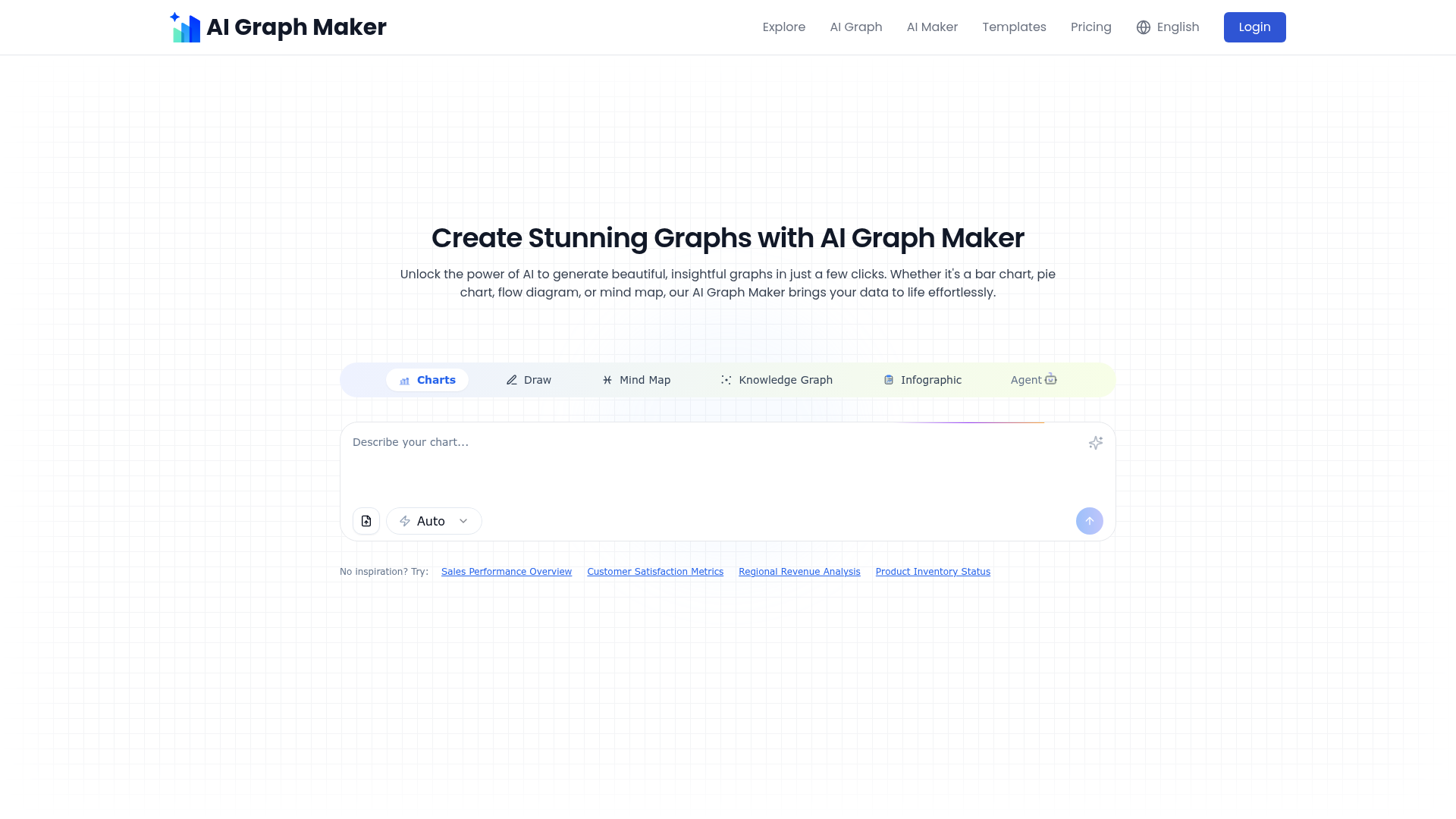
AI Graph Maker is a web-based tool for turning text or data into charts and diagrams. The site positions it as a free interactive graph generator that can create visuals such as bar charts, pie charts, flow diagrams, mind maps, knowledge graphs, and infographics.
The workflow is straightforward: users enter or upload data, choose a graph type, generate the visual, and then adjust the result before downloading or sharing it. The product pages also show dedicated graph makers for mind maps, line charts, and flowcharts, which suggests the tool is organized around specific visualization tasks rather than a single fixed chart format.
The pricing page shows a free tier and a paid Hobby plan. The free plan includes daily credits and limited saved graphs, while the paid plan adds more credits and unlimited saved graphs in the dashboard.
Enter data manually or import it, then let the tool generate a chart or diagram automatically. The site describes this as a quick way to turn raw information into visuals without coding.
The product supports multiple visualization types, including bar charts, pie charts, line graphs, flowcharts, mind maps, timelines, knowledge graphs, infographics, and other diagram styles shown on the site.
After generation, you can adjust content and styling such as colors, labels, fonts, titles, chart colors, and node or branch layout. The mind map pages also mention adding notes, images, videos, and links.
Completed visuals can be exported in formats such as PNG, SVG, Mermaid, Freemind, and Vizmind depending on the graph type. This makes it easier to reuse the output in other tools or documents.
The product is presented as responsive across desktop, tablet, and smartphone, so it is intended to work across device sizes without a separate app.
The site includes a simple step-by-step workflow: input data, choose a graph type, generate, customize, then download or share.
Turn a table, notes, or pasted text into a chart for a report or presentation, then refine labels and styling before export.
Convert structured or unstructured notes into a mind map to organize ideas, compare relationships, or capture a brainstorming session.
Build flowcharts or process diagrams for an order process, system workflow, or other step-by-step sequence shown in the examples.
Create line charts or bar charts for trend analysis, comparisons, or simple dashboards when you need a quick visual from source data.
Export a finished visual in a shareable format when you need to reuse it in documents, slides, or other tools.
Yes. The product page says you can enter data manually or upload a file, and the mind map page mentions supported formats such as Word, TXT, DOCX, and Excel files.
Yes. The site says generated graphs can be customized after creation, including colors, labels, fonts, titles, styles, and other visual elements.
The site states that exports include PNG, SVG, and Mermaid for graph outputs, and the mind map page also mentions PNG, Freemind, and Vizmind for mind maps.
The pricing page shows a free plan with 10 free credits daily and a Hobby plan for $5 per month, billed monthly or annually.
The source does not describe a dedicated team workspace or collaboration suite, but it does say you can download or share finished graphs directly, and the mind map page mentions sharing for collaboration or presentation.
Les données de trafic sont fournies à titre indicatif uniquement.

gitmind.cn
GitMind est un espace de travail IA dédié aux cartes mentales et aux diagrammes, qui transforme textes, fichiers, pages web, audio, vidéos et images en résumés structurés, cartes mentales, organigrammes et autres contenus visuels. Accessible sur le web, ordinateur, mobile et via une extension Chrome pour apprendre, planifier, rechercher et documenter.

gitmind.com
Cartes mentales et diagrammes IA à partir de documents et médias

mylens.ai
MyLens transforme fichiers, liens et données en visuels et diagrammes interactifs.

conceptmap.ai
Transformez PDF, notes et discussions en cartes mentales d’étude

www.dashlytics.net
Transformez vos fichiers Excel et CSV en tableaux de bord interactifs avec indicateurs clés, graphiques, filtres et analyses rédigées, sans configuration manuelle ni code.

www.basedash.com
Basedash est une plateforme d’informatique décisionnelle basée sur l’IA qui analyse les données, crée des tableaux de bord et permet aux équipes d’importer et d’exporter des fichiers Excel. Les utilisateurs peuvent poser des questions en langage courant et exporter les données des graphiques au format .xlsx.