
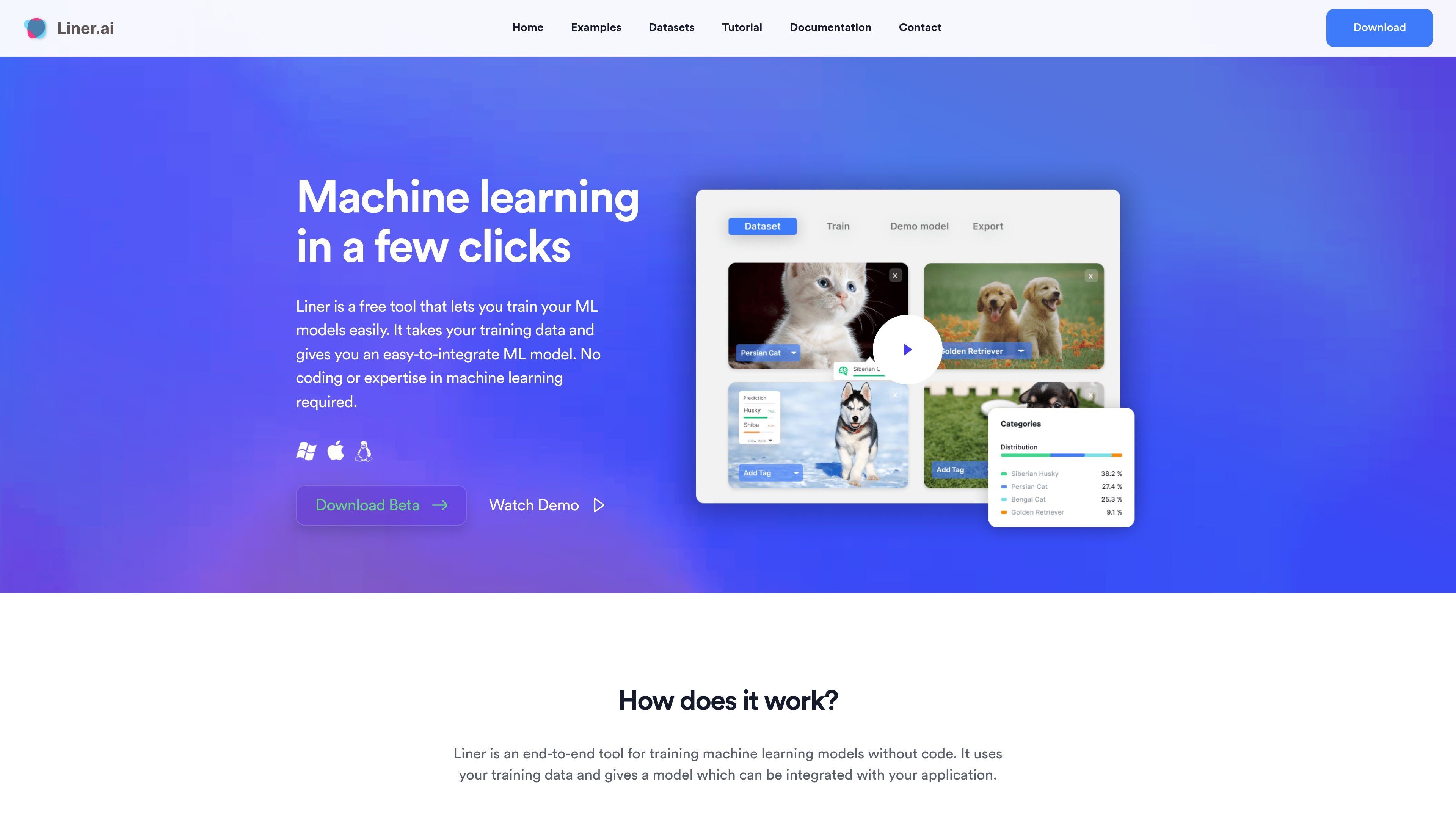
Data import and dataset viewing
Import your own training data and inspect it inside Liner before training. The homepage also says you can use a pre-labeled dataset.

Liner.ai est un outil gratuit sans code pour entraîner et déployer des modèles de ML avec vos données.
Liner.ai is a no-code machine learning tool for training and deploying models from your own data. The homepage describes it as an end-to-end workflow that takes training data, trains a model automatically, and produces an output you can integrate with an application.
The product is aimed at users who want to build machine learning applications without coding or prior ML experience. It supports local training on your computer, offers templates for several common model types, and is available as a desktop download for Windows and Mac.
Import your own training data and inspect it inside Liner before training. The homepage also says you can use a pre-labeled dataset.
Start training with a button press and let Liner choose an appropriate model automatically. The product is presented as a no-code workflow for building ML models.
Train for common machine learning tasks including image, text, audio, video, object detection, image segmentation, and pose classification.
Export trained models to several platforms and integrate them into an application. The site positions the output as an easy-to-integrate ML model.
Training happens locally on your computer, and the site says nothing is sent to the cloud. This keeps your data on-device during the workflow.
The download page lists Windows and Mac support, including macOS Intel and Apple Silicon builds, with Linux marked as coming soon.
Import a labeled dataset and use Liner to train a model for a specific classification or detection task without writing code.
Use one of the built-in templates to start with a known task such as image classification, text classification, or object detection.
Keep training local when your data should stay on your machine rather than being uploaded to a cloud service.
Create an exportable model that can be integrated into another application after training is complete.
Use the desktop app on Windows or Mac when you want a packaged tool rather than a browser-only workflow.
Liner is an end-to-end tool for training machine learning models without code. The source describes a three-step workflow: import data, start training, and deploy the model.
Liner runs locally on your computer. The source says training happens on your machine and that nothing is sent to the cloud.
Yes. The source says you can train without a GPU and that the models are optimized for standard CPU training.
The source says Liner is available for Windows and Mac, with downloads for macOS Intel, macOS Apple Silicon, and Windows 64-bit. Linux is listed as coming soon on the download page.
No. The contact page explicitly says Liner does not offer subscription services.
Les données de trafic sont fournies à titre indicatif uniquement.

dreamflow.app
Dreamflow est un outil visuel de création avec AI pour applications mobiles prêtes pour la production. Il permet aux équipes et aux développeurs indépendants de créer des apps Flutter avec des prompts AI, l’édition visuelle, le contrôle du code et des options de déploiement web et mobile.

valpere.github.io
session-indexer est un outil pour développeurs hébergé sur GitHub qui indexe les transcriptions de sessions Claude Code dans SQLite et permet de les rechercher par sens. Il est conçu pour retrouver l’historique JSONL par projet, avec FTS5 en solution de repli lorsque la recherche basée sur des embeddings n’est pas disponible.

agentql.com
Outil pour développeurs d’extraction et d’automatisation de données web avec requêtes en langage naturel, SDK Python et JavaScript et API REST.

www.hyperprobe.co
HyperProbe est un outil de débogage en production assisté par l’IA. Il place des sondes en lecture seule dans le code d’applications en cours d’exécution pour capturer l’état des variables en temps réel, sans redéploiement ni redémarrage. Il aide les équipes d’ingénierie et d’astreinte à enquêter sur les incidents dont les journaux et les traces ne révèlent pas la cause.

browserbash.com
BrowserBash est un outil CLI d’automatisation de navigateur en langage naturel qui transforme vos objectifs en actions réelles. Il prend en charge les tests Markdown, une sortie structurée pour la CI et une utilisation gratuite par défaut avec des modèles locaux, sans clé API requise.

ai.gitee.com
Plateforme tout-en-un de modèles et de calcul AI pour tester, inférer, entraîner, déployer et créer des applications.