
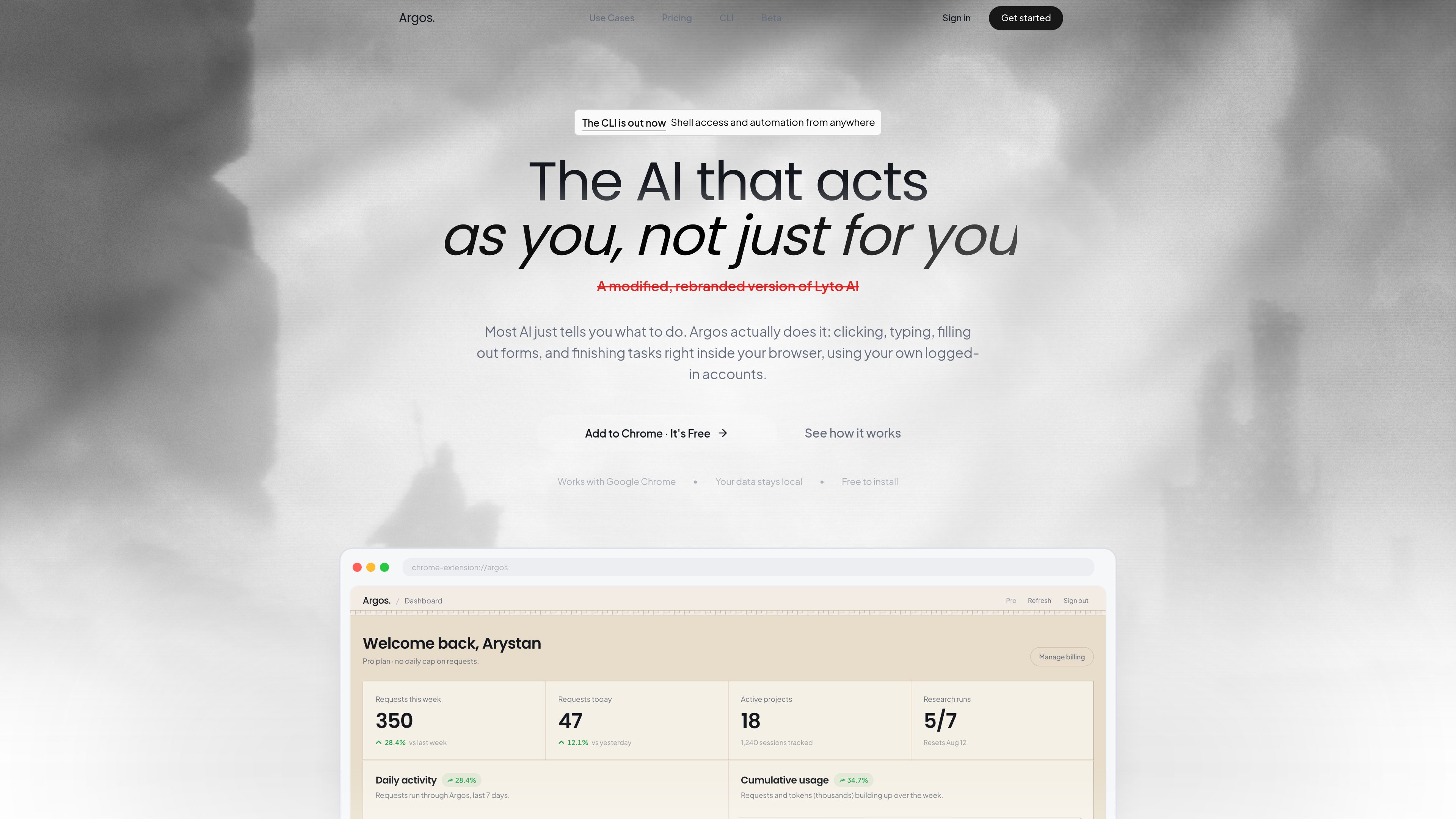
Direct browser interaction
Argos operates on live web pages, opening tabs, scrolling, clicking, and filling out forms in the browser rather than working in a detached chat window.

Argos est une extension Chrome et un outil d’automatisation pour ordinateur et navigateur qui permet d’ouvrir des onglets, de remplir des formulaires, d’étudier des sujets et d’accomplir des tâches dans un navigateur où vous êtes connecté. Il inclut aussi une CLI exécutable en local et pilotable depuis Telegram.
Argos is a Chrome extension and desktop automation tool that helps users complete browser-based work inside their own logged-in accounts. It is designed to click, type, scroll, fill forms, open tabs, and finish tasks directly on the page instead of only suggesting what to do.
The product also includes a CLI for local-machine automation. That mode pairs a desktop agent with shell access and a real browser profile, and the site says it can be controlled from Telegram or from the browser extension, with output such as files and reports sent back when the task is done.
Argos operates on live web pages, opening tabs, scrolling, clicking, and filling out forms in the browser rather than working in a detached chat window.
The homepage says the agent can handle tasks in real time while the user watches, or continue working in the background and return a finished result later.
The product says it works with Google Chrome and uses the user’s own logged-in accounts, so it can act within existing sessions instead of starting from scratch.
The CLI runs on the user’s machine with access to the shell, files, and installed tools, which supports more general local automation beyond browser clicks.
The CLI page says users can text their computer from Telegram in plain language, receive files back in chat, and monitor work from anywhere.
The homepage highlights use inside Gmail, Google Docs, and Google Sheets for drafting email, writing documents, and turning raw data into spreadsheets with charts.
Users can ask Argos to gather information from websites, LinkedIn, news, and company pages, then compile a short briefing before a call or writing session.
The site gives examples of scanning company sites and pulling pricing or comparison data into a report or table, which is useful for prep work that normally requires repeated tab switching.
Inside Gmail and Google Docs, Argos can draft messages or documents and help format them in the user’s own account, which fits recurring communication and writing tasks.
The CLI page shows a workflow where the agent sorts downloads into project folders and returns the result, which is useful for housekeeping on a personal computer.
With the desktop agent online, a user can send a command from Telegram and have the computer execute it, then return files or status back through chat.
Argos acts inside Chrome to open tabs, scroll, click, type, fill forms, and complete tasks on live pages using the user’s own browser session.
No. The site also describes an Argos CLI that runs on a local computer with shell access and a logged-in browser, and it can be controlled from Telegram.
Yes. The homepage says it can handle tasks in real time or continue working in the background while the user is away.
The homepage specifically calls out Google Chrome, Gmail, Google Docs, and Google Sheets. The CLI page also mentions Telegram as a way to send commands.
No. The pricing URL provided in the audit returns a 404 page, so no plan names, prices, or limits can be confirmed from the supplied evidence.
Les données de trafic sont fournies à titre indicatif uniquement.

opencodesuper.app
OpenCode Superapp est un espace de travail natif pour Mac qui permet d’utiliser des modèles d’IA locaux, auto-hébergés ou dans le cloud, avec du code, de l’automatisation du navigateur, la voix, des extensions, des widgets et un accès à distance sécurisé. Il s’adresse aux personnes qui souhaitent un environnement OpenCode privilégiant le local, sans compte.

www.agentconnect.md
AgentConnect permet aux équipes d’intégrer des agents ACP comme Claude Code, Codex et Gemini CLI à Slack, Telegram, Discord et GitHub, afin qu’ils puissent prendre en charge des tâches dans les canaux où les équipes collaborent déjà. La solution est open source et auto-hébergeable, avec des rôles, des outils, une mémoire et des déclencheurs configurables pour les workflows des agents.

www.quaso.ai
Quaso est un agent d’automatisation par AI qui transforme des instructions en anglais courant en workflows dans le navigateur et en tâches connectées aux applications. Il s’adresse aux personnes et aux équipes qui automatisent les rapports récurrents, le tri, la surveillance, la recherche et les tâches administratives.

ollama.com
Exécutez des modèles ouverts en local ou dans le cloud pour le code, l’automatisation, l’analyse et les agents.

agent-browser.dev
agent-browser est une CLI d’automatisation du navigateur pour agents IA, avec Chrome, snapshots ref et binaires multiplateformes.

browseros.com
BrowserOS est un navigateur IA open source doté d’agents locaux pour automatiser les tâches web à partir d’instructions en langage naturel. Compatible avec macOS, Windows, Linux, les extensions Chrome et les intégrations MCP.