
Local and cloud model execution
Run models on your own hardware for offline or local workflows, with cloud models available when you need larger or faster systems.

Exécutez des modèles ouverts en local ou dans le cloud pour le code, l’automatisation, l’analyse et les agents.
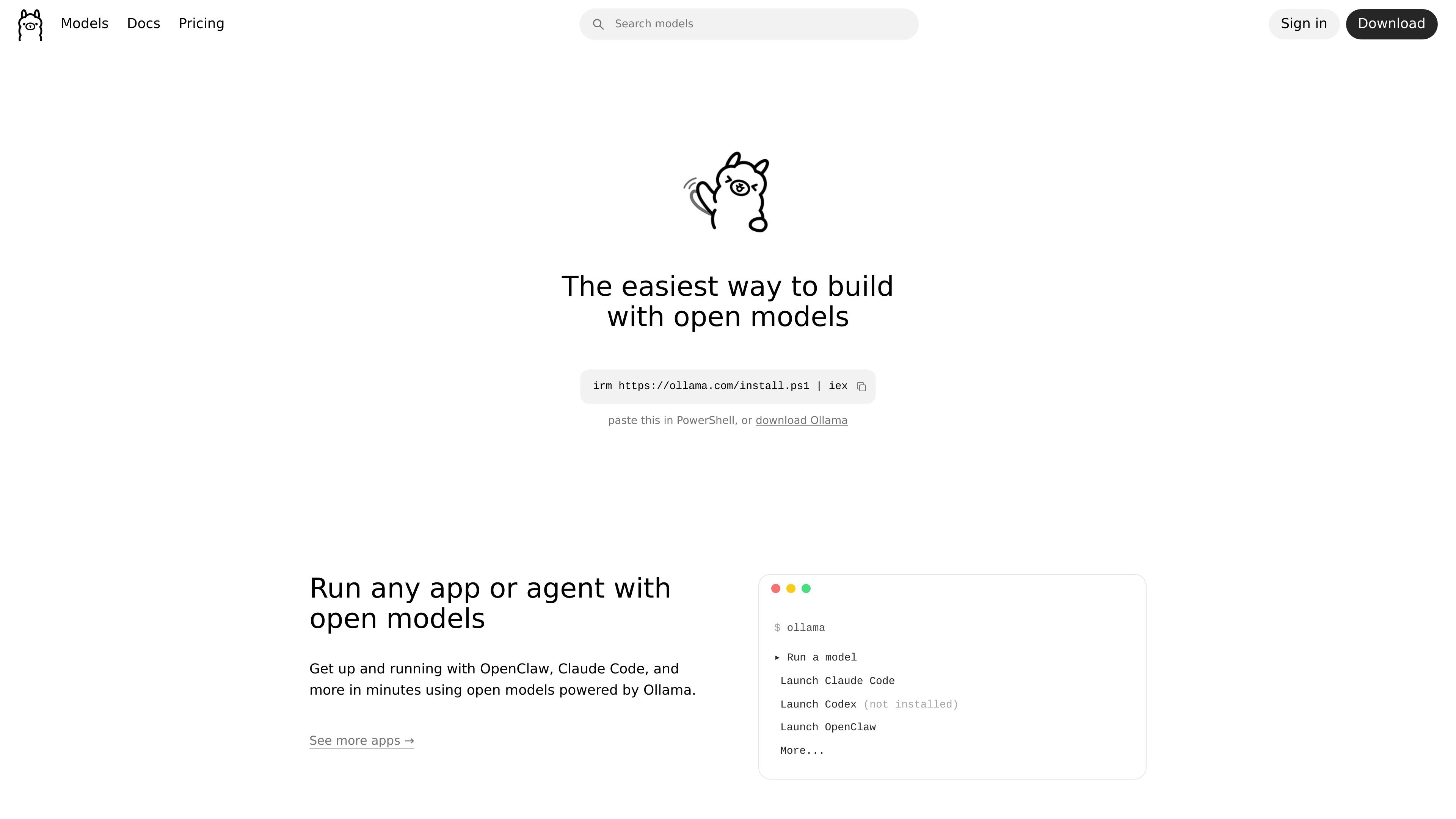
Ollama is a platform for working with open models locally or in the cloud. The site positions it as a way to automate work with open models while keeping data private, and it supports workflows ranging from simple chat to coding, document analysis, and agent tasks.
The product combines local model execution with cloud access for larger or faster models. Its site surface includes model browsing, a download flow for desktop installation, documentation for integrations and APIs, and pricing tiers that separate unlimited local hardware use from metered cloud usage.
Run models on your own hardware for offline or local workflows, with cloud models available when you need larger or faster systems.
Choose from models for chat, coding, vision, embeddings, reasoning, and agentic workflows through the site’s model browsing experience.
Use Ollama through the CLI, API, desktop apps, and libraries, with documentation for integrations and first API requests.
Connect Ollama to apps, editors, and agents, including workflows highlighted on the home page for tools such as Claude Code and other agents.
Access cloud models that are tested for tool calling and real agent workflows before release, according to the pricing FAQ.
Use paid cloud plans for heavier workloads, including concurrent model runs and larger models, while keeping local runs unlimited on your own hardware.
Run open models on a local machine when you need offline operation or want to keep sensitive work on your own hardware.
Use cloud models for coding automation, document analysis, and other tasks that benefit from larger or faster models.
Connect Ollama to an app, editor, or agent through the documented integration and API paths to build model-powered workflows.
Browse available models for chat, coding, vision, embeddings, and reasoning when selecting a model for a specific task.
Use paid plans for sustained work that needs multiple concurrent models or higher usage limits.
Ollama supports running models locally on your own hardware, and its documentation also points to cloud models for larger workloads. The pricing page notes local hardware usage is unlimited, while cloud usage depends on the plan.
The site says Ollama can connect to apps, editors, and agents, and its documentation includes integrations plus API references and Python and JavaScript libraries.
The pricing page says cloud models that support tools are tested for tool calling and real agent workflows before they go live.
The download page offers installers for macOS, Linux, and Windows, and the Windows page notes Windows 10 or later is required.
No. The pricing page states that prompt or response data is never logged or trained on, and the home page says your data stays yours.
Les données de trafic sont fournies à titre indicatif uniquement.

opencodesuper.app
OpenCode Superapp est un espace de travail natif pour Mac qui permet d’utiliser des modèles d’IA locaux, auto-hébergés ou dans le cloud, avec du code, de l’automatisation du navigateur, la voix, des extensions, des widgets et un accès à distance sécurisé. Il s’adresse aux personnes qui souhaitent un environnement OpenCode privilégiant le local, sans compte.
dev-swat.com
DevSwat est une plateforme d’infrastructure d’IA agentique pour créer, exécuter et planifier des agents d’IA autonomes. Elle réunit un IDE dans le navigateur, le chat, l’automatisation des workflows, l’analyse du code et des contrôles de gouvernance dans un environnement web unique.

e2b.dev
E2B exécute des agents IA dans des sandboxes isolés avec des SDK Python et JavaScript pour la recherche, le code et l’analyse de données.

tensorlake.ai
Cloud sandbox-native pour agents IA exécutant du code non fiable dans des microVM isolées

1code.dev
1Code est un client visuel open source pour agents de programmation, réunissant Claude Code et Codex avec des flux desktop et web, des revues et fusions Git, et des exécutions en arrière-plan dans le cloud.
www.clarkchat.com
Clark Labs propose Clark Agent pour les tâches web autonomes dans le cloud et Clark Code pour les tâches de programmation en local ou via SSH. La plateforme fournit également une passerelle API compatible avec OpenAI pour appeler les modèles Clark ou acheminer des modèles de pointe via Clark.