
AI model selection
Choose from supported translation engines such as Google or Microsoft to tune output for the language pair and use case.

Sous-titrage en direct par IA pour réunions, événements et appels
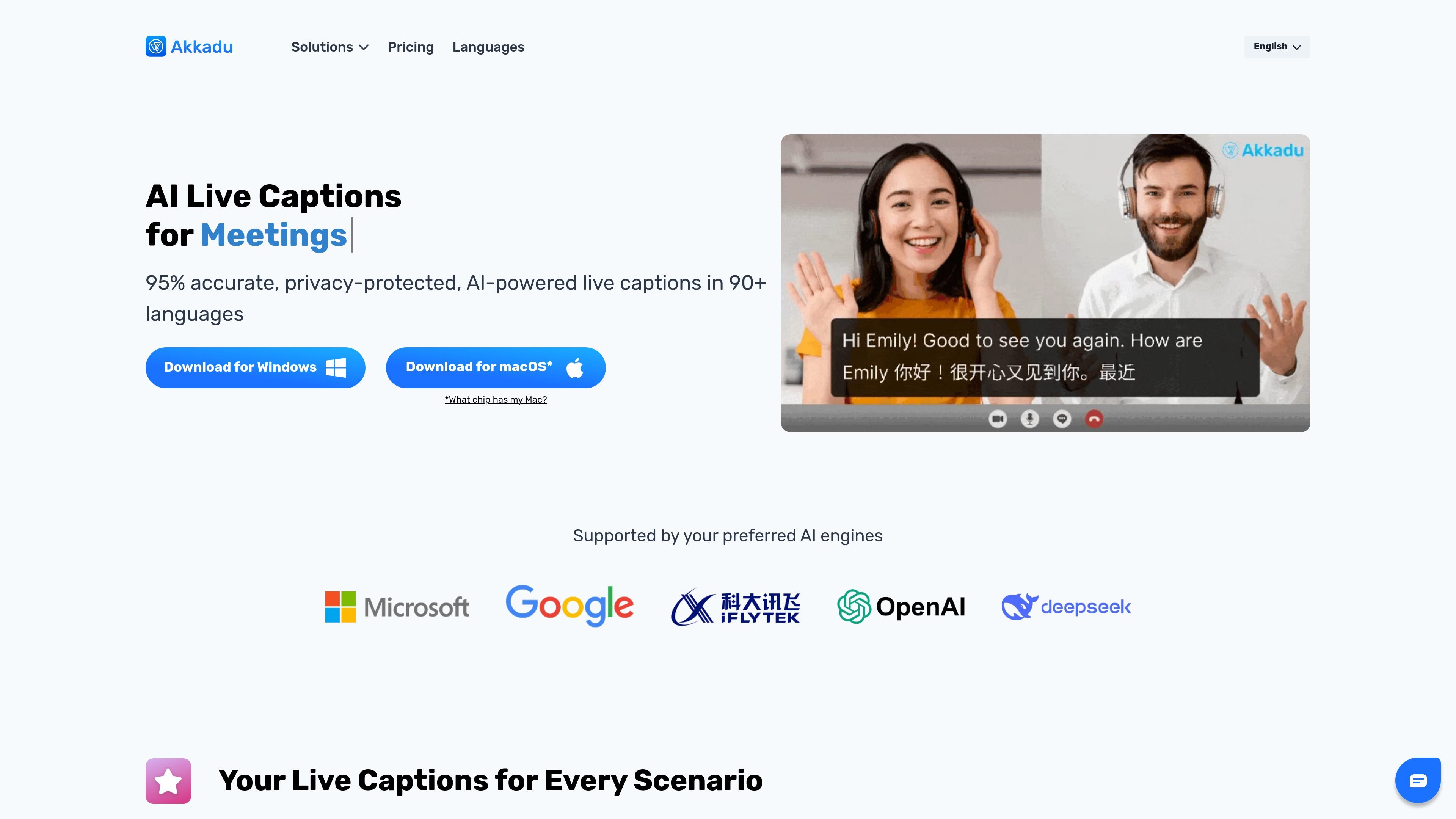
Akkadu is AI live captioning software for meetings, events, live streams, and phone or video calls. It captures audio from your computer and displays translated captions in more than 90 languages, with support for both live captions and live translated audio.
The product is positioned for people who need to follow multilingual conversations without changing the meeting platform itself. The site says it works at the system level on Windows and macOS, and that captions can be used privately or shared with others through a browser link or QR access depending on the workflow.
Choose from supported translation engines such as Google or Microsoft to tune output for the language pair and use case.
Tell the system the speaker’s origin to improve recognition of accents and regional speech patterns.
Upload terminology and proper names so recurring names, product terms, and domain language are handled more consistently.
Use live filtering to mask sensitive or profane words in real time when the output needs to follow internal or regulatory rules.
Adjust font styles, colors, and backgrounds so the live captions match a presentation or brand setup.
Generate a shareable link or QR access for viewers who should follow the live translation in a browser or on mobile devices.
Use Akkadu in Zoom, Teams, Webex, and similar meetings when participants need captions in their own language without adding a bot to the call.
Display multilingual captions on stage screens or attendee devices during conferences, summits, and other live events.
Insert translated captions into a live broadcast workflow, including setups that use OBS Virtual Camera.
Use the private caption view for one-on-one phone or video calls over platforms such as WhatsApp and Line.
Share a browser link or QR access so colleagues or attendees can follow the translation on their own device.
Akkadu captures audio from your computer at the system level, so it can work with meeting, call, and streaming platforms that output sound on the device. The source specifically names Zoom, Teams, Webex, YouTube Live, Facebook Live, WhatsApp, and Line.
No. The source says Akkadu does not store voice data, and its technology partners do not retain data for training. Users can delete transcripts permanently at any time.
Yes. Sessions are automatically saved to your dashboard in both original and translated languages, and you can download, edit, or share them after the session.
Akkadu uses a computer-audio workflow. You install the app, select Computer Audio, and start captions once the speakers begin talking. For events, the source also describes connecting a mixer table to the laptop; for live streams, it mentions using OBS Virtual Camera.
The site states that Pay-As-You-Go credits never expire, while Monthly Subscription credits reset at the start of the billing cycle. The pricing page itself is not available, so plan details should be checked on the site before purchase.
Les données de trafic sont fournies à titre indicatif uniquement.

stagecaptions.io
Sous-titrage en direct sur navigateur pour événements et présentations

syncwords.com
SyncWords propose des sous-titres en direct générés par l’IA, leur traduction et un doublage vocal pour les diffusions, les streams en direct, les événements et les contenus enregistrés.

jotme.io
Traduction IA en direct pour réunions et événements, avec transcription, notes et questions-réponses dans plus de 200 langues.

transkriptor.com
Transkriptor convertit l’audio et la vidéo en texte modifiable grâce à l’IA, pour les réunions, cours, entretiens, appels et notes vocales. Disponible sur le web, ordinateur, mobile et Chrome, avec résumés, exports et vocabulaire personnalisé.

withcue.ai
Cue est une application de prise de notes de réunion par IA qui enregistre les échanges pendant que vous restez concentré, puis crée des transcriptions, résumés et actions pour réunions, appels, entretiens et cours sur mobile et ordinateur.

sorinai.com
Sorinai est un bloc-notes IA de bureau pour les réunions sur Mac et Windows. Il remplit des modèles de notes pendant les appels, permet de poser des questions à un copilote IA en cours d’appel et propose une offre Starter gratuite ainsi que des formules d’équipe payantes.