
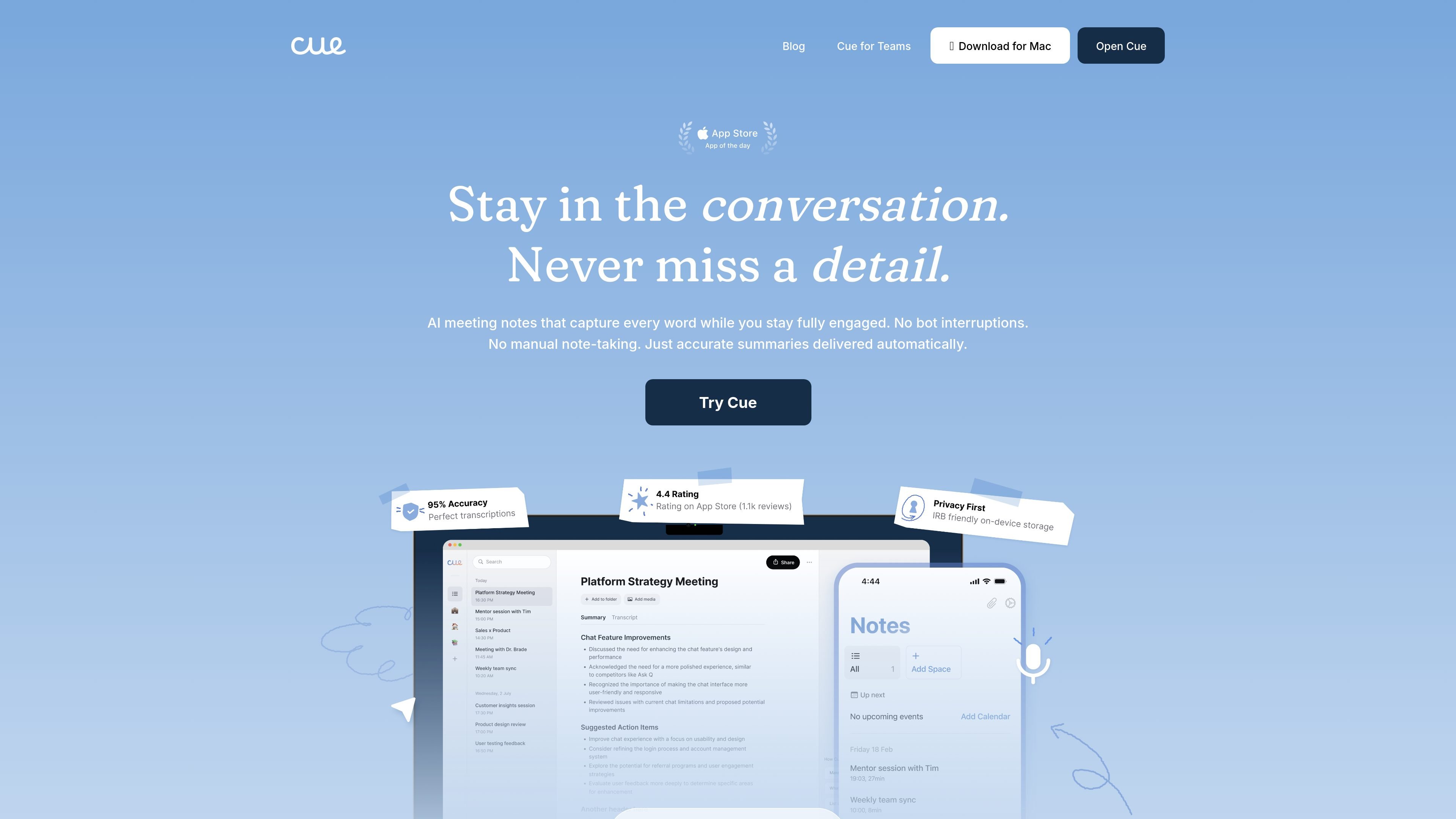
Background meeting capture
Cue records meetings in the background so you can stay in the conversation instead of switching between talking and typing.

Cue est une application de prise de notes de réunion par IA qui enregistre les échanges pendant que vous restez concentré, puis crée des transcriptions, résumés et actions pour réunions, appels, entretiens et cours sur mobile et ordinateur.
Cue is an AI meeting notes app that records conversations while you stay engaged in them. The product is positioned for in-person meetings, Zoom or Teams calls, phone calls, lectures, and interviews, and it focuses on turning those conversations into transcripts, summaries, highlights, and action items.
The site emphasizes a low-friction workflow: start recording from your device, let Cue run in the background, and review the output afterward. It also highlights private on-device recording, encrypted storage, and support for working across phone, desktop, web, and iPad.
Cue records meetings in the background so you can stay in the conversation instead of switching between talking and typing.
The product generates summaries, transcripts, and automatic action items after the meeting, so the output is organized around follow-up work.
Cue says it captures audio silently on your device without bots or invitation steps, which keeps the setup simple for the meeting host and participants.
The site states that transcripts are searchable and that you can share and connect outputs with your tools, supporting review after the meeting ends.
Cue is presented as working across iPhone, Android, web, Mac, laptop, phone, and iPad, with phone and video calling on mobile.
The product highlights private, on-device storage and encrypted recordings, with offline support mentioned in the site metadata.
For client-facing calls, Cue lets you keep eye contact and stay responsive while still preserving commitments, next steps, and discussion details afterward.
For research interviews and academic conversations, Cue is positioned to capture detailed transcripts and help users review nuanced discussions later.
For doctors’ appointments, Cue can record the conversation so you can focus on the discussion and keep a written record of recommendations and follow-up questions.
For team meetings, Cue creates summaries and action items that can be shared with teammates after the call.
For lectures and training sessions, Cue can capture the spoken content so you can review a full transcript and study notes later.
Yes. The home page says Cue captures audio from in-person meetings, Zoom or Teams calls, phone conversations, lectures, and interviews, using your device microphone.
The site says Cue returns transcripts with 95%+ accuracy, including across speakers and contexts. It does not provide a deeper technical breakdown of speaker handling on the pages provided.
Cue says recordings stay encrypted on your device and that you decide what to share. The product page also emphasizes private, on-device recording.
Yes. The home page says you can search through meetings, and that Cue delivers searchable transcripts and automatic summaries.
Cue is described as available on iPhone, Android, web, Mac, laptop, phone, and iPad. The home page specifically calls out iOS download availability.
Les données de trafic sont fournies à titre indicatif uniquement.

transkriptor.com
Transkriptor convertit l’audio et la vidéo en texte modifiable grâce à l’IA, pour les réunions, cours, entretiens, appels et notes vocales. Disponible sur le web, ordinateur, mobile et Chrome, avec résumés, exports et vocabulaire personnalisé.

sorinai.com
Sorinai est un bloc-notes IA de bureau pour les réunions sur Mac et Windows. Il remplit des modèles de notes pendant les appels, permet de poser des questions à un copilote IA en cours d’appel et propose une offre Starter gratuite ainsi que des formules d’équipe payantes.

fathom.video
Fathom est un preneur de notes de réunion doté d’IA pour les particuliers et les équipes. Il enregistre les appels, génère des résumés et des actions, rend le contenu consultable et le relie aux outils de travail et aux flux CRM.

notta.ai
Assistant de prise de notes IA pour transcrire, résumer et organiser réunions, entretiens, cours et enregistrements

speakapp.com
Application de transcription vocale pour enregistrer des notes, réunions et cours, puis les résumer, reformuler, traduire et exporter.

otter.ai
Agent de réunion IA pour transcriptions, notes consultables, résumés et actions