
Real-time photo-based avatar control
Create a live on-screen persona from a single photo and control it with your facial expressions and head movements in real time.

xpression camera is a desktop virtual camera app for Windows and macOS that turns a single photo into a live, expression-tracked persona for calls and streaming.
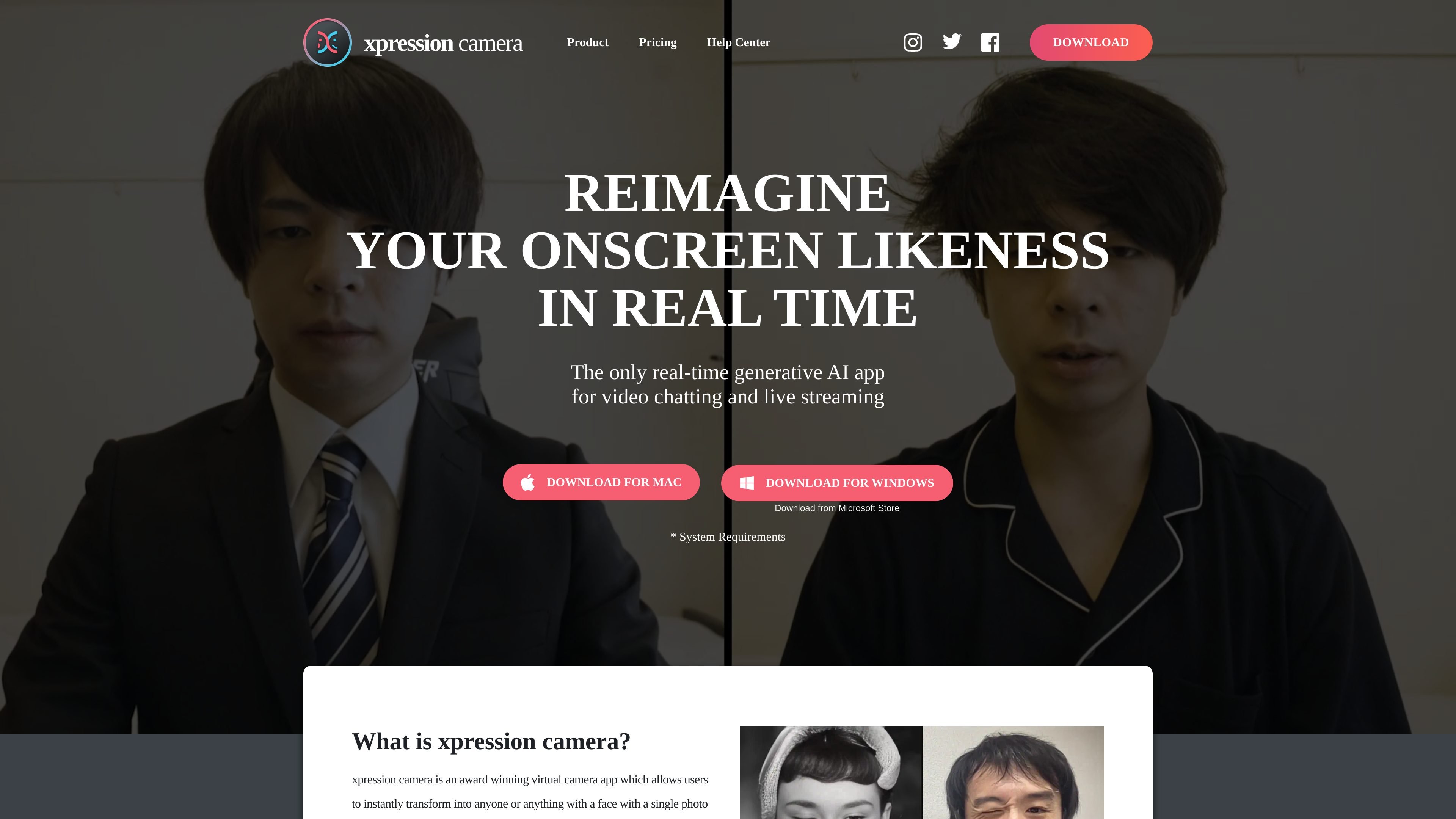
xpression camera is a virtual camera app that lets users replace their on-screen appearance with a photo-based persona in real time. The homepage describes it as a desktop application for Windows and macOS that works with video chat and live streaming apps such as Zoom, Twitch, and YouTube.
The product is built around a single-photo workflow: you choose an image, then the app maps facial expressions and head movements onto that image as you talk or stream. The site also positions it as a privacy-oriented way to appear on camera without showing your true face, while still creating animated content for calls, clips, GIFs, and memes.
Create a live on-screen persona from a single photo and control it with your facial expressions and head movements in real time.
Use the app as a webcam source in video chat or streaming software by selecting xpression camera from the webcam settings.
Choose source images from the web, camera roll, or social media, and apply them to faces in photos, artwork, cartoons, pets, and other image types.
Generate content such as videos, GIFs, and memes while changing the persona shown on screen.
Use Voice2Face to stay off camera while the app animates the chosen image in response to your voice.
Adjust persona details such as hairstyle, makeup, clothing, accessories, and background for different looks.
Replace your webcam feed with a controlled persona during live meetings or calls, using a still image that reacts to your expressions in real time.
Stream with a consistent character image in software like Twitch while keeping the on-screen face animated and responsive.
Create short-form visual assets such as memes, GIFs, and animated clips using the same photo-driven animation workflow.
Stay off camera during a call while still presenting an animated image that moves with your voice and expressions.
Build stylized avatars for different moods or scenarios by changing hair, makeup, clothing, accessories, and backgrounds.
xpression camera is set up on a laptop or desktop computer. The site says you download the app, open a video chat or streaming app such as Zoom or Twitch, and then select "xpression camera" from your webcam settings.
The homepage says it works with a single photo and can reflect your facial expressions on the image in real time. It also says you can choose images from the web, camera roll, or social media, including pictures, paintings, artwork, cartoons, pets, and other faces.
The site describes xpression camera as available for Windows 10 Anniversary Update or newer and macOS 12.3 or newer on laptop or desktop computers. It also lists hardware requirements for CPU, RAM, graphics, webcam, and screen resolution.
The provided pricing page is not accessible, so no pricing, trial, or plan details could be confirmed from the available source text.