
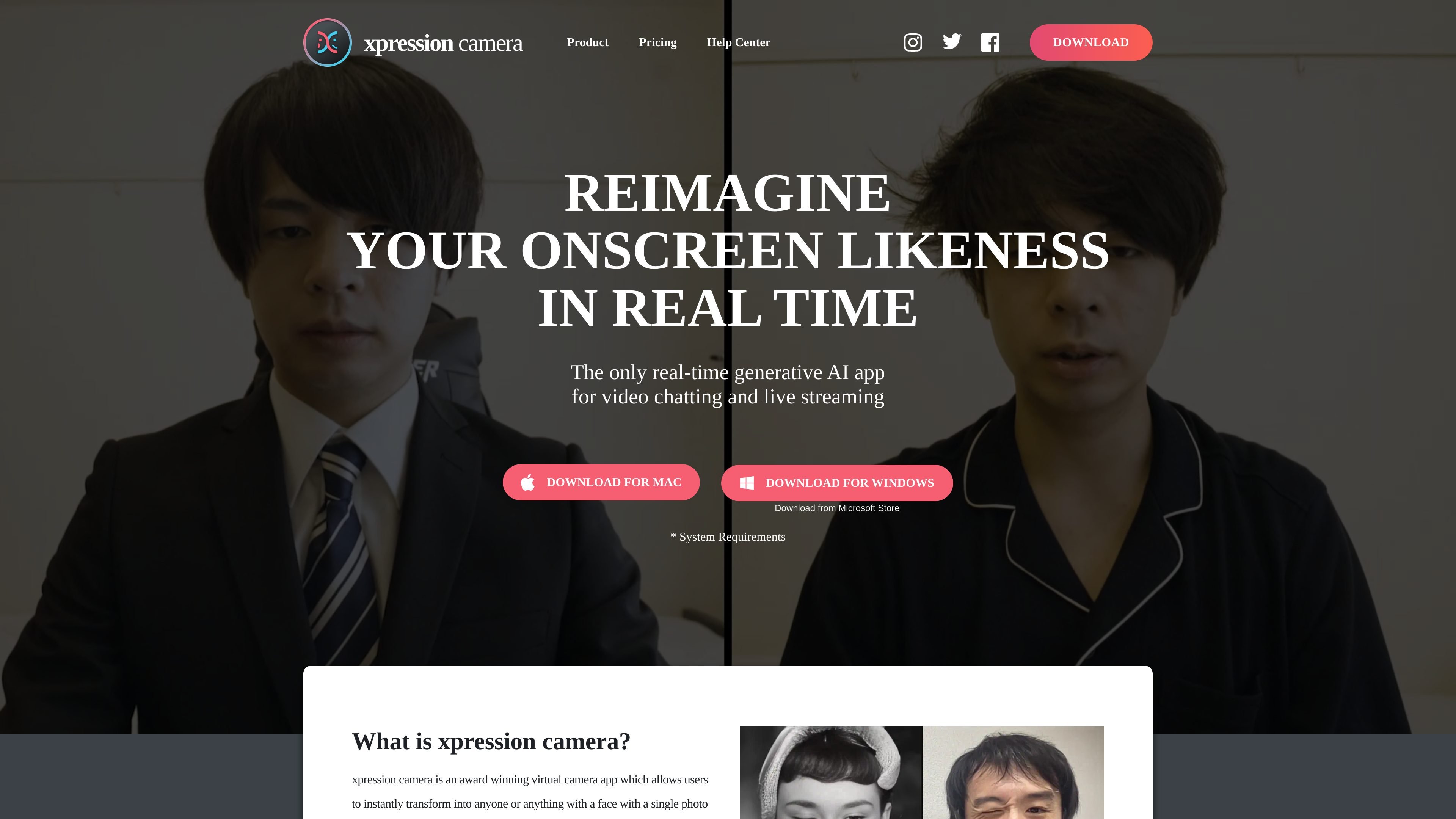
Real-time face animation
Animate a face in a selected image or video using your own expressions and head movements.

A virtual camera app for animating photo personas in video calls and live streams.
xpression camera is a desktop virtual camera app that turns a photo or video containing a face into an animated onscreen persona. It maps your facial expressions and head movements onto the selected face in real time and supplies the result as a camera feed to video chat and streaming apps such as Zoom and Twitch.
Users can work with portraits, illustrations, cartoons, or other images with faces. The app combines live animation with appearance customization and content creation tools for calls, broadcasts, and recorded videos. Feature access and permitted uses vary by plan.
Animate a face in a selected image or video using your own expressions and head movements.
Use supplied faces and backgrounds, or access local image import and image search with Pro. Change your onscreen appearance and background during use.
Voice2Face animates an onscreen image from your voice while you remain off camera. Voice Only Mode is included in Pro.
Create selfie-based avatars in styles such as humanoid, CG, and cinematic anime, with options for hair, makeup, clothing, and accessories. AI Avatar is listed in Premium.
Pro includes video recording and one video creation from text, audio, or video per month. Premium includes unlimited video creation from these inputs.
Apply preset animations for additional emotional expression. Pro includes all supplied animations and one AI effect per month; Premium includes unlimited AI effects.
Present a Twitch stream through an illustrated character or photo persona, with facial motion driven by the presenter.
Use voice-driven animation to keep an animated persona visible during a call while moving around instead of sitting in front of the camera.
Animate artwork, pets, dolls, or portraits to create GIFs, memes, and videos for social posts.
Use animated presenters for business meetings, promotional videos, education, or customer service with Premium's commercial license.
Install xpression camera, then close and reopen your video chat or streaming app—or your browser for web apps. Select “xpression camera” in its webcam settings, open xpression camera, and choose an image or video containing a face. On macOS, enable the camera system extension during installation.
Basic is free and includes a seven-day Pro trial. Pro costs $12 per month, $129 per year, or $399 for lifetime access. Premium costs $49 per month, $499 per year, or $1,499 for lifetime access. Basic supplies default faces, backgrounds, and animations; Pro adds tools including local image import and watermark removal.
Premium includes a commercial license; Basic and Pro list personal licenses. The help center defines commercial use to include business meetings, income from videos or livestreams, promotional video creation, events, education, and customer service.
Recording requires an available microphone even when you do not intend to capture sound. Select an input in macOS Sound settings and allow microphone access for xpression camera. After connecting a microphone or changing permissions, quit with Cmd+Q and reopen the app: it detects microphones only at startup.
トラフィックデータは参考情報としてご利用ください。