
Timeline-based editing
Supports timeline editing, making it easier to control animation details frame by frame. The page also emphasizes smooth operation, making it suitable for completing video sequencing step by step.

万彩动画大师 is a desktop MG animation and micro-lesson maker with timeline editing, PPT import,素材库 and AI-assisted creation.
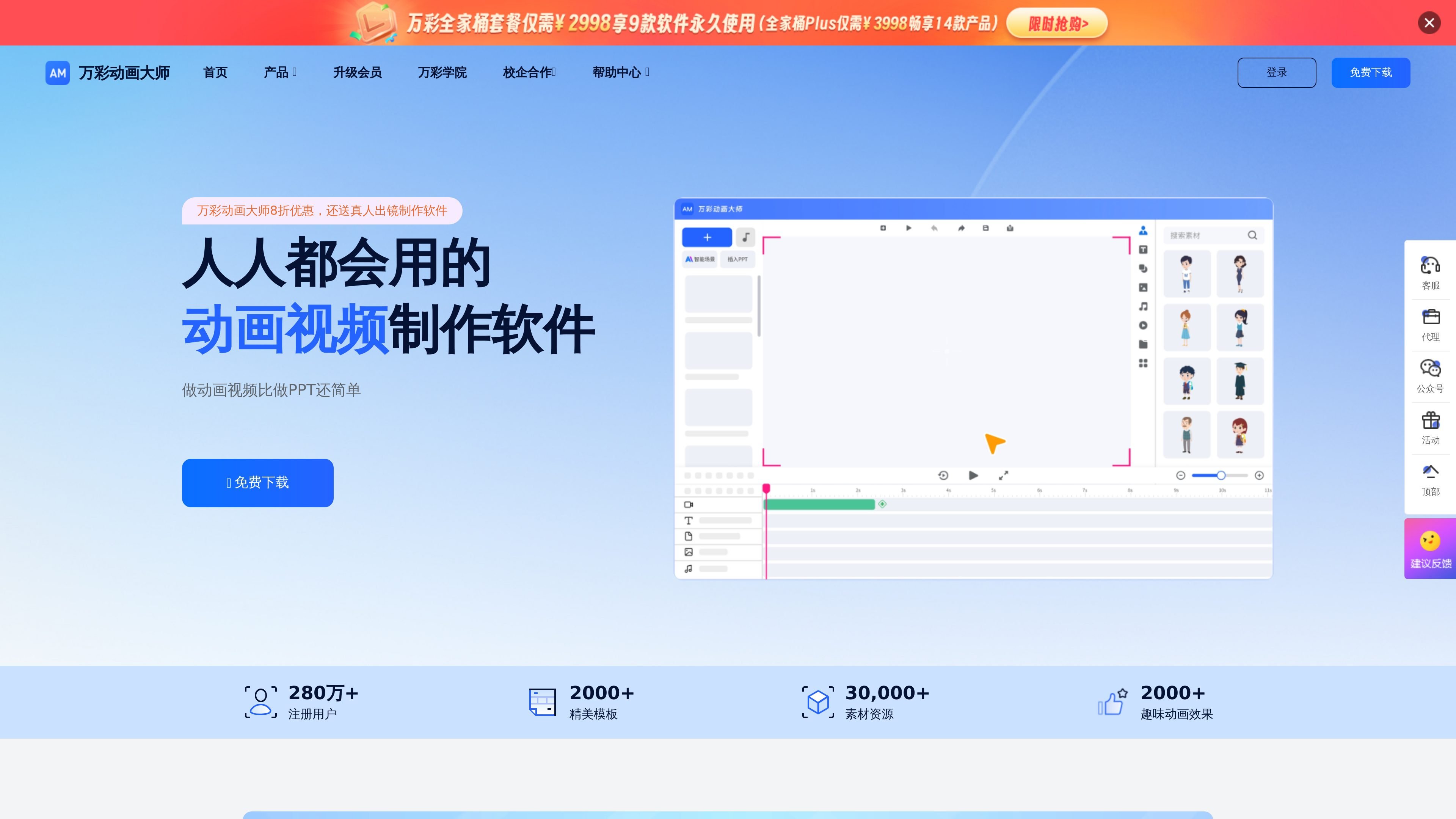
万彩动画大师 is a desktop software for animation video and micro-lesson production. Its official website describes it as a free MG animation maker, animation video maker, and micro-lesson maker. It is mainly used to turn content into visual animated presentations rather than traditional linear slides.
Typical uses shown on the official website include corporate promotional videos, product introduction shorts, fun courseware videos, micro-lesson videos, presentation and speech animation videos, and medical science communication videos. The product pages repeatedly emphasize that the operation is relatively simple, making it suitable for individuals, teachers, corporate promoters, and content creators who want to produce animated content quickly.
Supports timeline editing, making it easier to control animation details frame by frame. The page also emphasizes smooth operation, making it suitable for completing video sequencing step by step.
Provides an infinite canvas and creative camera controls. You can zoom, rotate, and move the camera to organize scenes, so animation presentations are not limited to a single layout.
Can import PPTX files to create new projects, turning existing slide content into a more vivid animated presentation workflow and reducing the work needed to start from scratch.
Built-in 万彩 AI can generate animation scripts from creative keywords and be used to customize animation scenes, helping users build a content framework more quickly.
Supports exporting in multiple video formats and can export GIFs. The purchase page also lists member features such as watermark-free export, smart video generation, photo digital humans, and animated image export.
The asset library includes templates, characters, images, backgrounds, audio, GIFs, charts, subtitles, text-to-speech, graphics, and dialog boxes, making it easy to assemble scenes directly.
Teachers or training instructors can turn knowledge points, lesson introductions, and operation demonstrations into animated micro-lessons. The page notes that this type of content is easier to understand and better for sparking learning interest.
Businesses can use animation to introduce products, services, or brand information. The official website lists corporate promotion, product introduction shorts, and marketing animations as explicit uses.
Medical and health content can use animation to turn professional knowledge into more understandable visual explanations, suitable for disease education, health management, and medication guidance.
Public welfare organizations or project teams can turn public-interest ideas, environmental education, and charity information into story-driven animations to improve communication and engagement.
Social media creators can use MG animation to package viewpoints and themes, making it suitable for knowledge sharing, science communication accounts, and content channels that need stronger visual expression.
The official pages show that it can be used on desktop. The download page states support for Windows / Mac OS, and also notes that mobile downloads are not supported yet.
The download page provides entry points for Windows download, Windows 32-bit download, Mac OS download, Baidu Cloud download, and historical version downloads, so users can choose the installer that matches their system.
The purchase page shows different permission tiers, including a free version, Special Edition, Standard Edition, Professional Edition, and Team Premium Edition. It also states that the software is a one-time purchase with permanent use and free updates.
The comparison information on the purchase page shows differences among the free version, Special Edition, Standard Edition, and Professional Edition in scene count, camera count, output quality, and asset permissions. To access the full functionality, you need to check the permissions of the corresponding version.
The homepage and feature pages both emphasize that it is suitable for micro-lessons, education and training, medical science communication, corporate promotion, product introductions, marketing animations, and public welfare communication.