
AI lesson plan generator
Create lesson plans with objectives, activities, materials, and assessments for a chosen grade, subject, and topic.

Education Copilot is an AI teaching tool that generates lesson plans, worksheets, slides, rubrics, quizzes, and classroom materials. Free plan, editable outputs, export options.
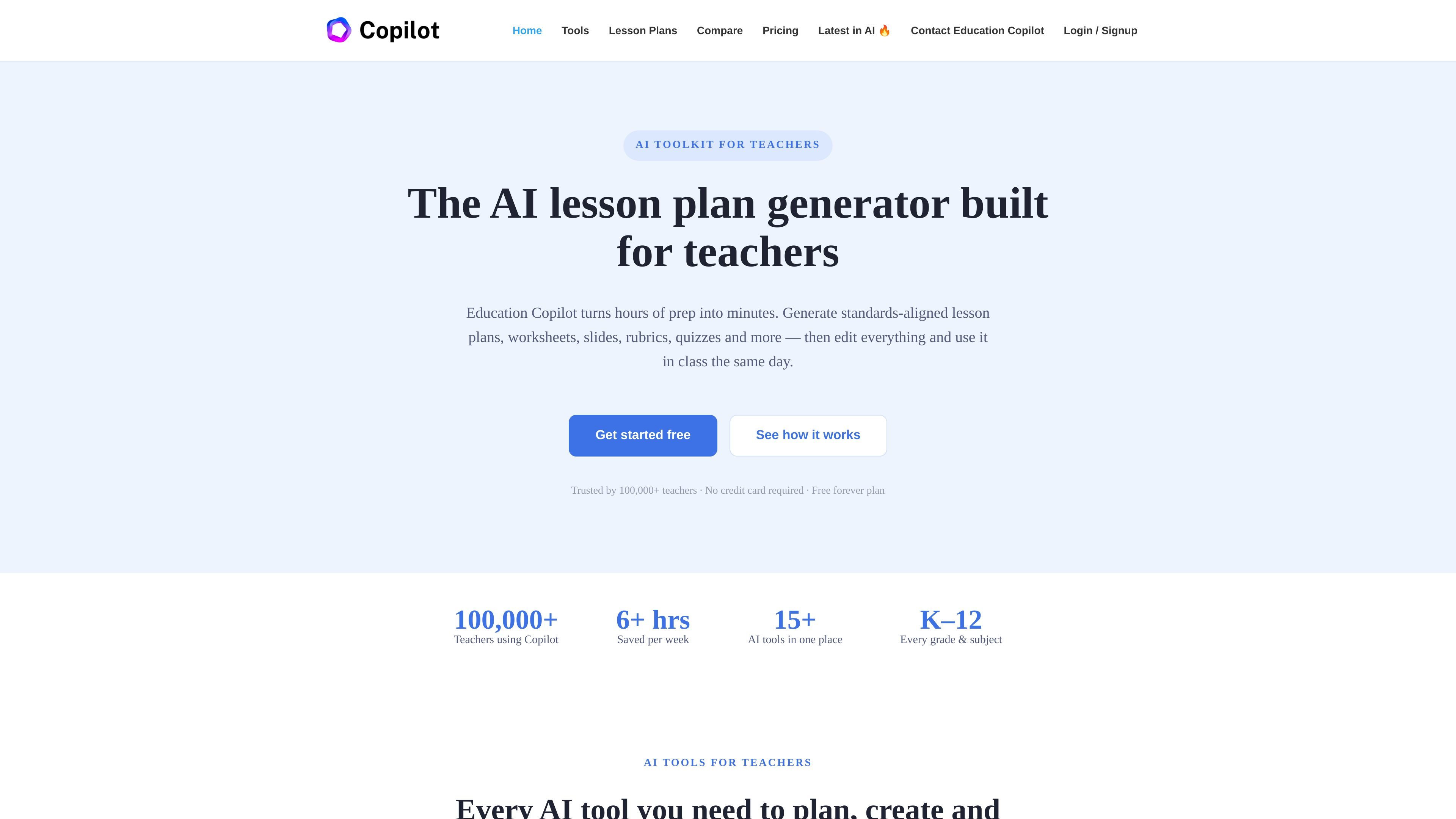
Education Copilot is an AI toolkit for teachers that generates classroom resources such as lesson plans, worksheets, slides, rubrics, quizzes, unit plans, and teacher communications. The site positions it as a way to turn hours of prep into minutes while keeping outputs editable and exportable.
The product is built around a simple workflow: choose a tool, enter grade, subject, and topic, generate a draft, then edit and export it for classroom use. The homepage says the resources are standards-aware, and the pricing page adds that the free plan lets users try core tools before upgrading to Pro for unlimited access to the full set of AI teaching tools.
Create lesson plans with objectives, activities, materials, and assessments for a chosen grade, subject, and topic.
Generate practice problems, reading-comprehension questions, and printable handouts for a topic and reading level.
Build editable slide decks or PowerPoint presentations from a topic without manual formatting.
Create criteria-based rubrics, then adjust levels and point values to fit your assignment.
Generate multiple-choice, short-answer, and true/false questions with answer keys for quizzes, exit tickets, and tests.
Map units or a semester with pacing, milestones, and a student-ready syllabus, and differentiate materials for reading levels, ELL students, and IEP accommodations.
Draft a lesson plan from a short prompt, then refine the objectives, activities, materials, and assessments before class.
Generate printable practice work, reading questions, and differentiated handouts for a specific topic or reading level.
Turn a topic into an editable slide deck or PowerPoint when a lesson needs a presentation format.
Create rubrics and quiz questions with answer keys for grading, checks for understanding, and unit tests.
Outline pacing, milestones, and a syllabus for a unit or semester, then adapt the output to your calendar and curriculum.
Education Copilot offers a free plan, and the pricing page also lists a Pro plan billed annually. Free users can try the core tools without a credit card, while Pro adds unlimited access across the AI teaching tools.
The homepage says Education Copilot is standards-aware and produces resources aligned to Common Core and state standards by default. Users can also specify grade, subject, and standards, then edit the output to match local requirements.
The site says generated resources are fully editable and can be exported to PDF, Word, Google Docs, or slides, depending on the type of output.
The contact page says the team replies to most messages within 1–2 business days. It also notes that school and district plans are available.
Education Copilot is presented as a classroom tool for teachers who want to create lesson plans, worksheets, slides, rubrics, quizzes, unit plans, and related materials more quickly. It is not described as a general-purpose chatbot.