
Text-to-video generation
Enter a few keywords or a text prompt and have VideoGPT generate a video without manual editing from scratch.

VideoGPT is an AI video generator that turns text prompts into short videos in anime, cinematic, and realistic styles, with free and paid plans.
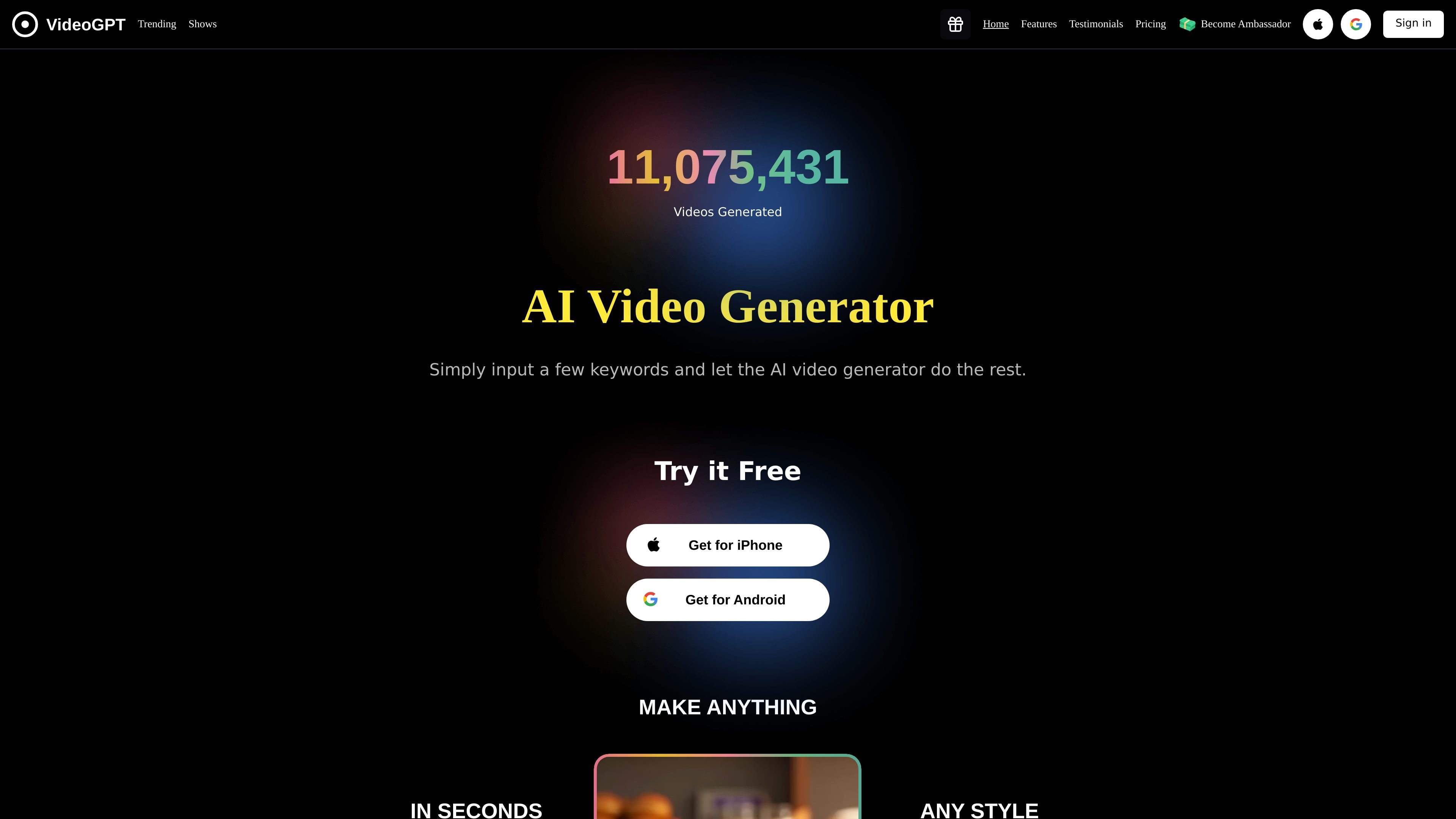
VideoGPT is an AI video generator app that turns text descriptions into videos. The site positions it as a way to create short videos, anime-style videos, cinematic videos, and realistic videos from a simple prompt.
The product is aimed at people who want to produce publishable video content without traditional editing work. The home page says the output is ready to publish on YouTube and TikTok, and the tutorial walks through a workflow for explainer videos, product demos, marketing videos, and tutorials.
Enter a few keywords or a text prompt and have VideoGPT generate a video without manual editing from scratch.
Choose among styles described on the site, including anime, cinematic, and realistic looks.
Add AI-generated narration with selectable tone, accent, and language options mentioned in the tutorial content.
Use background music from the app’s music library to match the mood of the video.
Preview the result and edit individual scenes or text after generation, according to the tutorial.
Convert scripts, blog posts, or lesson text into explainer-style videos when you need a quick first draft for review or publishing.
Create promotional videos for products or campaigns using the app’s text-to-video workflow, music, and voiceover options.
Produce short-form videos for YouTube, TikTok, or Instagram-style distribution, where fast turnaround matters more than manual editing.
Generate anime-style or cinematic videos when you want a specific visual style without building the scene manually.
Draft tutorial or how-to videos that break a process into steps and then refine scenes in the preview/editor flow.
VideoGPT is an AI video generator that turns text descriptions into videos. The site also describes it as able to create or enhance video content with visuals, animations, background music, voiceovers, and related effects.
The pricing page shows a free tier with up to 3 videos per day, plus paid options. The Basic Free Trial is listed at $6.99 per week, and Pro Membership is listed at $199.99 per year.
The site says videos generated with VideoGPT can be uploaded to YouTube and TikTok, and the FAQ states users own the videos they generate and can monetize them according to each platform’s guidelines.
The tutorial explains a workflow of signing in, starting a new project, entering text, choosing a video type, customizing visuals, voiceover, music, and text effects, then previewing and editing the result.
The source pages describe outputs such as short videos, anime-style videos, cinematic-style videos, realistic videos, and videos with voiceovers and background music. The pages do not specify export file formats.