
Text or image-based generation
Generate AI videos from either text prompts or uploaded photos. The site frames the product as an instant-access tool for turning images or prompts into video.

Video Studio AI is a web-based AI video generator that turns text prompts or images into short animated videos, with 2 free credits for new users.
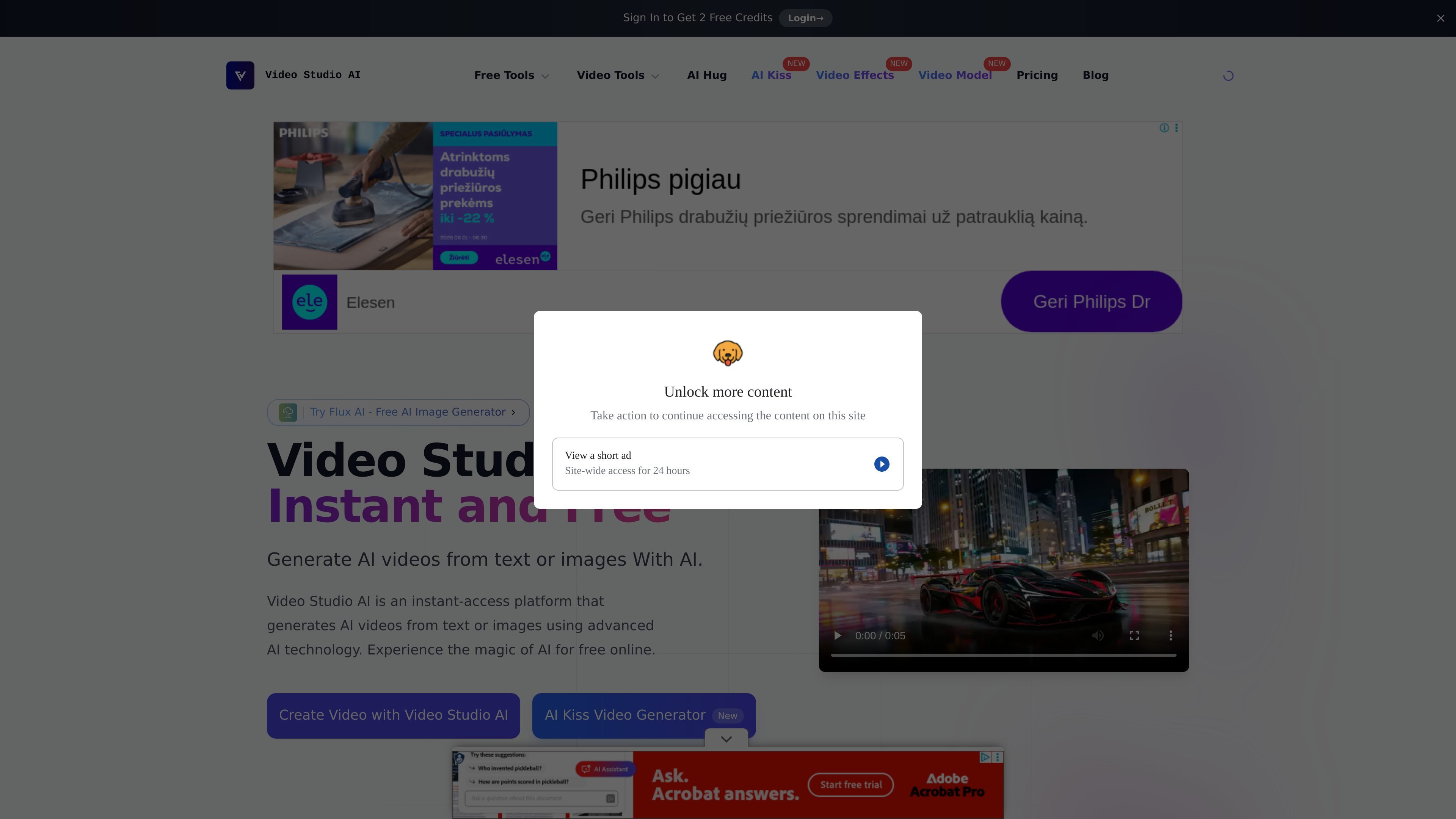
Video Studio AI is a browser-based AI video generator that turns text prompts or uploaded images into short animated videos. The home page positions it as an instant and free online tool for generating AI videos, while the product pages focus on animating photos and creating relationship-style clips such as AI Kiss and AI Hug videos.
The source emphasizes ease of use: users open the create page, enter a prompt or upload an image, and submit it for generation. The site also says new users receive 2 free credits, and that most videos are ready in a few minutes, depending on traffic and input quality.
Generate AI videos from either text prompts or uploaded photos. The site frames the product as an instant-access tool for turning images or prompts into video.
The home page says the system animates photos with realistic facial expressions and movements, aiming to keep the subject looking like the original image.
The product highlights smooth motion and natural-looking animation, including facial expressions, head movement, and eye blinking.
The AI Kiss and AI Hug pages support two-image workflows, with guidance to use one person per image and matching aspect ratios for better results.
The create page accepts image uploads and notes a file size limit of under 4.5 MB, which gives users a concrete upload constraint.
The site shows example videos generated by users, giving prospective users a way to inspect output style before trying it.
Upload a photo and generate a short animated video that preserves the original person’s look while adding realistic motion.
Create relationship-style clips such as AI Kiss or AI Hug videos from prompt or paired images, following the page guidance for clearer results.
Use the create page to turn a single image into a quick video preview when you want a simple web workflow without editing software.
Review the examples gallery to understand the kinds of prompts and visual outputs the system supports before trying your own prompt or image.
Yes. The source says new users get 2 free credits to try the service.
The site presents Video Studio AI as a browser-based product. The collected pages describe uploading an image or entering a prompt on the website, but they do not mention a desktop app or mobile app.
The AI Kiss and AI Hug pages both support either a text prompt or image upload. The create page also says you can upload an image and generate an animated video from it.
The site says most videos are ready within a few minutes. The AI Kiss and AI Hug pages estimate about 2 to 3 minutes, with up to 5 minutes during peak traffic.
The source notes current limitations such as occasional animation artifacts and weaker results for group photos. The AI Kiss and AI Hug pages also recommend clear, well-lit images, and say results are best when each image contains only one person.