
Text-to-brick set generation
Create brick set concepts from text prompts by describing the colors, shapes, and themes you want. The site’s guide walks through entering an idea, generating an image, and refining it if needed.

BrickCenter is an AI tool for generating custom brick set images and minifigures from text or image input, with a workflow for animating brick set results into short videos. It offers a free tier plus paid plans with higher generation limits and download options.
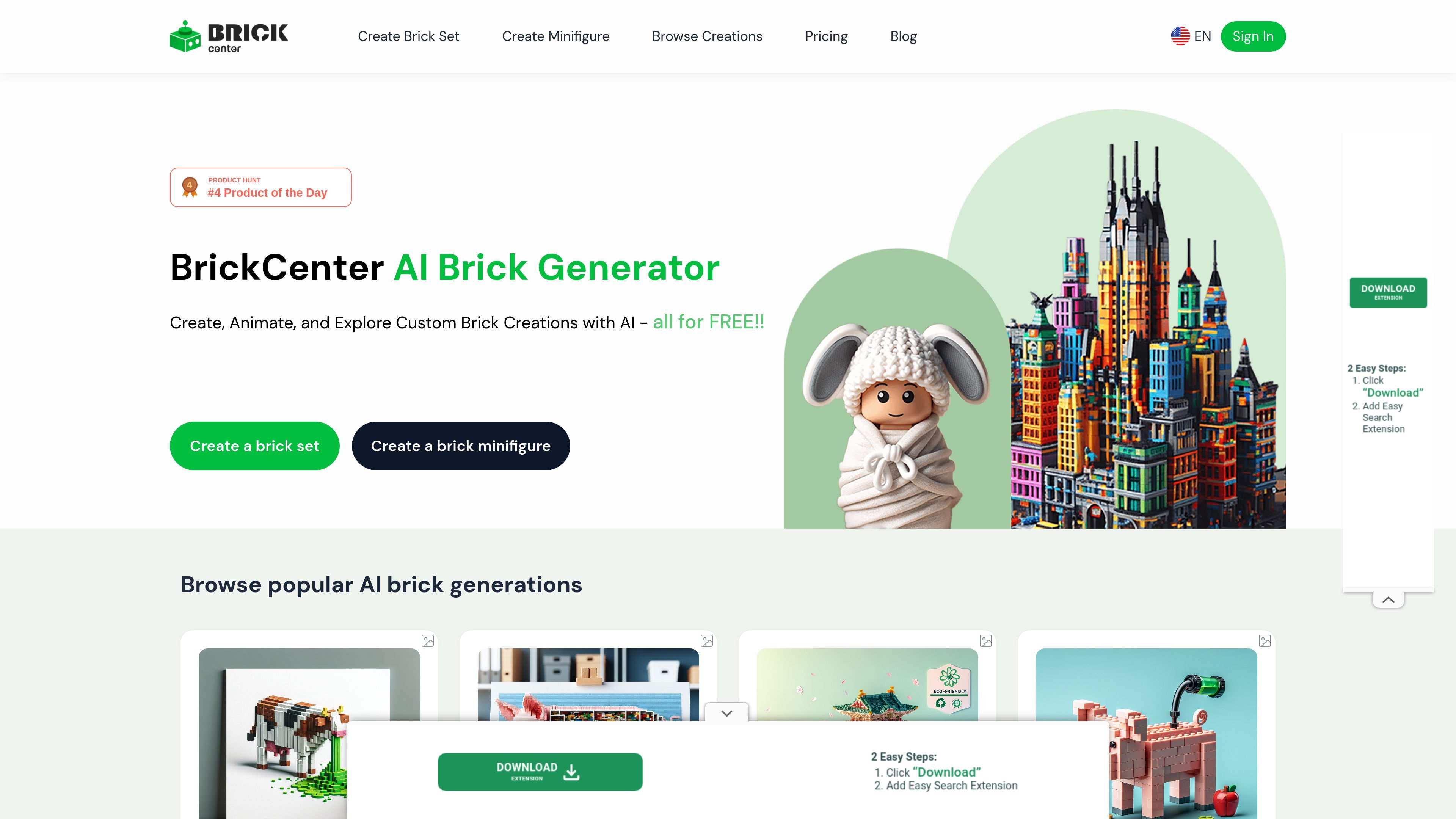
BrickCenter is an AI brick generator for creating custom brick set images and minifigures from user input. The site presents it as a creative tool for people who want to describe an idea, generate a brick-style design, and then optionally animate the result.
The workflow shown on the site is straightforward: enter a text description for a brick set or provide an image for a minifigure, review the generated result, and download or share it. The product also adds a short animation step for brick set images, plus saved designs and a browsing catalog for discovering other creations.
Pricing is organized into Free, Premium, and Pro plans. The paid tiers increase monthly generation limits and add features such as high-resolution downloads, commercial usage rights, early access to new features, and support for 5-second animations.
Create brick set concepts from text prompts by describing the colors, shapes, and themes you want. The site’s guide walks through entering an idea, generating an image, and refining it if needed.
Generate custom minifigures from image inputs, according to the homepage FAQ. This extends the tool beyond set concepts into character-style creations.
Turn a generated brick set image into a short animation. The site describes a 5-second video workflow with an animation prompt and a final downloadable clip.
Download generated results for reuse or sharing. The site says brick sets and minifigures can be downloaded as high-resolution images or 3D model files, and animations as MP4 video.
Save created designs to your profile and return to them later for edits or adjustments. This supports iterative work instead of one-time generation only.
Browse a public catalog of generated creations for inspiration, including categories such as animals, cars, buildings, sci-fi, and toy-style designs.
Use BrickCenter to turn a written concept into a brick-style image for a custom vehicle, building, character, or themed scene. The site’s guide is built around describing the idea in natural language and refining the output if needed.
Generate a minifigure from an image when you want a character-style brick representation rather than a set. The homepage explicitly distinguishes text-based set creation from image-based minifigure generation.
Create a short animated version of a generated brick set for presentation or sharing. The site describes a 5-second animation step that produces a downloadable video clip.
Browse the catalog when you want inspiration or want to see what kinds of results the platform can produce, including animals, cars, buildings, sci-fi, and toy-style builds.
Use the subscription plans when you need more monthly generations, high-resolution downloads, commercial usage rights, or early access to new features.
BrickCenter is an AI-powered platform for generating custom brick set images from text descriptions and custom minifigures from images. It also includes an animation step that turns a generated brick set or minifigure into a short video.
For brick sets, you enter a description and generate an image. For minifigures, the source copy says you can upload an image to generate a custom minifigure. After generating, you can animate the result into a 5-second video.
The pricing page shows a Free Plan with a total of 4 images, a Premium Plan with 30 images per month, and a Pro Plan with 150 images per month. The homepage also says the basic service allows up to 3 designs for free, so the exact free allowance should be checked on the live product flow.
The pricing page states that the Premium Plan includes high-resolution downloads, commercial usage rights, and support for 5-second animations. The Pro Plan includes those features plus early access to new features and higher generation volume.
Generated designs can be downloaded as high-resolution images or 3D model files, and animated designs are available as short MP4 video clips. The site also says saved creations can be returned to later for edits.