
Headphone snipping
Tap or triple-tap your headphones to save a moment while you listen. Snipd creates a snip that includes audio, transcript, and summary context.

Snipd is an AI-powered podcast app for saving insights, chatting with episodes, and syncing highlights to Notion, Readwise, and Obsidian.
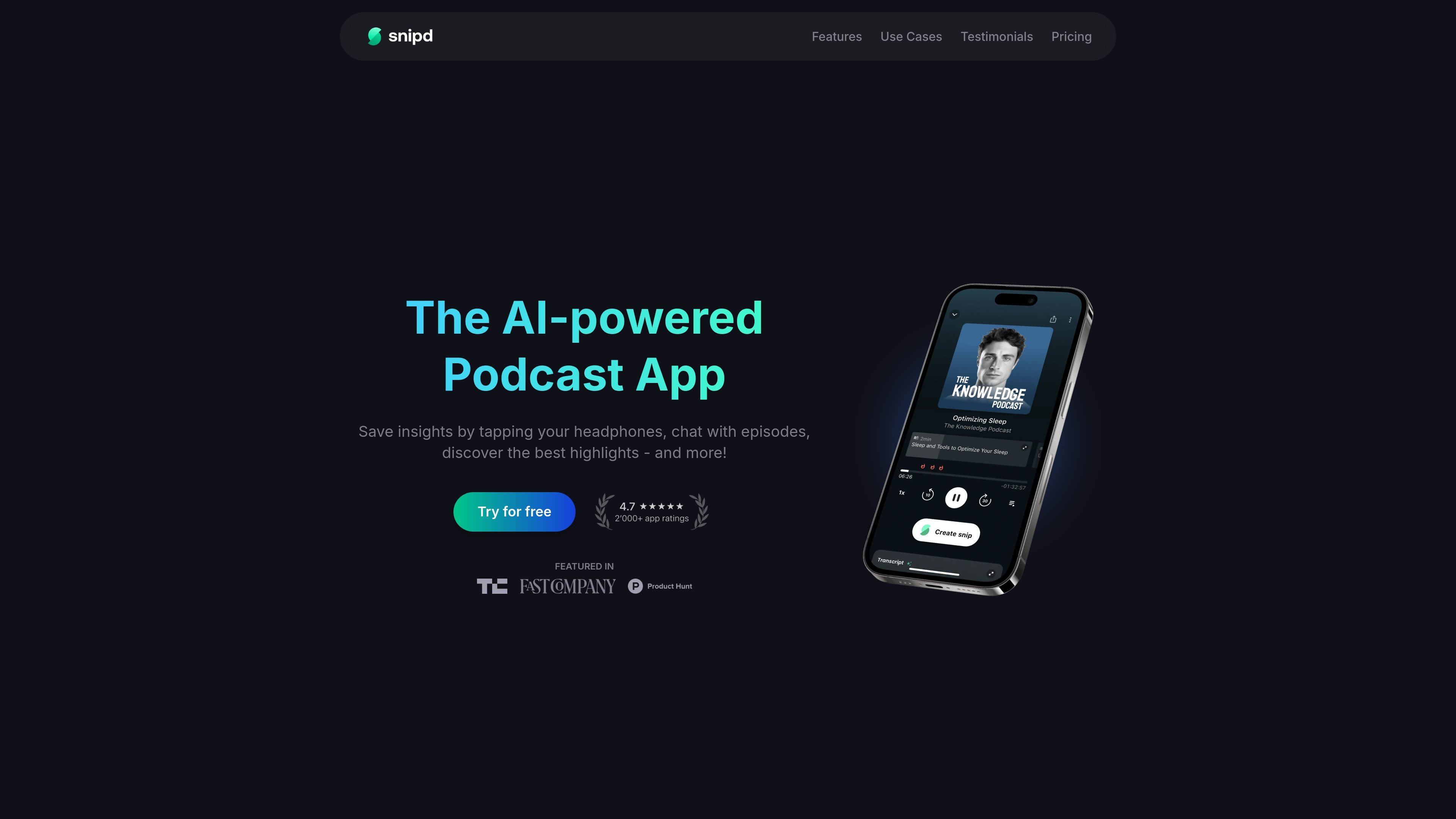
Snipd is an AI-powered podcast app built around saving, revisiting, and organizing insights from audio content. Its core workflow is simple: listen to a podcast, tap your headphones when something matters, and Snipd turns that moment into a saved snip with audio, transcript, and summary context.
The app adds AI summaries, transcripts, chapters, and episode chat so listeners can understand episodes before and after playing them. It also supports importing YouTube videos, audiobooks, and other audio files, and it can sync saved insights to note-taking apps for later review.
Tap or triple-tap your headphones to save a moment while you listen. Snipd creates a snip that includes audio, transcript, and summary context.
Ask questions about an episode and get instant answers based on the content you have listened to.
Preview what an episode covers before you play it with AI-generated summaries, topics, guests, and key takeaways.
Read along and search full episode transcripts with speaker identification, plus navigate with AI-generated chapters.
Send captured insights to tools such as Readwise, Notion, Obsidian, Glasp, Bear, Logseq, or export them as Markdown.
Import YouTube videos, audiobooks from Libro.fm, and other audio files so the same AI tools can be used beyond podcasts.
Capture an idea, recommendation, or explanation while listening without stopping playback. The saved snip keeps audio, transcript, and summary context so it is easier to revisit later.
Review an episode before listening or return to it afterward to ask questions, search transcripts, and use AI-generated chapters to move through the content faster.
Turn podcast notes into a durable knowledge base by syncing highlights into Readwise, Notion, Obsidian, Glasp, Bear, Logseq, or Markdown.
Use the same AI tools with other audio sources, including YouTube videos, audiobooks from Libro.fm, uploaded audio files, and personal recordings.
Snipd lets you save moments from podcasts by tapping your headphones, then revisit them with transcript and summary context.
The source describes AI-generated summaries, transcripts, chapters, and chat with episodes. It does not show a full desktop product, so the app appears centered on mobile listening workflows.
Yes. The pricing page says the free plan includes limited AI features, while Premium adds unlimited AI features and access to more AI-processed episodes.
Snipd supports exporting and syncing snips to apps such as Readwise, Notion, Obsidian, Glasp, Bear, Logseq, or Markdown.