
AI summaries
Turn episodes into concise summaries so you can review the main points without replaying the full recording.

Podwise is an AI podcast app that turns episodes into summaries, transcripts, mind maps, notes, and translations. Search, organize, export, and reuse podcast content.
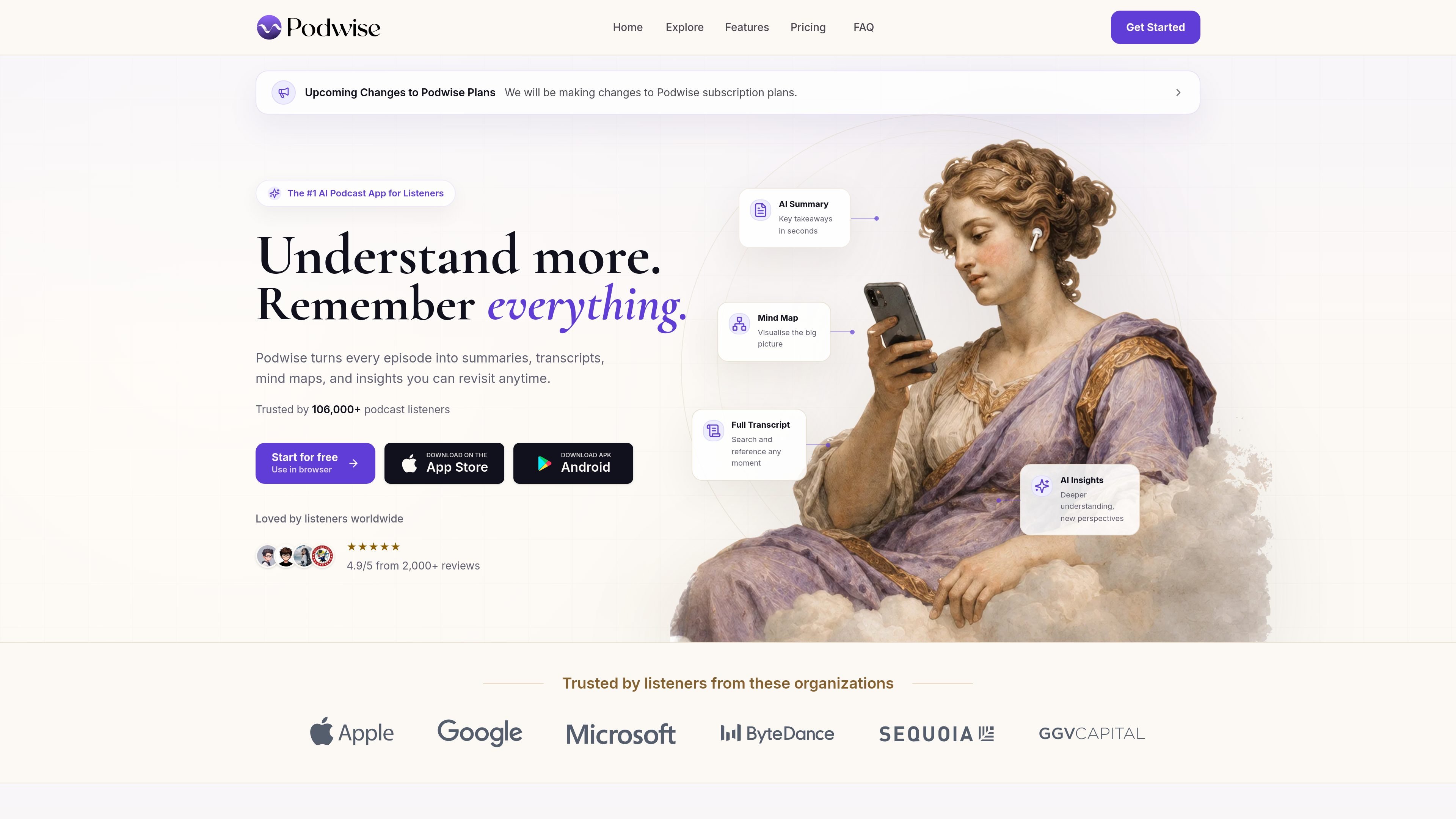
Podwise is an AI podcast app that helps listeners turn episodes into structured knowledge. It generates summaries, transcripts, mind maps, insights, clips, and translations so you can revisit what you heard without scrubbing through audio again.
The product is aimed at people who listen to learn. The site positions Podwise as useful for founders, students, creators, professionals, researchers, and other listeners who want to search, organize, export, and reuse podcast content in their own workflows.
Turn episodes into concise summaries so you can review the main points without replaying the full recording.
Map an episode into connected topics and subtopics to help you see how ideas relate across a conversation.
Search any episode or your whole library for quotes, topics, and moments, then jump back to the relevant point in the audio.
Ask questions about an episode and get responses based on the content, including follow-up-style exploration of the discussion.
Process episodes in multiple languages, and translate content to reduce language barriers when listening to global podcasts.
Export summaries, highlights, and mind maps into tools such as Notion, Readwise, Obsidian, Logseq, or downloadable files.
Extract strategies, takeaways, and relevant quotes from long business or strategy podcasts before a meeting or planning session.
Convert lectures or expert interviews into notes and highlights that are easier to revisit during study or review.
Search across saved episodes for a quote, topic, or timestamp instead of replaying entire conversations.
Send podcast knowledge into external tools and files so it can live alongside research notes and project docs.
Use Podwise from a terminal, agent workflow, or MCP client when podcast research needs to fit into a broader automation setup.
Yes. Podwise offers a Free plan, and the site also notes that paid web subscriptions include a 7-day refund window.
Podwise supports Apple Podcasts, Spotify, YouTube, RSS feeds, private feeds, and audio uploads.
The site says Podwise supports episode processing in 12 languages.
Yes. Podwise includes search across your library, and its FAQ says you can search inside episodes.
The site says Podwise can be used in a browser, on iPhone through the App Store, and on Android through an APK download.