
Computer provisioning via API
Provision a sandboxed Linux machine through one API call, then use it as the computer for your agent’s desktop workflow.

Orgo provides cloud computers for AI agents, with sandboxed Linux machines that boot fast and support browser, terminal, and file workflows.
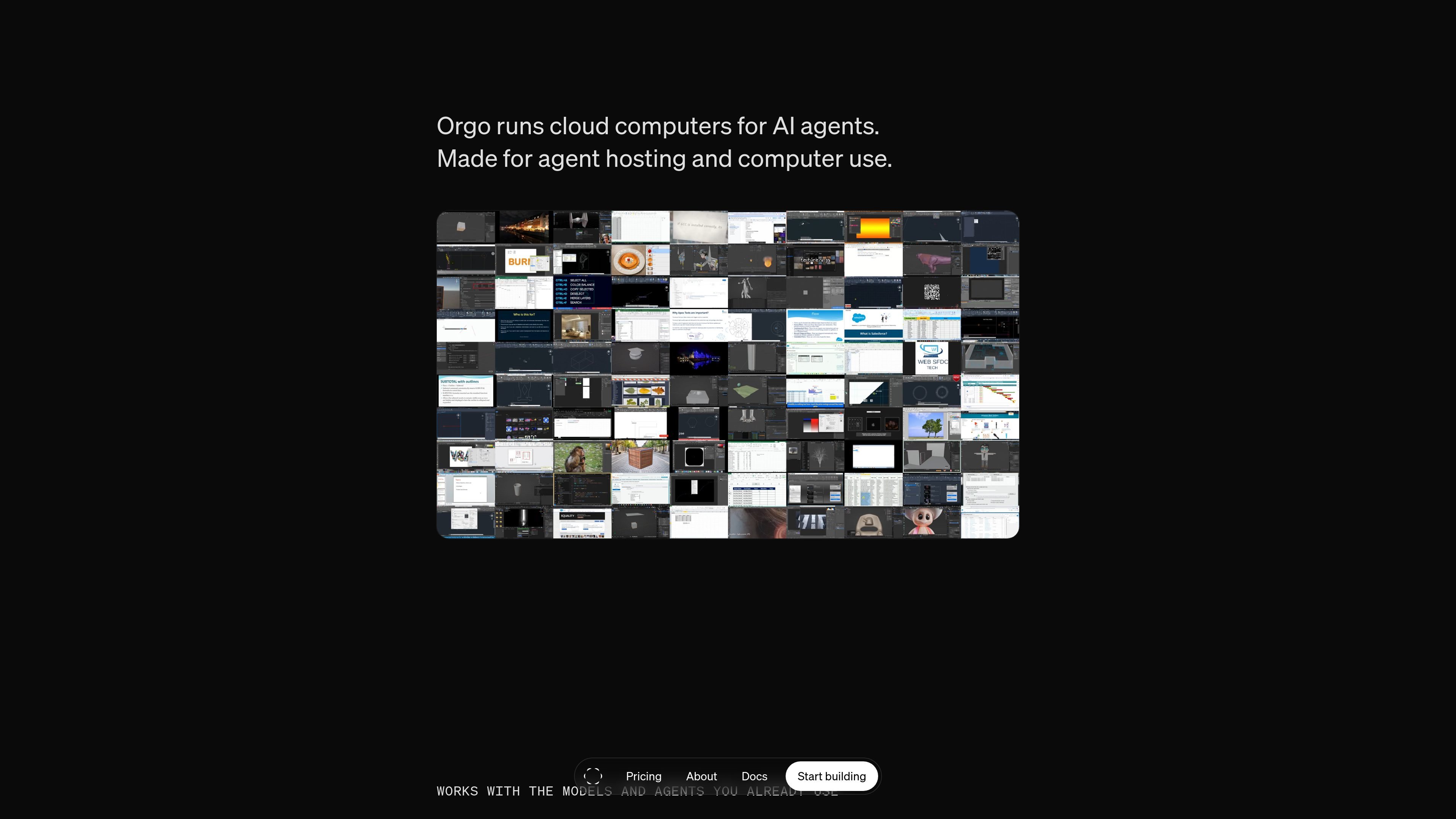
Orgo is a developer platform for giving AI agents their own cloud computers. The service provisions sandboxed Linux machines with desktop, browser, terminal, and file access so agents can carry out computer-use workflows without running on a user’s personal machine.
The site positions Orgo for teams building and hosting agent fleets. It emphasizes fast boot times, isolated virtual machines, persistent files between sessions, and management through the dashboard, terminal, or API. Pricing is organized into Free, Developer, Startup, and Enterprise plans, with higher tiers adding more persistent computers, team features, and custom fleet options.
Provision a sandboxed Linux machine through one API call, then use it as the computer for your agent’s desktop workflow.
The platform describes each machine as a full computer with apps, browser, terminal, and files, so agents can move between UI and code tasks.
Boots are described as under a second or sub-500ms, which is intended to reduce wait time when creating or replacing agent computers.
Keep computers online until you stop them and persist files between sessions, which supports longer-running workflows and stateful tasks.
Use the dashboard, terminal, or API to manage a fleet of computers rather than operating a single local machine.
The source says Orgo works with Claude 4.8, GPT 5.5, Gemini 3.5, and custom models or loops, and supports Python or TypeScript SDKs.
Give an agent its own desktop when it needs to browse websites, interact with apps, or move between browser and terminal tasks in one workflow.
Run multiple agents on separate computers instead of sharing one local machine, which fits teams building production agent systems.
Keep files and state available across sessions so an agent can continue a task after a restart or handoff.
Connect a model you already use through the supported SDKs or custom loop when you want the model to operate a real computer rather than a narrow tool API.
Create client-ready or isolated workspaces when you need team features, short-lived guest shares, or custom templates and golden images.
Orgo provides cloud computers for AI agents. The source describes creating a sandboxed Linux machine through the dashboard or API, then using it for browser work, code execution, file persistence, and computer-use workflows.
The source says Orgo supports Claude Computer Use, OpenAI’s CUA, OpenClaw, Hermes Agent, and custom loops. It also mentions Python and TypeScript SDKs for integrating a desktop your model can use.
Orgo describes its computers as private, encrypted, and fully isolated virtual machines with rotating credentials and private sessions.
The pricing page shows Free, Developer, Startup, and Enterprise plans, and the site also mentions dedicated capacity or an embedded runtime volume by contacting the team.
The source does not list a detailed setup guide, but it says a computer can be created in the dashboard in about fifteen seconds or provisioned through the API.