
Remember past context
Memmy automatically reads authorized local AI collaboration history and turns conversations, preferences, and technical decisions into structured memory.

Memmy is a local-first AI agent and memory layer for multiple AI tools, keeping authorized context on-device and carrying memory across apps.
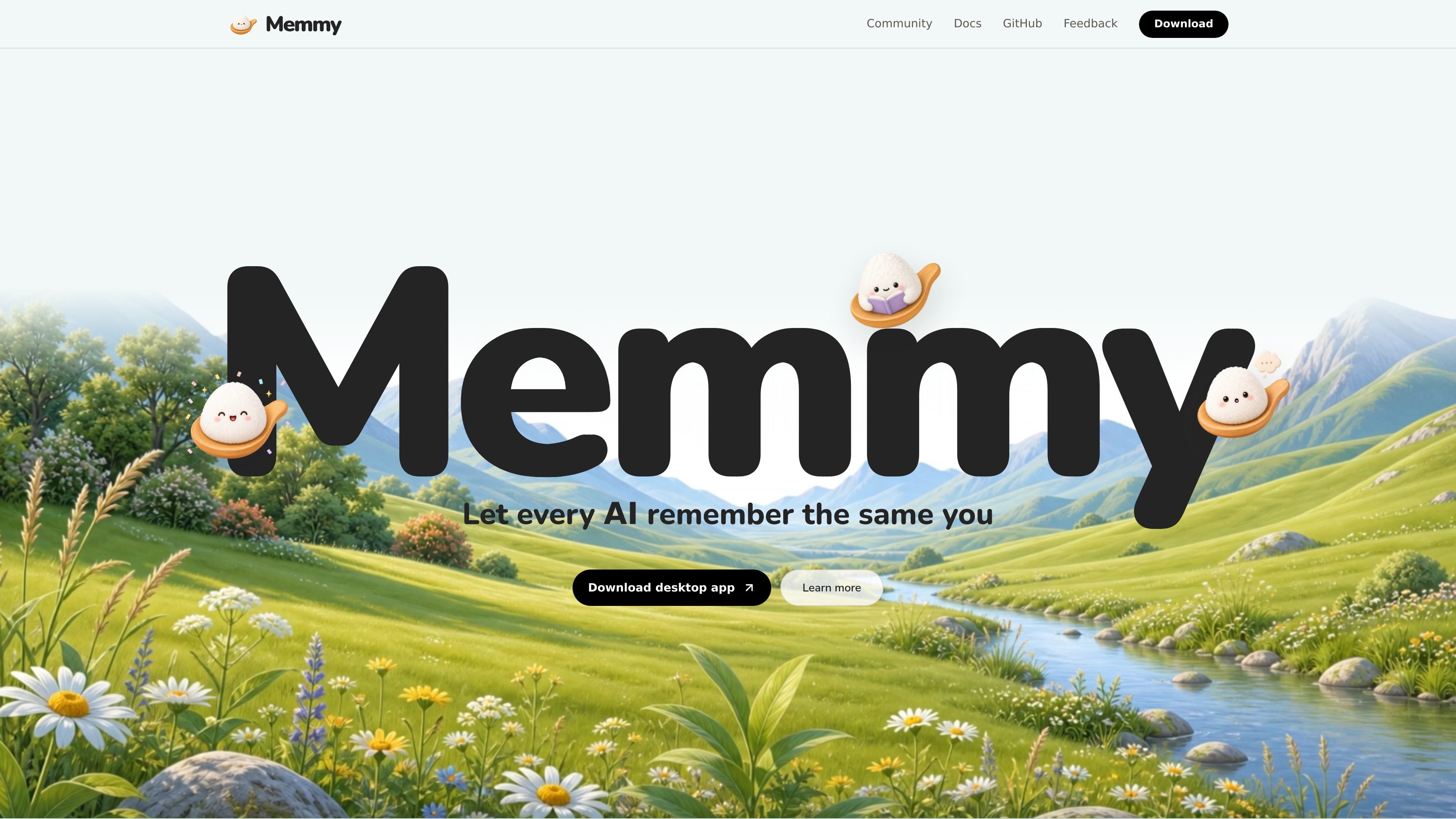
Memmy is a local-first AI agent and memory layer designed for people who work with several AI tools every day. It scans authorized conversation history from tools on your device, turns scattered decisions and preferences into structured memory, and then makes that context available again when you switch tools.
The product is positioned around three jobs: remembering what you said, relaying context between agents, and acting on tasks itself. The site also emphasizes that memory stays on the user’s device, scans require explicit consent, and users can control which sources are used or disabled.
Memmy automatically reads authorized local AI collaboration history and turns conversations, preferences, and technical decisions into structured memory.
When you move between tools such as Cursor and Claude, Memmy carries project context, preferences, and progress so you do not have to restate them.
The product can act directly on tasks such as organizing material, merging plans, or continuing unfinished work, rather than only storing notes.
Memmy deduplicates, categorizes, and makes memory searchable so the stored context is easier to manage and retrieve.
Relevant memory is injected on demand instead of sending a full dump, which keeps the context targeted to the task at hand.
The site says memory stays local, scans require explicit authorization, and users can view, delete, or disable memory sources.
Useful for people who move between Cursor, Claude, Codex, or similar tools and want the same project context to follow them without re-explaining prior decisions.
Helpful when a project involves many scattered conversations, because Memmy can turn preferences, decisions, and background notes into searchable memory.
Useful for continuing work after a break, since the system can inject the most relevant memory back into the active tool instead of forcing you to rebuild context.
Appropriate for users who want a local memory vault and explicit control over what gets scanned, stored, deleted, or shared with each agent.
Helpful when you want the product to do more than store notes, such as merging plans, organizing material, or turning decisions into a document.
Memmy is a local-first AI agent and memory layer for people who use multiple AI tools. It reads authorized local collaboration history, structures it into memory, and can pass relevant context between tools.
The site shows a desktop app download for macOS 12+ and Windows 10+, and it also describes support for CLI and external AI agents sharing the same long-term context.
Memmy scans local conversation history only after explicit authorization. It stores memory on your device, and the site says nothing is uploaded to a remote server.
The product page describes three main steps: scan authorized local AI history, organize it into deduplicated and searchable memory, and inject the most relevant memory back into the tool you are using.
The site says Memmy is free and open source, and the pricing page mentions a free trial. The page does not provide full plan details in the collected text.
Les données de trafic sont fournies à titre indicatif uniquement.
| juin | 0 |
|---|---|
| juil. | 0 |
| août | 0 |
Les analyses de trafic ne sont pas encore disponibles.
Les analyses de trafic ne sont pas encore disponibles.