
Drag-and-drop story editor
Build stories in a WYSIWYG drag-and-drop interface, with freestyle control over shapes, media, and text layers.

MakeStories is a web stories builder for creating Google Web Stories without coding. Use templates, publish to WordPress or custom domains, and measure performance.
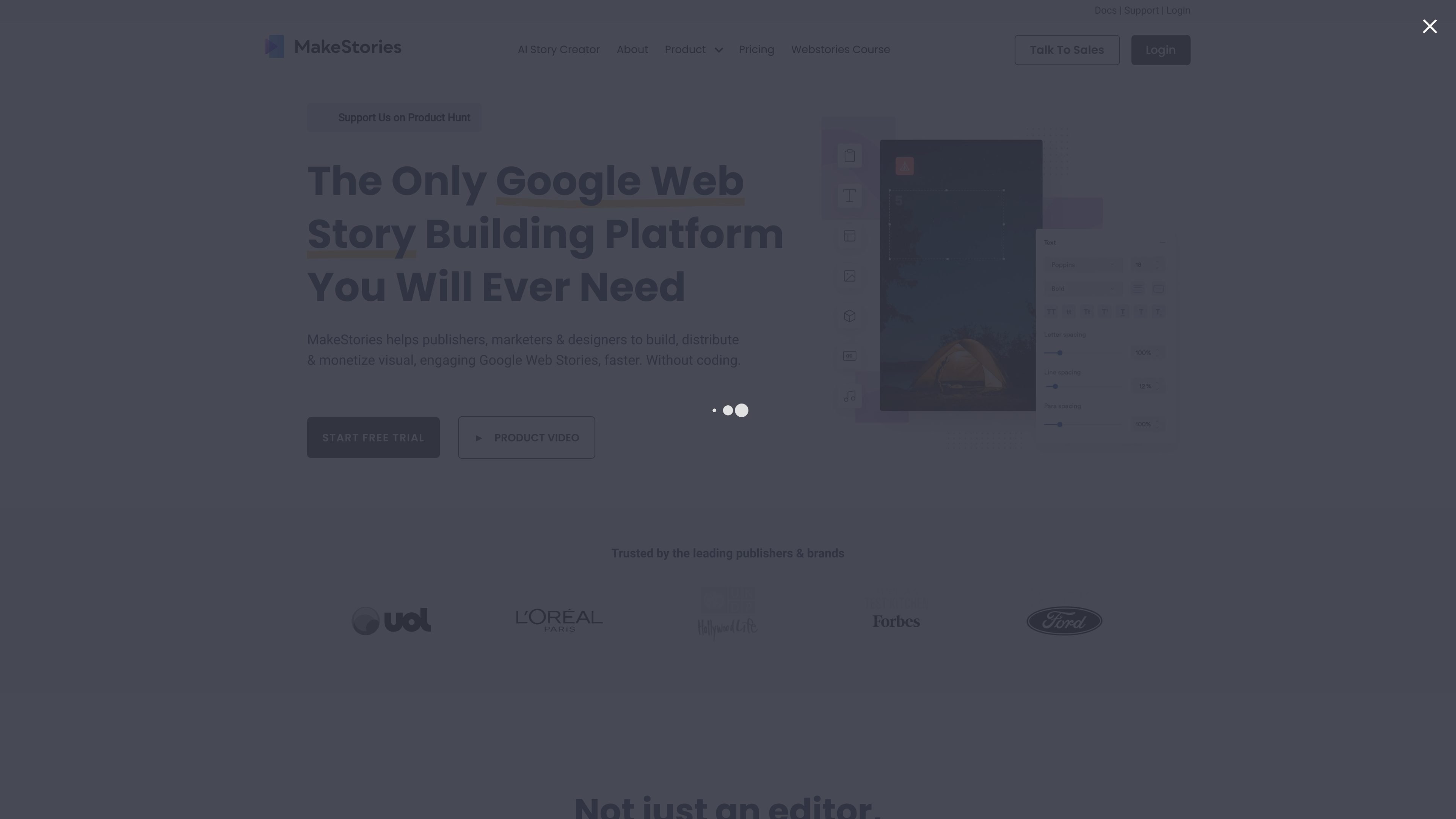
MakeStories is a web stories builder and editor for creating Google Web Stories without coding. The site presents it as a tool for starting from templates or from scratch, designing stories in a WYSIWYG editor, and then publishing them to a custom domain, WordPress, or MakeStories hosting.
Across the site, the product is positioned for creators and teams that want to build visual stories quickly, manage assets and templates in one place, and measure performance after publishing. The pricing page also shows a free trial and paid plans for publishing and larger team usage.
Build stories in a WYSIWYG drag-and-drop interface, with freestyle control over shapes, media, and text layers.
Start from professionally designed templates or create stories from scratch, with 100+ templates referenced across the site.
Work in solo or team workspaces, with the pricing page describing multiple users on paid plans and the editor page noting collaboration.
Publish to a custom domain, WordPress, or MakeStories hosting, and use built-in publishing tools such as scheduling and sitemap generation.
Measure story performance with Google Analytics GA4 support and GDPR-compliant analytics mentioned on the home page and pricing page.
Use supporting tools such as polls, quizzes, animations, font combinations, stock media sources, AI captions, text-to-speech, and image generation features listed on the pricing page.
Use the editor to create Google Web Stories for campaigns, editorial content, or promotions without writing code. The template library and drag-and-drop interface are aimed at faster production.
If your team needs shared production, use workspaces and collaboration features to manage multiple users around one story workflow.
Publish stories on a custom domain, WordPress site, or MakeStories hosting when you want the distribution path to match your website setup.
Use built-in analytics and Google Analytics GA4 support to review performance and improve future stories after launch.
For WordPress sites, install the plugin to create stories inside a familiar WordPress workflow while keeping SEO and sitemap-related publishing tools in place.
MakeStories is a web stories builder and editor for creating Google Web Stories with a drag-and-drop workflow. The source also describes a WordPress plugin and a hosting option for publishing stories.
The site says you can start for free, with a 7-day free trial on the pricing page. Paid plans are offered to publish to your own domain and unlock additional features.
The source shows support for solo and team workspaces, and the pricing page lists per-user pricing with additional users on the Pro plan. That suggests team use is supported, with the exact setup depending on the plan.
Stories can be published on a custom domain, WordPress, or MakeStories’ own hosting/server options, depending on the product area you use.
The source highlights drag-and-drop editing, templates, animations, scheduling, analytics, and WordPress publishing. It does not fully document every setup detail or every integration option on the pages provided.