
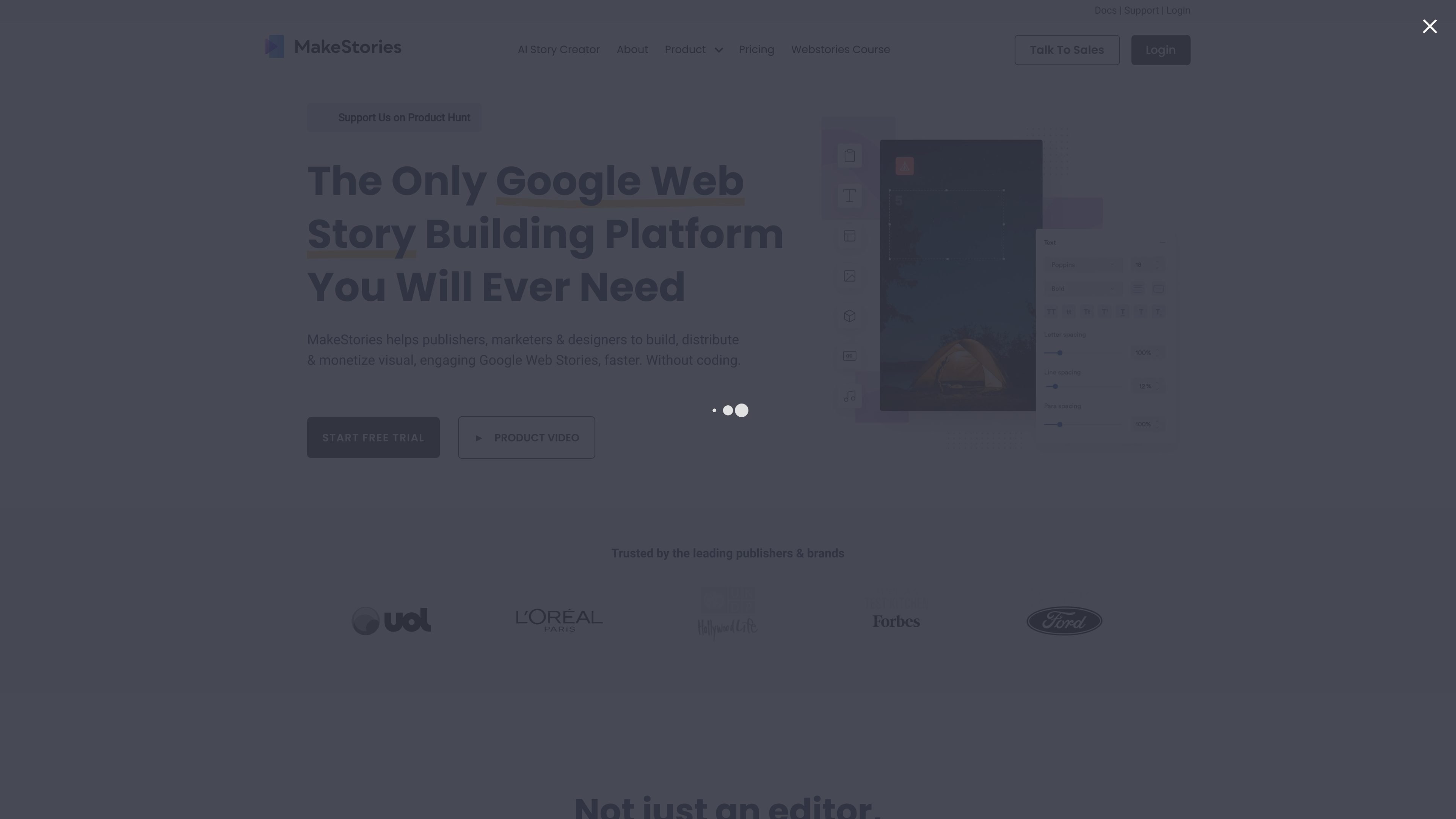
Template-based visual editor
Start from a pre-built template or a blank story, then customize the layout in a WYSIWYG interface. Create your own templates for the story workflow.

A visual editor for creating, animating, and publishing Google Web Stories without coding.
MakeStories is a browser-based editor for creating Google Web Stories. Start with a template or a blank project, arrange text and media in a visual WYSIWYG interface, and add animations. Publishing tools and story analytics help teams review performance after launch.
The workspace combines visual story design and media editing with AI-assisted text, generated images, and neural voiceovers. Video tools include vertical export, cropping, and ordinary splitting. AI voice cloning, avatar generation, and automated AI video splitting are marked as coming soon; do not assume every advertised AI feature is ready in the selected plan.
Publish to a custom domain or use the WordPress and hosting options that fit your site. The separate Connectors service supports publisher-owned infrastructure after MakeStories and the publisher’s development team configure it. A seven-day trial precedes paid per-user plans; billing, team size, hosting, and server-publishing scope should match the selected offer. Review generated text and media rights before publication. Publishing a Web Story does not guarantee search visibility or audience growth.
Start from a pre-built template or a blank story, then customize the layout in a WYSIWYG interface. Create your own templates for the story workflow.
Add animations and animated text, and use available font combinations or upload custom fonts to shape story presentation.
The listed editing tools include vertical video export, video cropping and splitting, filters, and animated video backgrounds.
Use AI copywriting for story text, generate images, and add neural voiceovers. Review the results in your editing workflow. Voice cloning, avatar generation, and automatic AI video splitting are marked coming soon rather than current core tools.
Publish stories on a custom domain, use story players, and review story analytics to guide later editing. GA4 integration supports measuring Google Web Stories; performance optimization does not guarantee rankings or reach.
Use the available WordPress and hosting options for your web setup. For a publisher-owned server, the optional Connectors service is configured by MakeStories with the publisher’s development team; confirm its plan and infrastructure scope.
An editor can select a professionally designed template, adapt its text and media in the visual editor, and add motion without building the story in code.
Use AI copywriting to draft narrative text and generated images or neural voiceovers as supporting assets, then review and refine the material in the visual story workflow.
A content team can use the video editing tools to crop or split footage, add filters or animated backgrounds, and export in a vertical format.
An organization that needs stories hosted on its own server can work with MakeStories to set up a Connector, then publish from the dashboard.
After publishing, a team can use the included analytics to assess audience performance and inform revisions to later stories.
Story design uses a no-code WYSIWYG editor. Publishing to a publisher-owned server through Connectors is a separate setup: MakeStories reviews the infrastructure with your development team and configures the connector before dashboard publishing.
Yes. Start with a blank project or choose a professionally designed template, then customize text, media, and animation in the editor.
The Connectors service is designed to publish Web Stories to a customer's cloud infrastructure. MakeStories works with the customer's development team to understand the setup and configure a connector.
Evaluate AI copywriting, generated images, and neural voiceovers for the selected plan. Voice cloning, avatar generation, and automated AI video splitting are marked coming soon. Ordinary video splitting is a separate editing feature; confirm availability before choosing the platform for a specific AI workflow.
MakeStories offers a seven-day free trial. Pro and Enterprise are paid per-user plans; the displayed offers are billed annually, and Enterprise has a minimum of 10 users. A free signup or trial is not a continuing free plan. Confirm hosting, team seats, and own-server publishing in the selected offer.
トラフィックデータは参考情報としてご利用ください。

katteb.com
GoogleとAI検索向けのコンテンツを企画・執筆・ファクトチェック・最適化・公開できるAIライティングとSEOプラットフォーム。ホワイトラベルのAgencyプランにも対応。

www.vitra.ai
Vitra Universe is an agentic content platform for creating, translating, personalizing, reviewing, and publishing video, images, documents, websites, and app content. It is designed for marketing, localization, product, engineering, agency, and enterprise teams that need shared content memory and controlled workflows.

eden.so
主要なソーシャルプラットフォームで、高パフォーマンスの投稿のリサーチ、アイデア検証、コンテンツ作成、公開予約までを一貫して支援するAIコンテンツストラテジスト。

mymarky.ai
ブランド投稿の作成・予約・公開を一元化するAIソーシャルメディア管理

contentradar.ai
LinkedInとXの投稿を作成・再利用・予約・公開できるAIコンテンツツール