
Context-aware subtitle translation
Translate subtitle content with context awareness so idioms, cultural references, and surrounding meaning are preserved more naturally than literal word-for-word output.

GPT Subtitler is an AI tool for subtitle translation and audio/video transcription into SRT files, with multiple languages and token or subscription plans.
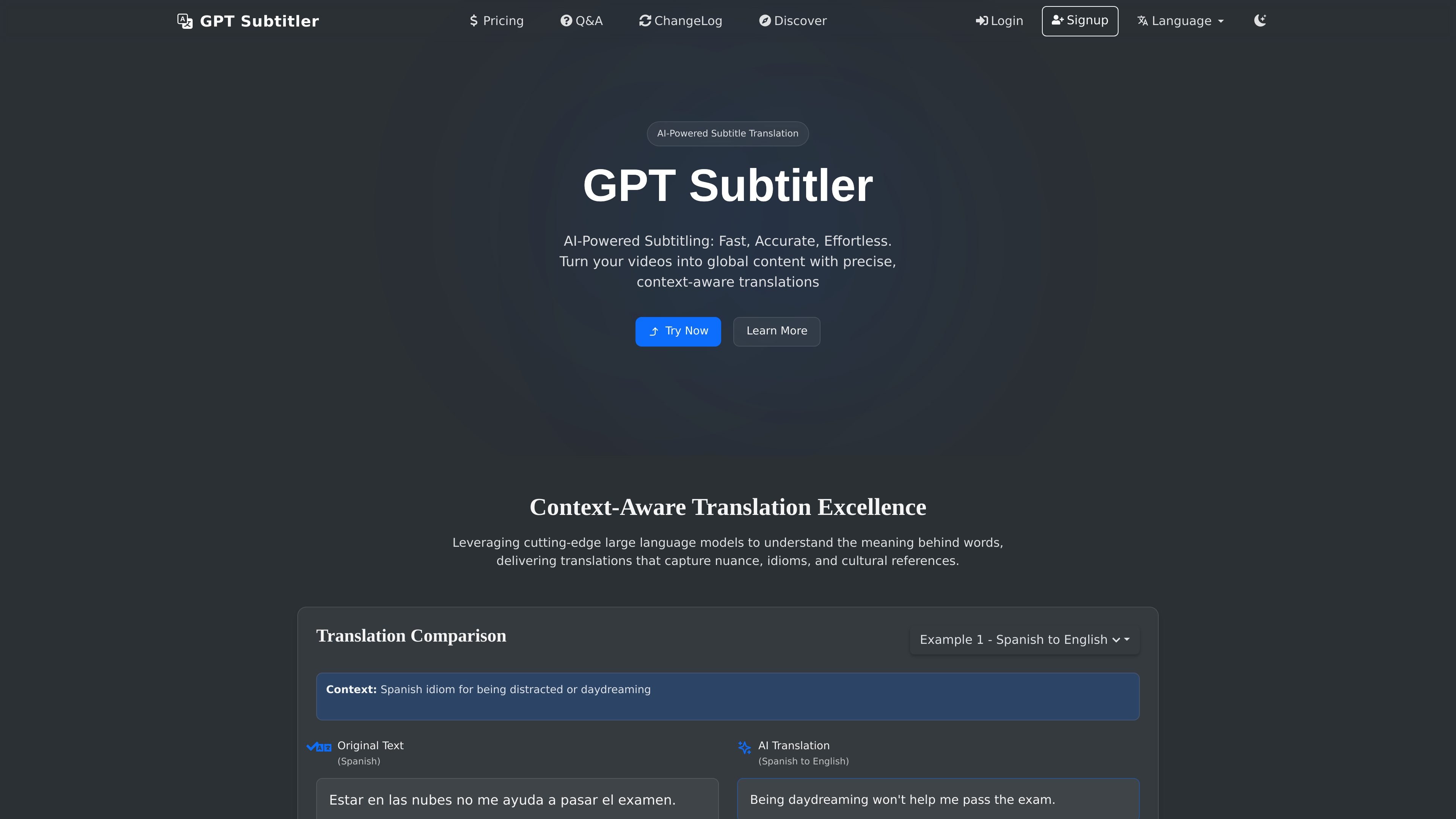
GPT Subtitler is an AI subtitle translation and audio transcription product that helps users turn subtitle files, audio, and video into translated subtitles. Its homepage positions the tool around context-aware translation, audio transcription with Whisper AI, and workflows for processing subtitle files in multiple languages.
The product is built around subtitle projects and batch translation workflows. Users can upload an SRT file or paste subtitle text, choose translation settings, and download translated subtitles in a preferred format. The pricing page shows a free tier that uses account Tokens, plus paid Basic and Premium plans with higher daily token allocations, larger project storage limits, and more parallel processing capacity.
Translate subtitle content with context awareness so idioms, cultural references, and surrounding meaning are preserved more naturally than literal word-for-word output.
Convert audio and video files into subtitles using Whisper AI, with support for multiple languages.
Work with subtitles in more than 100 languages for both translation and transcription-related workflows.
Adjust translation behavior with advanced settings such as source and target language, start index, prompt, batch size, and model selection.
Process multiple subtitle files at once and keep terminology and style consistent across a larger content library.
Choose among supported LLM providers including OpenAI, Claude, Gemini, DeepSeek, Grok, and OpenAI-compatible providers.
Translate SRT subtitle files into another language while preserving timing and formatting for distribution on video platforms or in media libraries.
Transcribe audio or video into subtitles when you need a text version of spoken content for editing, review, or reuse.
Run multiple subtitle files through the same settings so a content library keeps consistent terminology, tone, and formatting across releases.
Use model selection and advanced settings to adapt output for different content types, audiences, or translation preferences.
Choose account Tokens or a subscription plan when you need to balance occasional translation jobs against higher-volume usage.
You sign in, create a new subtitle translation project, upload an SRT file or paste subtitle text, choose source and target languages, configure translation settings, and start the translation. The interface also supports monitoring progress in real time and downloading the translated subtitles when the job is complete.
The source explicitly supports SRT (SubRip Text) uploads. The FAQ says other subtitle formats should be converted first if needed.
The pricing page shows a free tier that uses account Tokens, plus Basic and Premium subscription plans. The FAQ also says you can use an OpenAI, Claude, or Gemini API key in settings; otherwise, you can translate with your account token.
The product supports audio transcription with Whisper AI, and the home page says it can convert audio and video files into subtitles. The available workflow is presented as part of the product’s subtitle and transcription toolset, rather than as a separate standalone service.
The source does not describe team collaboration features in detail. The pricing page does show project and batch-project storage limits that vary by plan, along with different concurrency and file-processing allowances.