
AI subtitle generation
Upload a video or paste a link, then let SubtitleBee generate subtitles automatically. The homepage says it accepts common video formats such as MP4, MOV, WMV, AVI, and WebM, and supports up to 1 GB for free uploads.

SubtitleBee is a web-based AI subtitle and transcription tool that generates captions, translated subtitles, and editable transcripts from video or audio. It is built for creators and teams that need subtitle editing, export, and multilingual output in one workflow.
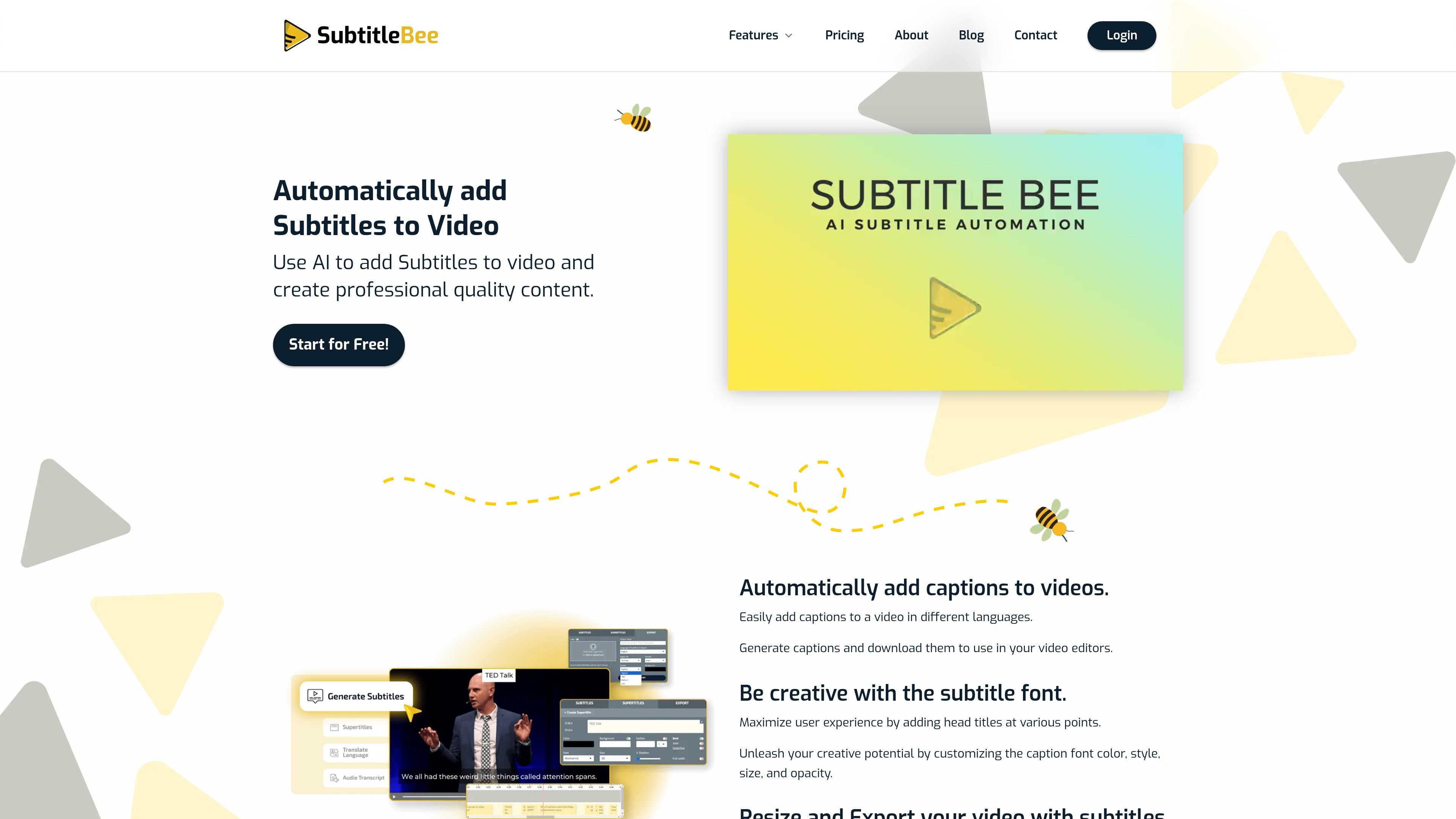
SubtitleBee is an online AI subtitle and transcription tool for turning uploaded video or audio into captions, translated subtitles, transcripts, and subtitled video exports. It is positioned for creators and teams that need a fast way to add captions, localize content, or turn spoken content into editable text.
The workflow shown on the site is straightforward: upload a file or paste a link, review the autogenerated text, make edits, then export the subtitled video or download subtitle files. Supported outputs mentioned on the site include embedded subtitles and separate files such as SRT, ASS, VTT, and TXT, with video exports also available in common formats like MP4, AVI, and MOV.
SubtitleBee’s product pages emphasize three main jobs: generating subtitles, translating them into 120+ languages, and transcribing audio to text. The pricing page also shows a free plan plus paid tiers for higher usage, branding options, and support, which makes the product suitable for both occasional use and more regular publishing workflows.
Upload a video or paste a link, then let SubtitleBee generate subtitles automatically. The homepage says it accepts common video formats such as MP4, MOV, WMV, AVI, and WebM, and supports up to 1 GB for free uploads.
Translate subtitles into more than 120 languages to make the same video usable for different audiences. The pricing page and product pages describe multi-language subtitle generation and translation as a core workflow.
Transcribe spoken audio into editable text for podcasts, meetings, lectures, voice notes, or interviews. The transcription page highlights support for 120+ languages and downloadable transcript files.
Edit subtitle appearance with font, color, style, size, opacity, and positioning controls. The site also mentions custom logos, overlay captions, and supertitles for on-video text.
Resize, crop, and export subtitled videos for different platforms. The site references advanced cropping, video resize, progress-bar overlays, social sharing, and downloads in video and subtitle file formats.
Keep content private and under user control. The homepage says videos are not shared, sold, or used by SubtitleBee, and users can delete content from the servers at any time.
Generate captions for videos before publishing to YouTube, social media, or course platforms. The editor can produce subtitles, let you adjust styling, and export a final subtitled file.
Translate an existing video into multiple languages when you want to reach viewers outside your home market. SubtitleBee’s translation workflow is built around generating subtitles first and then translating them into 120+ languages.
Convert interviews, meetings, lectures, podcasts, or voice notes into readable text. The transcription workflow supports downloadable transcript files and editing before export.
Prepare short-form content for different screen sizes and platforms by cropping, resizing, and adding overlays or progress bars. This is useful when one recording needs to be repurposed across social channels.
Add logos, text overlays, and branded subtitle styling to keep videos aligned with a visual identity. The site highlights custom logos, font controls, and supertitles for this workflow.
Yes. The pricing page says SubtitleBee has a free plan, and the homepage says you can start for free. The free plan includes limited subtitle generation, while paid plans add more minutes, exports, branding options, and support.
SubtitleBee can export subtitled videos and also lets you download subtitle files separately. The source pages mention .srt, .ass, .vtt, and .txt formats, and the pricing page lists MP4, AVI, and MOV as export formats.
The pricing page says you can upgrade, downgrade, or cancel anytime, with changes taking effect at the end of the current billing period.
Yes. The pricing FAQ says team or enterprise plans are available by contacting sales for a tailored plan with more usage, seats, or advanced controls.
SubtitleBee supports audio transcription, subtitle generation, subtitle translation, text overlays, cropping, resizing, watermarking, and audio-to-video conversion. The source pages do not document every integration or connected app, so import and export should be checked against the current interface if you need a specific workflow.