
Prompt-to-video creation
The homepage says users provide a brief description and the system handles the rest, turning it into a short faceless video ready to publish.

FacelessVideos.AI is a web app for creating faceless short videos for YouTube and TikTok from a brief prompt, with browser-based creation, email link sign-in, and monthly plans.
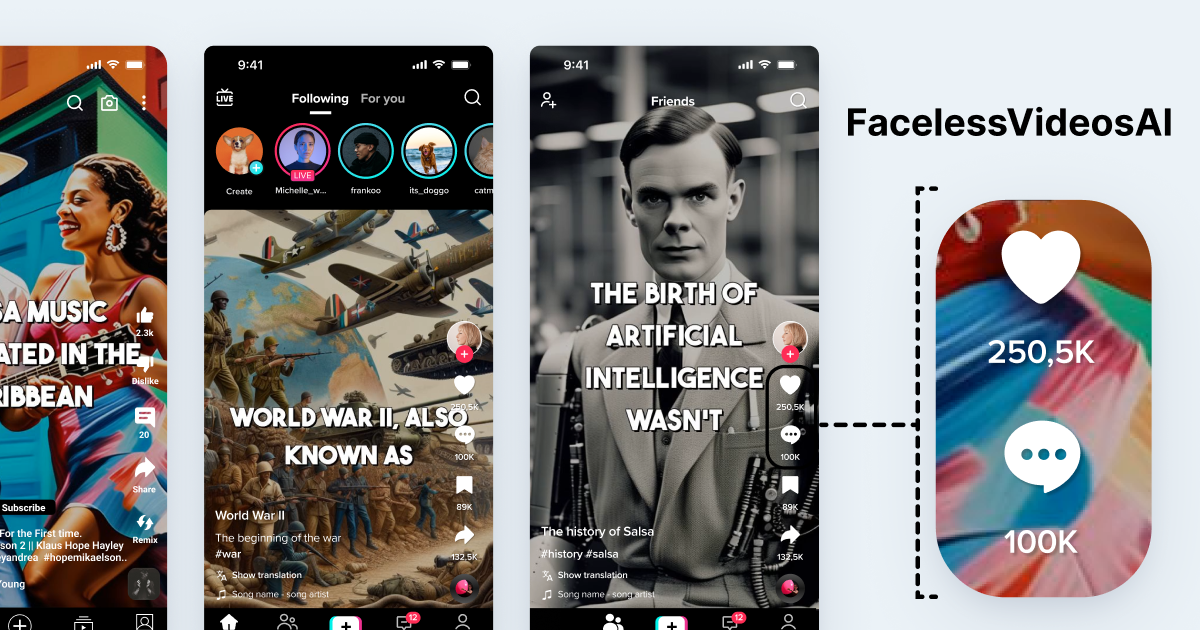
FacelessVideos.AI is a web app for creating faceless short videos for YouTube and TikTok. The homepage describes it as a way to create videos from a brief description, with the system generating the video and making it ready to publish.
The dashboard supports a create-video flow with source selection, script generation, and preview. The interface also shows language options and an email link login flow, suggesting a browser-based workflow for generating short-form video content rather than a full editing suite.
The homepage says users provide a brief description and the system handles the rest, turning it into a short faceless video ready to publish.
The dashboard shows a create-video flow with source selection, script generation, and preview, which suggests an end-to-end content generation workflow.
The creator interface exposes a long list of supported languages, including English, French, German, Spanish, Arabic, Japanese, and many others.
The homepage says videos are ready to publish on TikTok and YouTube accounts, indicating output aimed at short-form social platforms.
The homepage pricing section lists monthly plans with different video limits and unlimited storage.
The auth page shows email link sign-in, providing a simple login method without a visible password form.
Creators can turn a short idea or topic into a faceless video without manually building a timeline or filming on camera.
YouTube and TikTok publishers can generate short-form videos designed for platforms that reward frequent posting.
Users who want to create videos without appearing on camera can use the prompt-based workflow instead of recording themselves.
Teams or creators working in different languages can use the multi-language options shown in the dashboard to draft content in their preferred language.
The site shows an email-based login flow, but it does not expose account setup details beyond entering an email address to receive a sign-in link.
The dashboard includes a create-video flow that starts with selecting a source, then writing a prompt or script and generating a previewed video.
The dashboard lists Chat GPT (gpt-4o) as the source option and supports writing a script or importing audio, along with multiple language options for prompt or script creation.
A pricing section on the homepage lists Starter, Daily, Pro, and Advance plans, while the dedicated /pricing page returns a 404 on the captured site.