
Image and text to video
Generate videos from images or text, including image-to-video workflows and text-to-video creation.

DeeVid AI is an AI video and image creation platform that turns text, images, video or audio into generated assets in one workspace. Supports image-to-video, ads, avatars, voice and music, with free starter credits and paid plans.
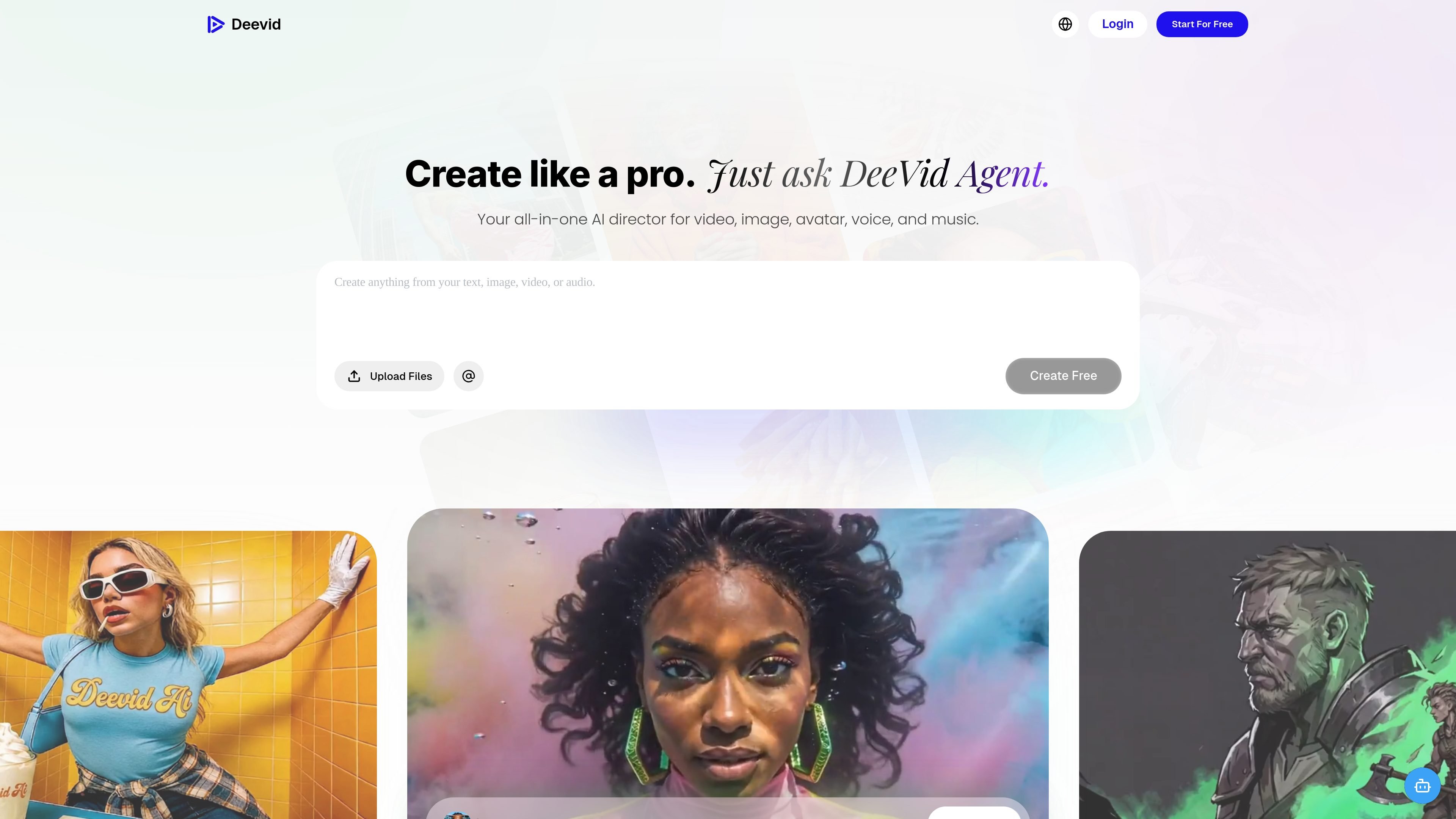
DeeVid AI is an AI video and image generation platform built around a single agent workspace. The site positions it as an all-in-one AI director for creating video, image, avatar, voice, and music content from text, photos, video, or audio inputs.
Across the site, DeeVid emphasizes quick generation, model selection, and editable outputs. The product page highlights image-to-video creation, ad generation, AI image generation, avatar creation, text-to-speech, music generation, templates, and a canvas editor for refining results.
Generate videos from images or text, including image-to-video workflows and text-to-video creation.
Use a single workspace for video, image, avatar, voice, and music generation from text, image, video, or audio inputs.
Create ad videos, avatar content, and music alongside standard video generation, all within the same product.
Choose from models such as Veo 3.1, Nano Banana, Sora 2, Kling, Runway, and others, with the platform matching the model to the task.
Build with templates and effects, including cross-video character consistency and fast generation mode.
Edit with DeeVid Canvas, where the site says users can drag, drop, and place edits more precisely.
Turn a still image into a short animated clip when you need motion from a photo, product shot, or illustration without hand-editing every frame.
Produce product ads and social-ready promos from a product image or simple prompt, then iterate quickly with templates and model selection.
Generate character-driven content with cross-video consistency so a repeated subject looks the same across multiple scenes or clips.
Move from script to spoken audio and supporting visuals in one place when you need voice, music, and video for a single asset.
Use the browser or mobile apps to create and review content across devices without staying tied to one machine.
DeeVid uses credits as consumption units. According to the pricing page, credits can be used to generate videos, images, or audio with available models in the platform.
Yes. New users receive 20 free credits on registration, which the pricing page says is enough to try the core features before choosing a paid plan.
Yes. The pricing page says generated videos have watermarks for free users, and paid memberships remove those watermarks.
Yes. The pricing page states that AI-generated videos can be used for commercial purposes, including advertising, social media marketing, and promotional content, subject to the terms of service.
The pricing page says membership works on Windows and Mac computers, iOS and Android mobile apps, and web browsers with the same account across devices.