
AI video generation
Create videos from text prompts, images, or a combination of both, with a workflow focused on short clips, ads, reels, and story drafts.

AI Omnigen is a browser-based AI media platform for generating video, images, voice, and music from prompts and reference media.
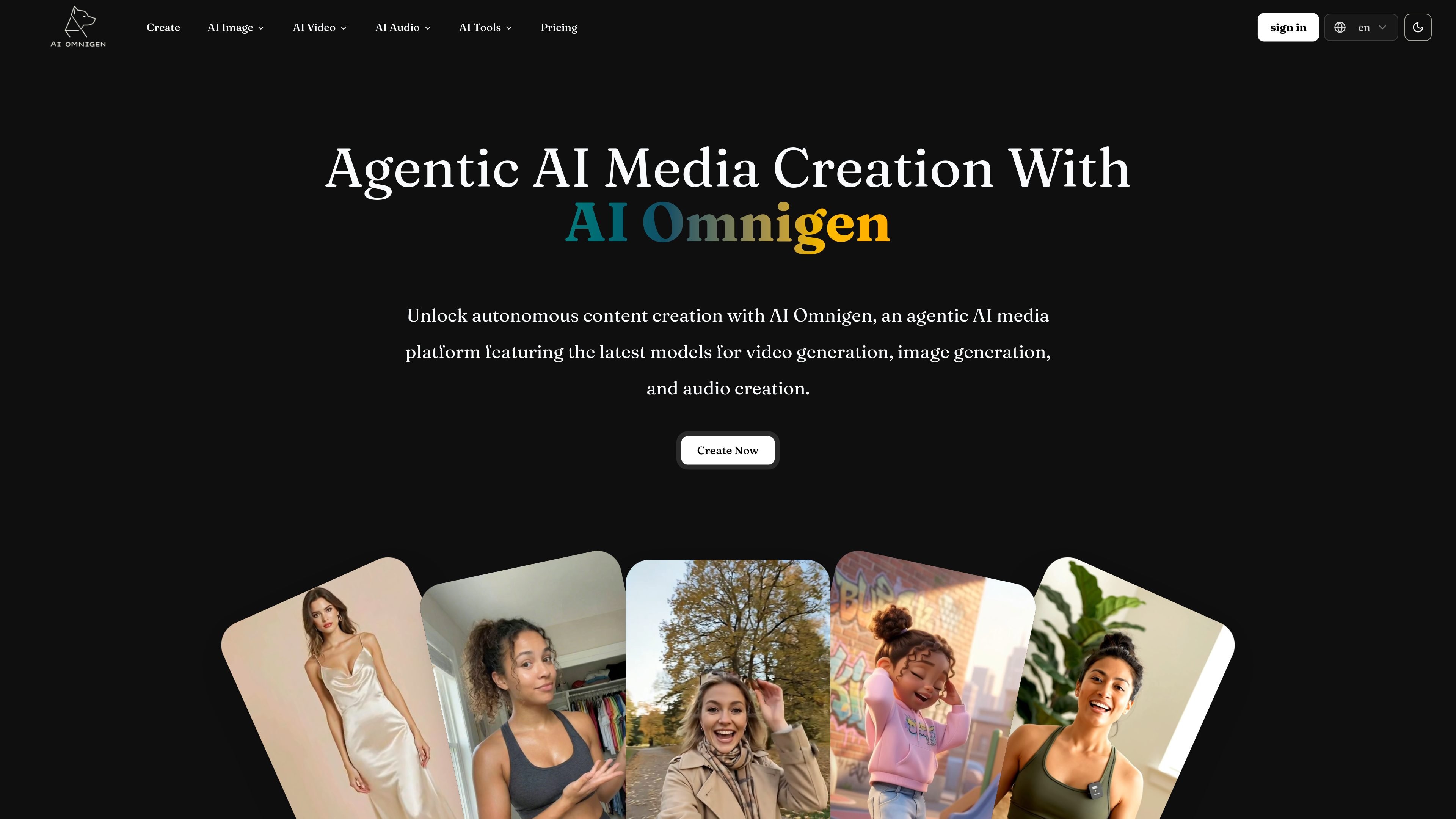
AI Omnigen is an agentic AI media platform for creating video, image, voice, and music content in the browser. The site positions it as a single place to generate and refine media from prompts, images, and reference clips using a range of model-backed workflows.
The product page highlights separate tools for AI video generation, AI image generation, image editing, product photography, floor plans, avatar creation, voice generation, voice cloning, music creation, lyrics-to-song, voice changing, and AI singing. The pricing page shows subscription plans with credits, concurrent generation limits, watermark-free outputs, and commercial-use licensing on paid tiers.
Create videos from text prompts, images, or a combination of both, with a workflow focused on short clips, ads, reels, and story drafts.
Generate and edit images with prompt-based workflows, including text-to-image and image-to-image creation for art, photos, social graphics, and product visuals.
Work with voice and music tools such as text-to-speech, voice cloning, music generation, lyrics-to-song, voice changing, and singing conversion.
Use model-specific workflows that list options such as Kling, Seedance, Veo, Nano Banana Pro/2, and GPT Image 2 on the product site.
Upload reference media for guidance, including reference images and video segments, and use prompt enhancement and advanced settings in the browser.
Review generation history and run concurrent tasks based on plan limits, with watermark-free outputs and commercial-use license availability on paid plans.
Create product photos, lifestyle shots, ad creatives, and other commercial visuals from prompts or reference images when you need fast ecommerce-ready imagery.
Turn prompts and still images into short videos for reels, social clips, ads, and storyboard drafts, then review motion and camera behavior before download.
Generate avatars, profile pictures, creator portraits, and talking-head style media for personal branding or content production workflows.
Create speech, clone a voice, convert lyrics into songs, or change voice style for narration, character work, and music experimentation.
Use prompt-enhanced image workflows to iterate on concept art, social graphics, and design mockups without opening traditional desktop tools.
AI Omnigen is a browser-based AI media platform for generating video, images, and audio from prompts, images, and reference media. The site presents it as a place to create AI video, AI images, voice, and music tools in one workflow.
The pricing page lists subscription plans with access to image and video models, watermark-free outputs, commercial-use license inclusion, generation history storage, and concurrent generation limits that vary by plan. It also mentions a business plan with custom pricing.
The site shows workflows for text-to-image, image-to-image, text-to-video, image-to-video, and media-based prompt generation. It is built for creators who want to generate and refine media in the browser without desktop software.
The source pages show browser-based generation with prompts, optional reference images or videos, and output review before download. They do not provide detailed integration or export workflow information beyond downloadable outputs.
The pages indicate a free tier for some tools and a paid subscription model for broader usage. Commercial-use licensing is listed on the pricing page, but users should review the plan terms before using generated assets in production.