
No-code AI agent setup
Create an AI agent in a few steps using templates or a visual workflow instead of writing code. The homepage describes a simple setup path: sign up, customize the bot, and connect it to a platform.

CX Genie is a no-code AI customer support platform for teams that want to automate replies, manage tickets, and hand off complex issues to humans. It includes help desk, ticket management, live chat, and workflow tools across free, paid, and enterprise plans.
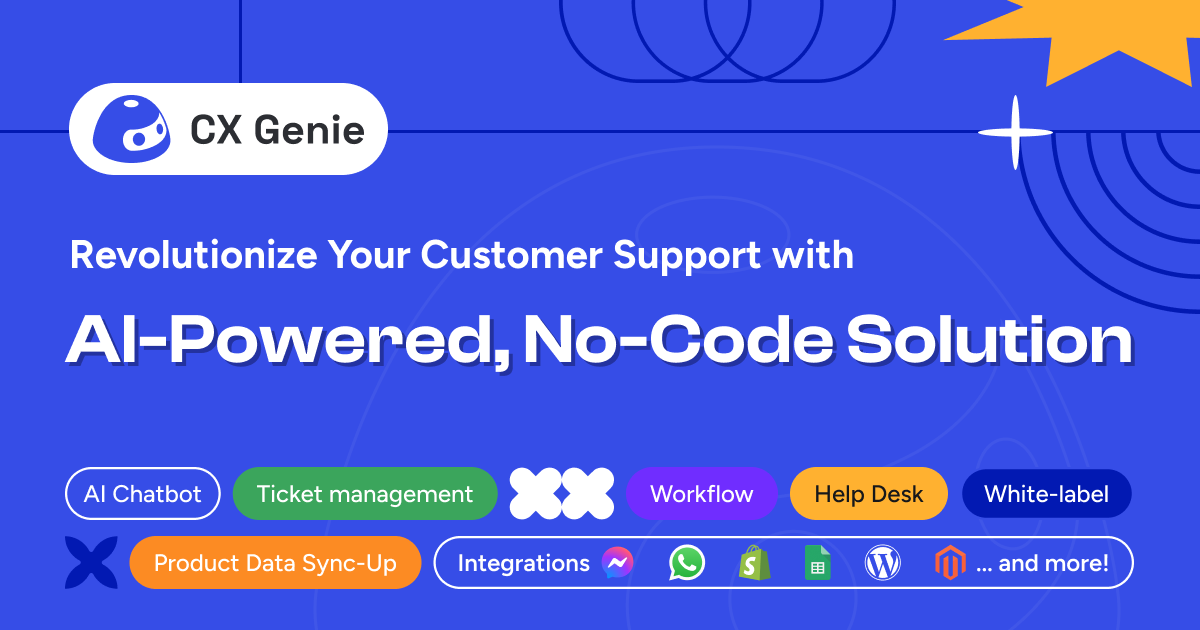
CX Genie is a no-code AI customer engagement platform focused on customer support, ticket handling, and automated conversations. The product combines AI agents, workflow automation, live chat, help desk tools, and human collaboration so teams can answer questions, route requests, and manage support work in one place.
The site positions the platform for customer support teams, agencies, e-commerce businesses, and broader customer service operations. Its workflow centers on creating an AI agent, customizing it with templates or a visual workflow, and connecting it to a channel or platform so it can respond automatically and hand off to people when needed.
Create an AI agent in a few steps using templates or a visual workflow instead of writing code. The homepage describes a simple setup path: sign up, customize the bot, and connect it to a platform.
Use AI auto-reply to provide 24/7 support, answer customers in multiple languages, and route complex questions to human agents when needed.
Manage support work with assignment rules, ticket lifecycle tracking, performance metrics, CSAT reports, and internal collaboration tools. The help desk and ticket management pages both focus on operational control.
Collect conversations, route requests across channels, and keep customer history in one place. The pricing page lists website and mobile channels and says the platform includes 10+ integrations.
Use custom chat flows, lead forms, phone and email collection, auto-tagging, emotion and intent detection, and feedback capture to structure interactions.
Choose a plan that matches your scale, from a free tier to enterprise. The pricing page also lists white label, bot support for multiple brands, SAML SSO, custom AI training, and dedicated infrastructure on higher tiers.
Set up an AI agent to answer repetitive customer questions, provide 24/7 support, and escalate complex issues to a human agent when needed.
Use help desk and ticket management tools to assign work, monitor ticket status, track performance, and keep support operations organized.
Capture leads in chat, qualify visitors with key questions, and route them to the appropriate sales team or follow-up workflow.
Manage tickets across channels and use centralized histories, internal notes, and collaboration tools to resolve incidents or customer feedback.
Deploy support across departments or brands, with higher-tier plans offering bot support for multiple brands and white label capabilities.
CX Genie is set up as a no-code AI customer engagement platform. The homepage says users can create an AI agent in three steps: sign up, customize the agent, and connect it to a platform.
The source presents CX Genie for customer support teams, agencies, e-commerce businesses, and broader customer service operations. It is positioned around AI agents, help desk, ticket management, live chat, and workflow automation.
The pricing page shows a free plan, monthly paid plans, and an enterprise option with custom AI training, SAML SSO, dedicated infrastructure, and 24/7 support. The exact plan fit depends on seats, conversation volume, and feature needs.
The source says CX Genie can respond in multiple languages, provide AI auto-reply, and hand off to human agents for more complex questions. The help desk and ticket management pages also emphasize routing, tracking, and agent collaboration.