
Game-based coding practice
Students learn by solving coding puzzles in a game environment, with the product describing game-based learning from the start of the adventure.

CodeCombat is a coding education platform with game-based lessons for home learners, classrooms, and schools. Learn Python, JavaScript, HTML, C++, and Lua.
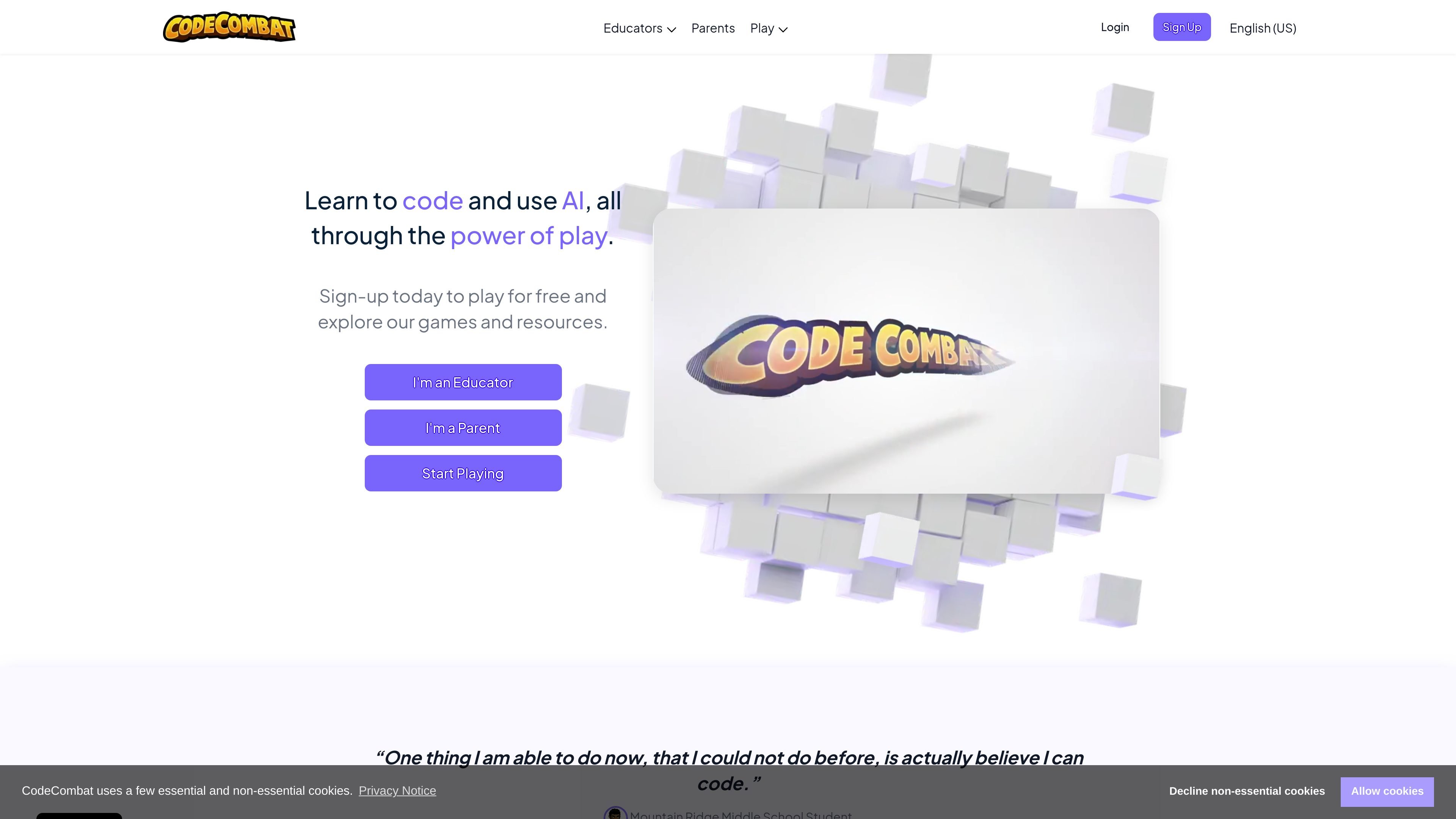
CodeCombat is a programming learning platform built around playable lessons and coding games. Its homepage positions the product as a way to learn typed code through puzzles while building skills in Python, JavaScript, HTML, and other languages across different offerings.
The site includes several product paths: a parent-facing home experience, classroom curricula for schools, younger-learner programs, AP Computer Science Principles, and AI-focused tools. Across those paths, the common workflow is to learn by writing code, complete coding challenges, and then apply skills in projects or shareable creations such as games and websites.
Students learn by solving coding puzzles in a game environment, with the product describing game-based learning from the start of the adventure.
The homepage and standards pages say the curriculum teaches true Python, JavaScript, and C++ using beginner-friendly terminology.
Projects can be used as capstone assessments, and the site says it provides evaluation rubrics for shareable games.
The product family includes AI-oriented tools and curricula, including AI HackStack and AI Junior, plus AI-supported learning in classroom experiences.
Teacher- and school-facing pages emphasize standards alignment, professional development, and classroom implementation resources.
The parent-facing product includes access to 530 levels plus premium-only items, pets, and heroes, and lets learners build games, websites, and apps to share.
Parents can give children access to the home product, which the site says includes 530 levels and features like pets, premium-only items, and heroes.
Teachers can use the classroom products to deliver a full CS curriculum that builds from core concepts into web development, game development, and AP CSP.
Schools and districts can evaluate standards-aligned pathways and educator resources for broader implementation, including professional development and support materials.
Younger learners can start with CodeCombat Junior or AI Junior, both positioned for K-5 students and paced for elementary learners.
Students preparing for AP Computer Science Principles can use the AP CSP curriculum and related teacher resources endorsed by the College Board.
Yes. The homepage says you can sign up to play for free, and the site also offers classroom and school-focused products through separate paths for educators and parents.
The site describes CodeCombat as teaching Python, JavaScript, and HTML through puzzle-based gameplay. It also references C++, C#, and Lua in different product and curriculum descriptions, including Roblox and standards-aligned offerings.
The homepage describes a parent-facing CodeCombat Home experience with 530 levels, while the schools and standards pages position CodeCombat Classroom and related curricula for teachers, schools, and districts.
The site presents CodeCombat as a browser-based learning product, but the provided pages do not spell out a full device or OS compatibility list.