
Browser-based coding lessons
Practice in an interactive editor with runnable lessons across 20+ programming languages, including Python, JavaScript, SQL, HTML, CSS, Java, C++, Go, Rust, and more.

Coddy is a free online platform for learning to code with interactive lessons in 15+ languages, a browser editor, AI help, progress tracking, certificates, and team plans.
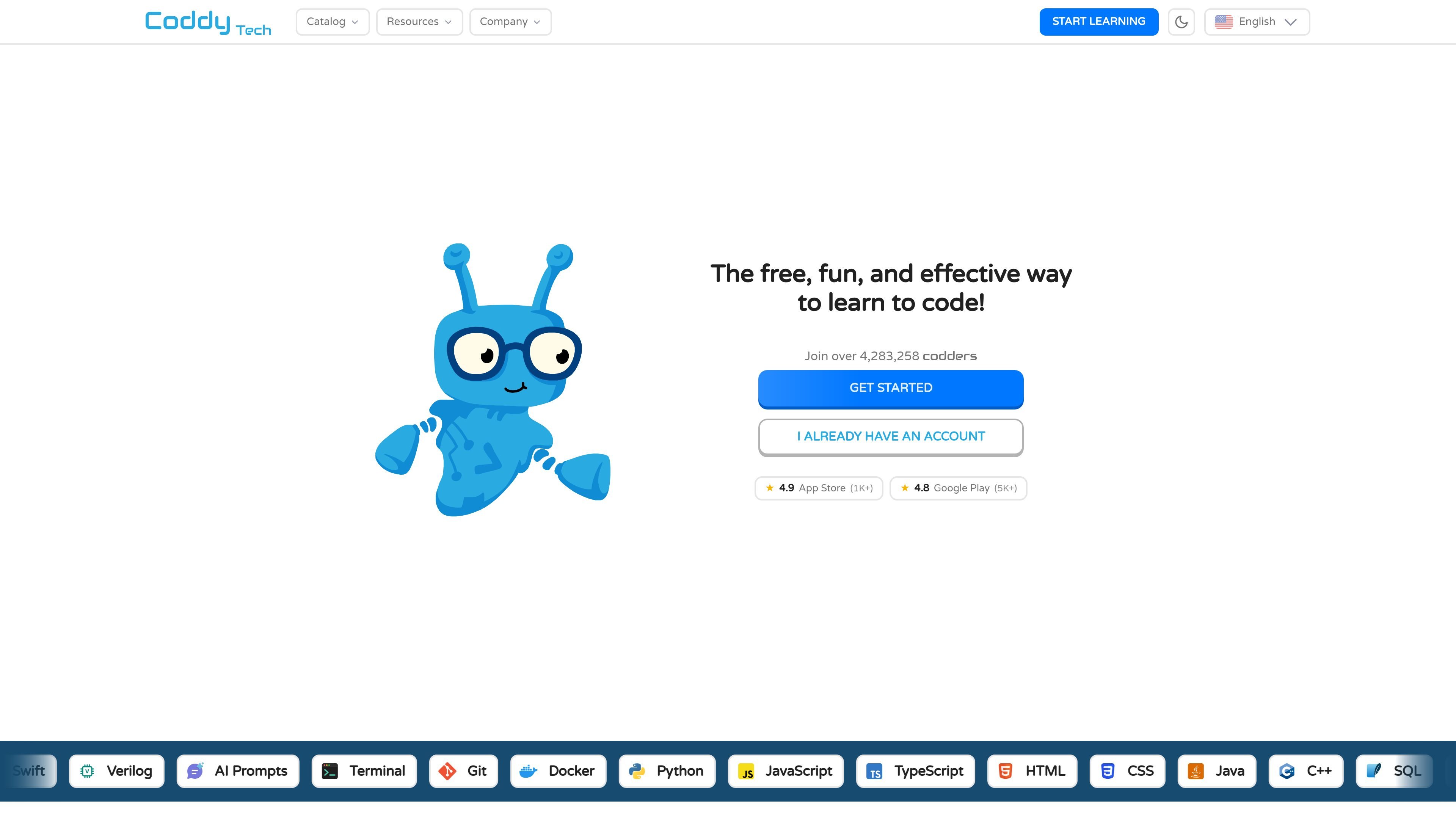
Coddy is a free online coding platform for learning programming through interactive, browser-based lessons. It focuses on practice-first lessons in 15+ languages, including Python, JavaScript, SQL, HTML, CSS, Java, C++, Go, Rust, and more.
The product combines lessons, an in-browser code editor, an AI assistant, progress tracking, and certificates to support beginners and continuing learners. It also offers team plans for engineering organizations and documentation pages for language references.
The site positions Coddy as usable on web, iOS, and Android, with no setup or downloads required to start learning. Learners can practice short daily sessions, build streaks, and review concepts through docs and lesson references.
Practice in an interactive editor with runnable lessons across 20+ programming languages, including Python, JavaScript, SQL, HTML, CSS, Java, C++, Go, Rust, and more.
Write real code, query databases, build websites, and work through lessons that combine reading, audio, quizzes, references, and AI help.
Get personalized hints and feedback from the AI Assistant, which analyzes your latest code attempt and lesson context before responding.
Track daily practice with streaks, freeze days, XP, rewards, and leaderboards that encourage consistent learning.
Earn verifiable certificates after completing courses, with options to download them as PDFs and add them to LinkedIn or a résumé.
Use Coddy Docs for concept-by-concept references in languages such as Python, JavaScript, Java, C++, SQLite, and Verilog.
Start with short, guided lessons that combine reading, quizzes, and runnable code so you can build confidence without setting up a local development environment.
Use the browser editor and built-in references to practice syntax, test ideas, and revisit concepts while moving through a language-specific path.
Ask the AI Assistant for hints when you are stuck, then compare its feedback with your latest code attempt and the lesson context.
Use the completion certificates and downloadable PDFs as proof of learning for a résumé or LinkedIn profile.
Adopt a team plan when an organization wants centralized billing, member management, and shared access to PRO features for every seat.
Yes. The homepage FAQ says Coddy is free to start, with optional premium features for learners who want more.
Coddy says it offers interactive courses across 15+ programming languages, including Python, JavaScript, SQL, HTML, CSS, Java, C, and Go, with lessons that run in the browser.
The site says every completed course comes with a verifiable certificate that can be downloaded as a PDF and added to LinkedIn or a résumé.
Coddy’s AI Assistant analyzes your latest code attempt and lesson context to give personalized hints and feedback when you get stuck.
The Teams page says team plans include centralized billing, member management, and access to all PRO features for each member.