
No-code chatbot builder
Build bots with a no-code flow editor rather than writing code. The platform highlights drag-and-drop chatflow creation and a visual chatbot builder.

BotPenguin is a no-code AI chatbot, voice and agent builder for automating support, lead capture, appointments and marketing on WhatsApp, websites and social channels.
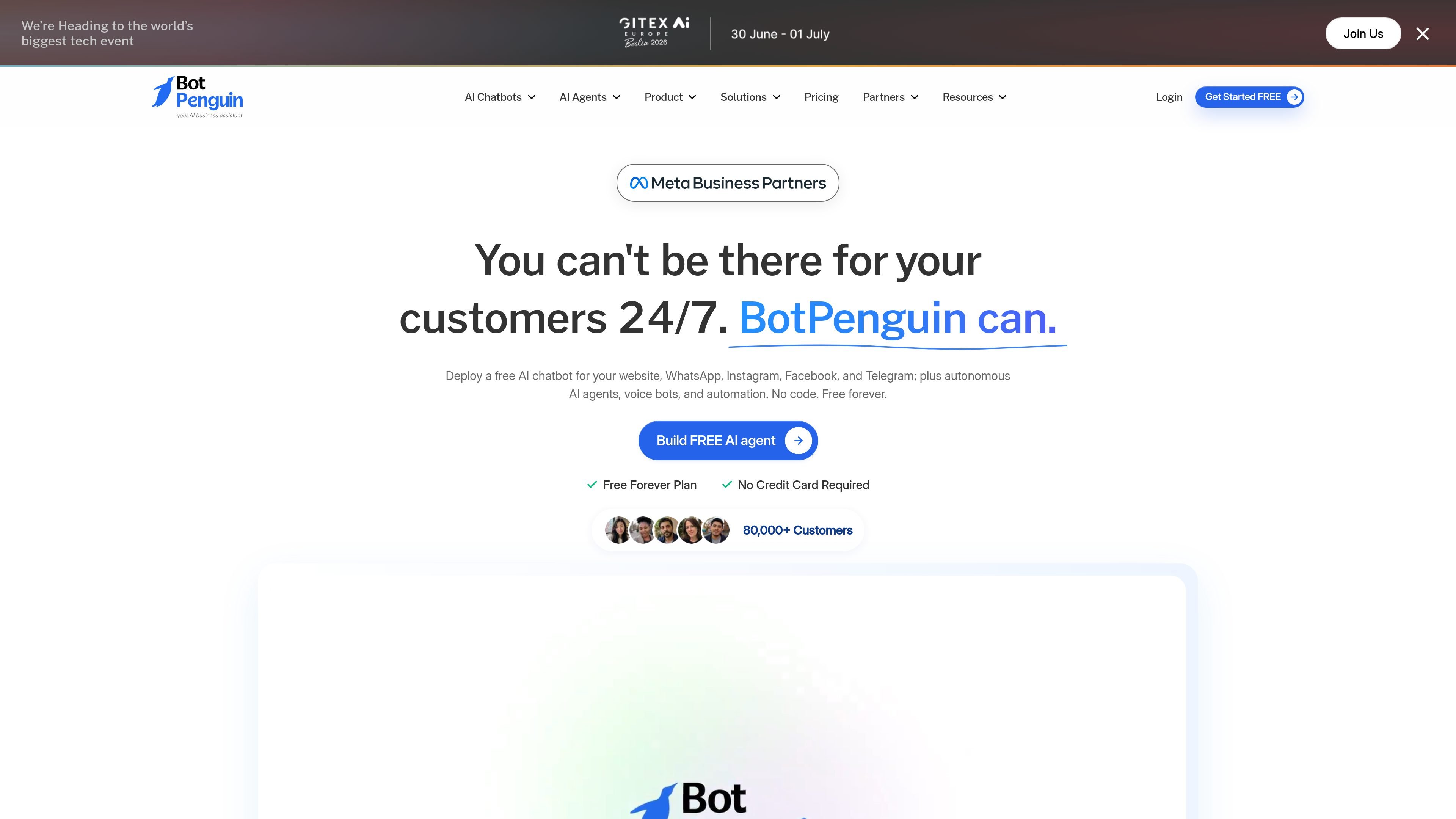
BotPenguin is a no-code AI chatbot, voice, and agent builder for businesses that want to automate customer conversations across WhatsApp, websites, Instagram, Facebook, Telegram, and related channels. The product also supports autonomous AI agents and AI voice bots, with a focus on conversational workflows that can run continuously without manual scripting.
The site positions BotPenguin around lead generation, sales, marketing, appointments, and customer support. Its core workflow combines chatbot creation, live handoff, unified inbox management, knowledge-based training, and integrations so teams can handle conversations from one platform and connect them to the tools they already use.
Build bots with a no-code flow editor rather than writing code. The platform highlights drag-and-drop chatflow creation and a visual chatbot builder.
Route conversations across WhatsApp, Instagram, Facebook, Telegram, websites, and other supported channels from one setup, with a unified inbox for handling replies.
Handle human escalation, saved replies, typing indicators, role assignment, conversation history, and chat routing in a shared team console.
Train bots on knowledge sources such as websites, PDFs, FAQs, Google Docs, Google Sheets, Drive, Notion, and similar content so replies can be grounded in your material.
Connect the chatbot to external tools and workflows through native integrations, chatflow APIs, and supported services such as scheduling, CRM, support, and automation apps.
Track chatbot activity with analytics and reporting for lead handling, resolution rate, escalation rate, message volume, and related conversation metrics.
Automate incoming questions, route complex issues to live agents, and keep a shared record of conversations for support teams.
Capture leads, qualify interest, and send lead details or notifications into email, CRM, or related tools for follow-up.
Book appointments directly in chat and connect the bot to scheduling tools so users can complete bookings without leaving the conversation.
Send bulk or broadcast messages and run channel-specific automations such as Instagram DM replies or WhatsApp shop flows.
Train bots on business content like FAQs, website pages, and documents so the assistant can answer recurring questions with company-specific information.
BotPenguin is designed to be set up without coding. The site emphasizes a no-code chatbot builder, drag-and-drop chatflows, and guided tutorials/videos for getting started.
The product is positioned for businesses that want to automate lead generation, sales, marketing, appointments, and support across channels such as WhatsApp, Instagram, Facebook, Telegram, and websites.
BotPenguin can connect to external tools and data sources through native integrations and API-based chatflows. The pricing and integrations pages mention CRMs, scheduling tools, chat platforms, and sources such as documents, sheets, Drive, and Notion.
The pricing page shows a free forever plan, a free trial, and higher-tier plans with custom pricing or monthly pricing, plus a contact-sales path for enterprise needs.
The source describes team inbox, live chat, role assignment, conversation history, and team management features, which suggests the platform supports shared usage across support and operations teams.