
Unified access to many models
Access over 200 AI models in a single interface, with the ability to switch between models without moving between separate services.

AI Tutor is a web-based AI platform that brings multiple models and task-specific tools into one account. It supports coding, research, content creation, bot building, and model comparison for users who want a single workspace for AI workflows.
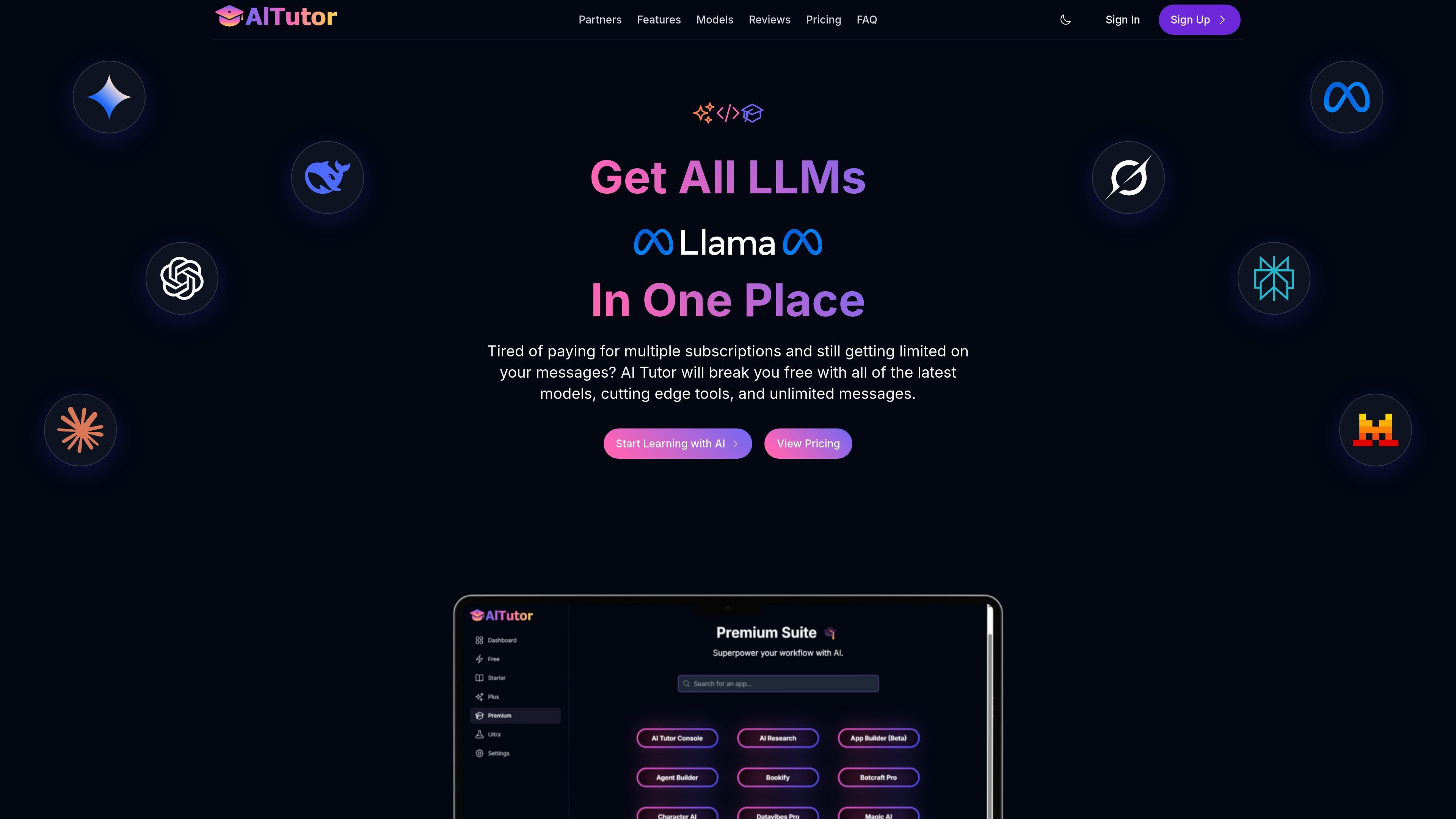
AI Tutor is a web-based AI platform for people who want access to multiple models and task-specific tools from one account. The homepage describes it as a place to get all LLMs in one place, with support for more than 200 models, unlimited messages on the entry plan, and tools for coding, research, content creation, and bot building.
The product also emphasizes support and onboarding. Its FAQ mentions a complimentary 30-minute onboarding session for new users, a dedicated Discord community, and documentation hosted at support.myapps.ai/introduction. The pricing page shows multiple subscription tiers, including a free option and paid plans with higher-capability model access and specialized app bundles.
Access over 200 AI models in a single interface, with the ability to switch between models without moving between separate services.
Work with local AI models alongside hosted models, with support for advanced reasoning capabilities and side-by-side model comparison.
Handle documents, code repositories, datasets, and other files through multi-modality support that accepts individual files or entire folders and projects.
Use AI Tutor’s developer-oriented tools to generate, debug, and optimize code across different programming languages and frameworks.
Run research, bot creation, content generation, and workflow automation from the same product rather than stitching together separate tools.
Get onboarding, usage recommendations, and ongoing updates through live support and a dedicated customer success setup.
Use the unified interface to compare model outputs, switch between local and hosted models, and choose the model that best fits the task at hand.
Use the coding-oriented tools to generate, debug, and optimize application code, then review outputs alongside other model responses if needed.
Upload files, folders, or projects to analyze documents, code repositories, and datasets in one place instead of handling them separately.
Use research and content-generation tools to gather information, draft copy, and produce articles, blog posts, or narrations from the same workspace.
Build and deploy custom bots for websites and support workflows using the product’s bot-creation tools and multi-bot interface.
AI Tutor is designed as a unified AI platform that brings multiple models and tools into one place, rather than a single-chat application tied to one model. The source also says it offers specialized tools for coding, research, content creation, and application building.
The source states that every new user gets a complimentary 30-minute onboarding session with a team member, and users can also join a dedicated Discord community for support and updates.
Yes. The pricing page links to support resources, and the FAQ section says documentation is available at support.myapps.ai/introduction, with guides for basic interactions and advanced workflows.
The product page indicates that AI Tutor supports Google sign-in and email sign-up for account creation.