
Multi-surface agent
Use the same agent across VS Code, JetBrains, CLI, and cloud workflows so work can move between surfaces without changing tools.

Kilo is an open source AI coding agent for VS Code, JetBrains, CLI, and cloud workflows. It supports model routing, bring-your-own-key and local model setups, and hosted agent workflows through KiloClaw.
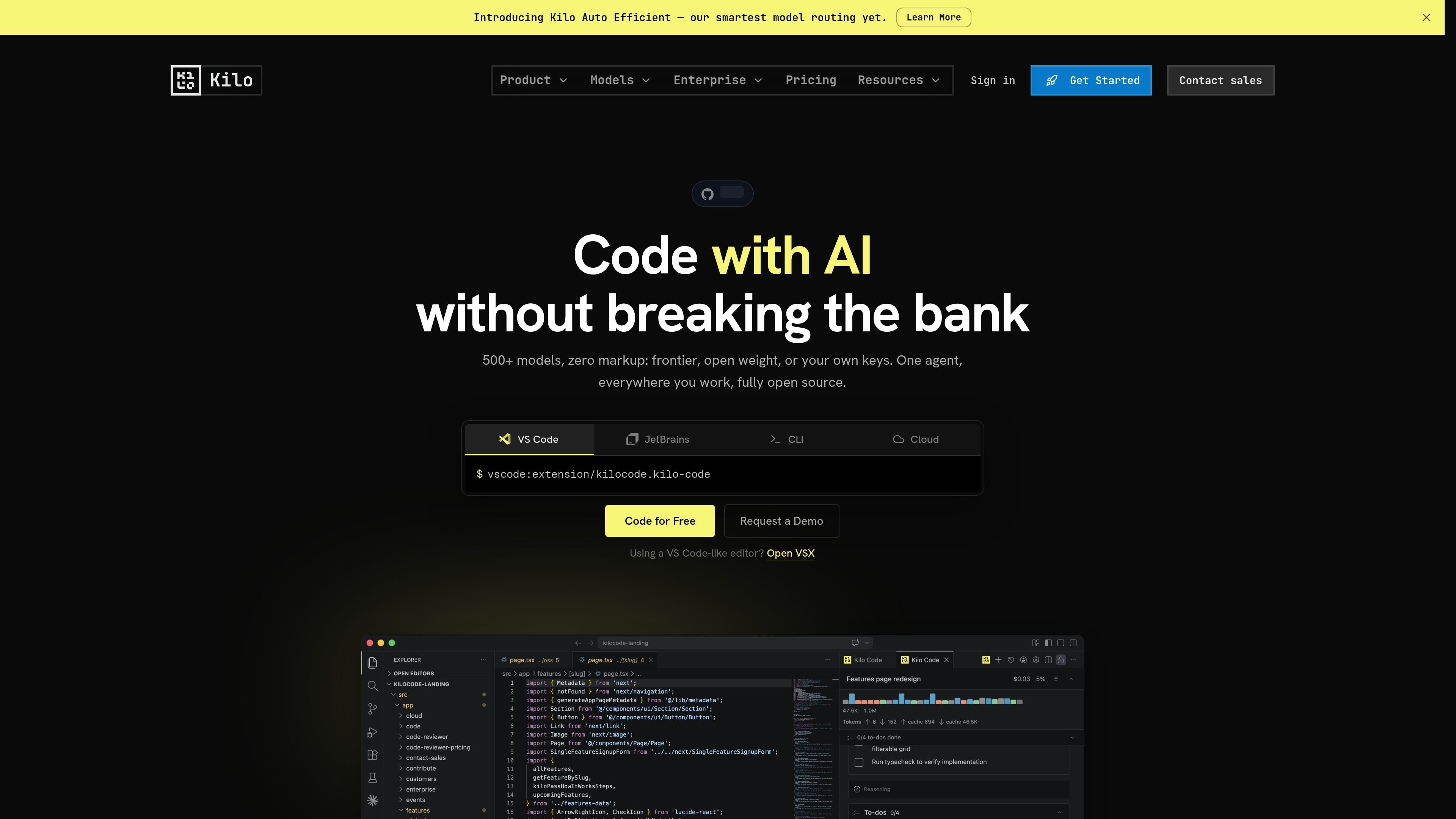
Kilo is an open source AI coding agent built for development workflows across IDEs, the CLI, and cloud agents. The site positions it as a single agent that can follow work across VS Code, JetBrains, command-line sessions, and hosted environments.
Its core purpose is to help developers code, refactor, debug, plan, and review with model choice left open: users can rely on Kilo’s Auto Model routing, bring their own provider keys, or use local models. The product also includes Kilo Gateway for model inference access and KiloClaw for hosted OpenClaw agents that keep working after the IDE closes.
Use the same agent across VS Code, JetBrains, CLI, and cloud workflows so work can move between surfaces without changing tools.
Switch between Code, Architect, Debug, Ask, and Custom modes to match the task, from implementation to planning and troubleshooting.
Let Auto Model route each session to Efficient, Frontier, Balanced, or Free based on task type and cost/capability goals.
Connect to 500+ hosted models and use provider keys from services such as Anthropic, OpenAI, Google, Azure, or AWS Bedrock, or run local models with Ollama or LM Studio.
Use Kilo Gateway as a universal AI inference API for routing LLM requests or powering custom apps with the same provider access model.
Start hosted work in KiloClaw for always-on OpenClaw agents with chat channels, scheduled automations, browser control, and remote execution support.
Use Kilo Code inside an editor to write new code, refactor existing files, and keep the agent working within the project context.
Move into Architect or Debug mode when you need a plan for a larger feature, or when you want help tracing and fixing an error.
Use the CLI or cloud agents when the work should continue outside the IDE, including remote execution and always-on tasks.
Let a hosted KiloClaw agent continue after the IDE closes for chat-based coordination, scheduled automations, or long-running jobs.
Route requests through Kilo Gateway or Auto Model when you want provider access, model routing, or cost control without manually choosing a model each time.
Kilo Code is the open source AI coding agent for IDE, CLI, and cloud workflows. It is designed to help developers write, refactor, debug, and review code across supported environments.
Yes. The site describes a free and open source Kilo Code plan, with AI inference billed separately. It also offers other pricing options such as Kilo Gateway pay-as-you-go, Kilo Pass, Teams, Enterprise, and KiloClaw.
Kilo Code is available for VS Code, JetBrains IDEs, the CLI, and cloud agents. The install page also highlights setup in about 60 seconds for VS Code, JetBrains, and CLI.
Kilo Code uses Auto Model to route requests to different model strategies, including Efficient, Frontier, Balanced, and Free. Users can still choose hosted models, bring their own provider keys, or run local models with Ollama or LM Studio.
The site says Kilo Code is open source and lets users inspect the prompt, context window, and decisions in MIT-licensed source. It also says there is no silent model switching.