
Workspace-wide search
Search across connected workspace knowledge from tools such as Slack, Gmail, Notion, and Jira, and surface messages, documents, meeting transcripts, tickets, and saved web pages in one place.

xdge is an AI workspace assistant for searching, organizing, and reusing company knowledge across tools like Slack, Gmail, Notion, and Jira. It also offers Slack-based assistance, Collections, and meeting capture for teams that want less context switching.
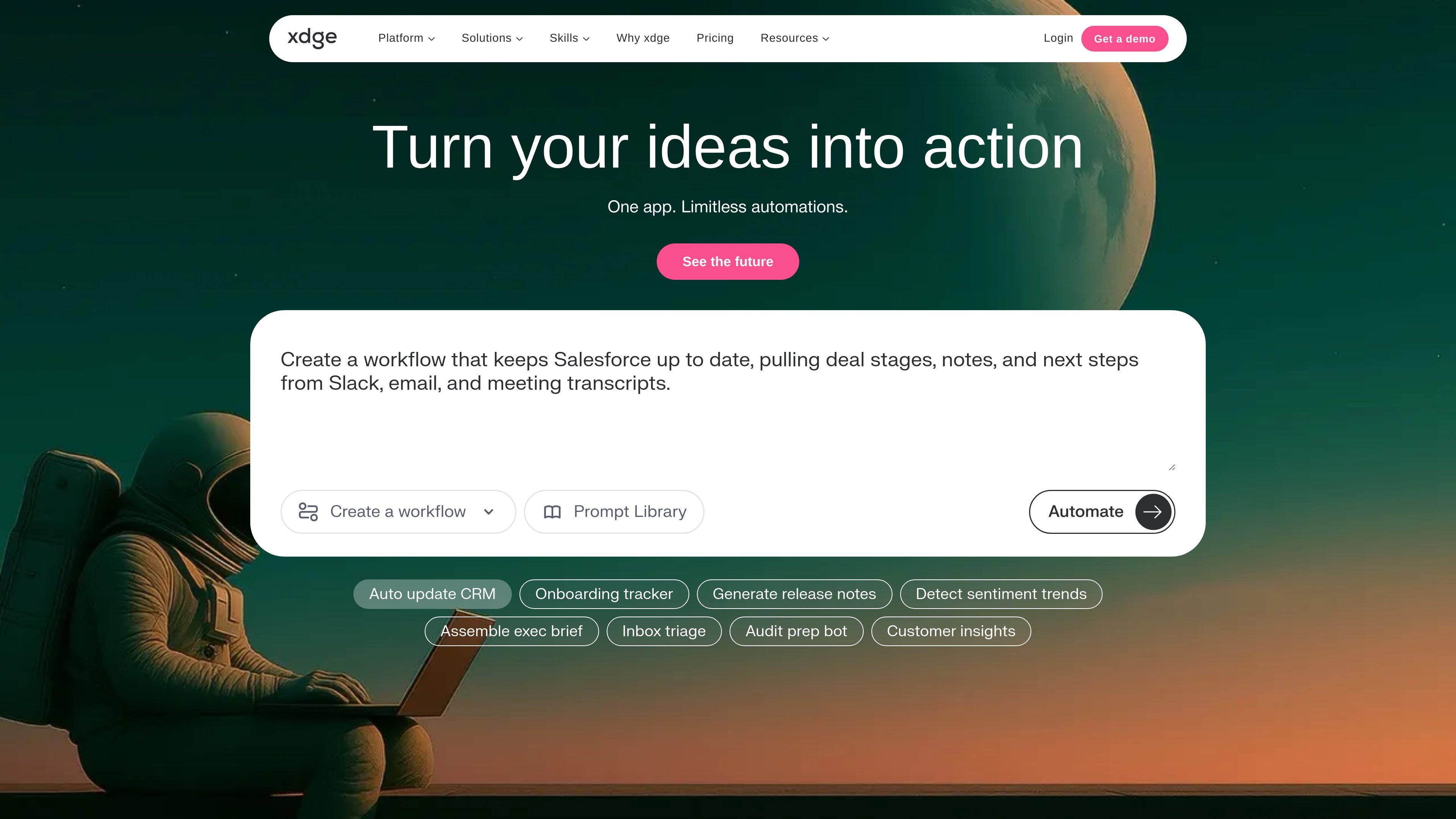
xdge is an AI workspace assistant built to help teams search, organize, and reuse company knowledge without switching between tools. The product site positions it as AI agents for busy work, with search, chat, collections, meetings, workflows, and browser assistance in the same platform.
Its core job is to pull relevant information from across workplace systems such as Slack, Gmail, Notion, and Jira, then turn that information into answers, summaries, collections, and repeatable workflows. The product is aimed at professionals and fast-growth companies that want faster access to context, fewer tab switches, and a shared knowledge layer for the team.
Search across connected workspace knowledge from tools such as Slack, Gmail, Notion, and Jira, and surface messages, documents, meeting transcripts, tickets, and saved web pages in one place.
Combine crawling, cached recent content, and app-native search APIs to support both current projects and older historical content.
Use semantic embeddings and fuzzy keyword search so people can search by intent, approximate phrasing, or typos instead of only exact keywords.
Ask questions and get answers directly inside Slack, with support for thread-level follow-up, updates, and discussion summaries.
Save decisions, key takeaways, research sources, and action items into shareable Collections for team use.
Capture meeting transcripts and AI-generated summaries, key points, and action items from calls on Google Meet, Zoom, Microsoft Teams, or Slack Huddles.
Employees can ask questions in Slack and get answers from across connected tools without leaving the conversation.
Leaders can collect decisions, action items, and source materials into Collections so others can reuse validated knowledge later.
Teams can use meeting transcripts and AI notes to capture key points, summaries, and next steps from calls.
People working across many tabs can search Slack, Gmail, Notion, and Jira from one place instead of checking each system separately.
Admins and employees can narrow which apps are searchable so teams keep relevant sources available without adding unnecessary clutter.
xdge is designed to search across connected workplace tools and surface relevant messages, documents, tickets, and threads in one place. The site highlights Slack, Gmail, Notion, and Jira as part of that workspace knowledge surface.
The site shows a free plan, a Pro plan, and an Enterprise option. Free is listed for individuals and small startups, Pro is for heavier usage, and Enterprise adds custom terms, priority support, a dedicated customer success manager, and custom branding.
xdge presents Slack as a core workflow: users can query knowledge with an @xdge mention, get answers inside threads or channels, and turn discussions into curated Collections.
The Collections feature is meant for building and sharing verified resources, research folders, and playbooks by adding documents, trusted links, files, web pages, or cards.
The site states that xdge is secured by AWS Cloud, SOC 2 Type 2 certified, CASA Tier 2 certified, pen-tested by Halo Security, and SSO-enabled.