
AI Productivity Coach
Analyze employee work patterns, wellness metrics, and productivity data to generate reports with recommendations and burnout-related insights.

Worktivity is AI-powered time tracking and employee monitoring software for teams needing activity visibility, productivity analytics, and payroll workflow support. Free trial; plans from $3.99/user.
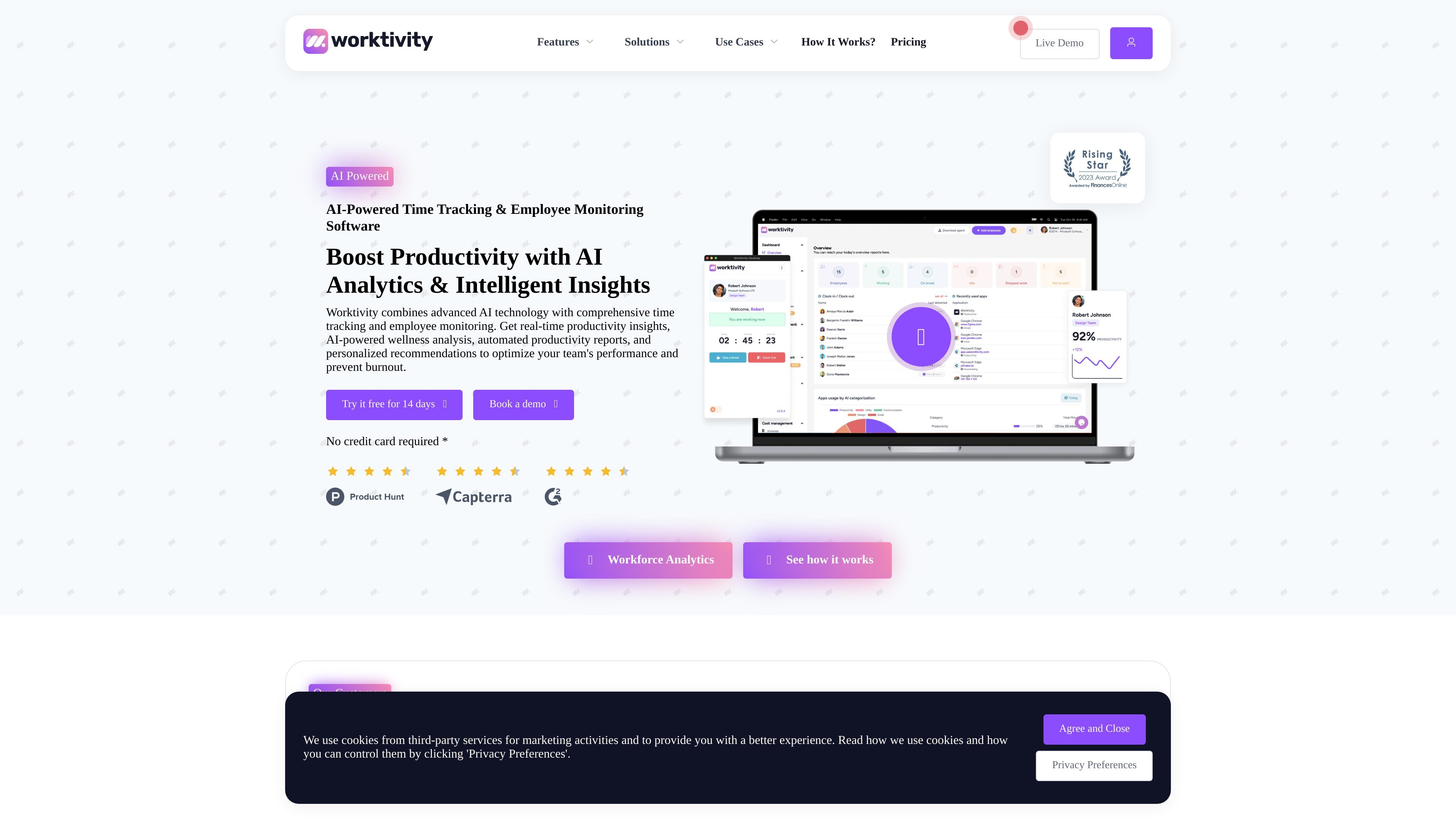
Worktivity is AI-powered time tracking and employee monitoring software for teams that want a single place to record work time, review activity, and turn that data into productivity insights. The product combines time tracking, screenshots, app and website usage review, task tracking, and reporting tools.
Its AI Productivity Coach adds analysis of work patterns, wellness signals, and burnout risk, then surfaces recommendations and executive summaries. The platform is positioned for remote, hybrid, in-office, agency, startup, and service-team workflows, with paid plans, a free trial, and enterprise or on-premise options for larger or more controlled deployments.
Analyze employee work patterns, wellness metrics, and productivity data to generate reports with recommendations and burnout-related insights.
Track work hours, breaks, manual entries, and activity levels while reviewing apps and URLs for productivity context.
Assign tasks, monitor progress, and keep project work organized around shared deadlines and responsibilities.
Capture screenshots and timelapse videos to create a visual record of work progress and activity over time.
Use timesheets, payroll calculator, cost management, and billing tools to support invoicing and compensation workflows.
Export data to XLSX, access an API, and connect Worktivity through integrations, including Zapier and 5,000+ apps.
Track hours, breaks, activity levels, and screenshots for distributed teams that need visibility into day-to-day work without relying on manual status updates.
Use time tracking, task tracking, and app or website usage review to coordinate collaboration across office and remote staff in a hybrid setup.
Combine timesheets, payroll calculation, cost management, and billing features to support invoicing and internal compensation workflows.
Analyze productivity trends, work patterns, and burnout signals to help managers review performance and follow up with targeted coaching.
Use enterprise or on-premise deployment options when a larger organization needs a more controlled rollout than a standard self-serve plan.
The source shows plans with monthly and annual billing, a 14-day free trial, and no credit card required for the trial. Enterprise plans and on-premise deployment are also offered through contact sales.
The site presents Worktivity as a time tracking and employee monitoring platform with AI Productivity Coach, screenshots, timelapse videos, app and website usage review, and payroll and billing tools.
The source says Worktivity includes AI Productivity Coach, wellness and burnout analysis, productivity insights and trends, work pattern analysis, and personalized AI recommendations.
The pricing page states that plans include AI credits for the Productivity Coach, and additional AI credit add-ons can be purchased if needed.
The source indicates Worktivity can be used for remote teams, hybrid teams, in-office teams, agencies, startups, BPO and KPO, CX and contact center operations, and staff augmentation workflows.