
Workflow design and automation
Build repeatable workflows with customizable steps, workflow-specific labels, custom fields, ownership, and automatic forwarding between workflows.

workstreams.ai is a visual task and workflow management tool for teams to organize repeatable work, create tasks where they already communicate, and track progress with workflows, Kanban boards, AI assistance, and time allocation.
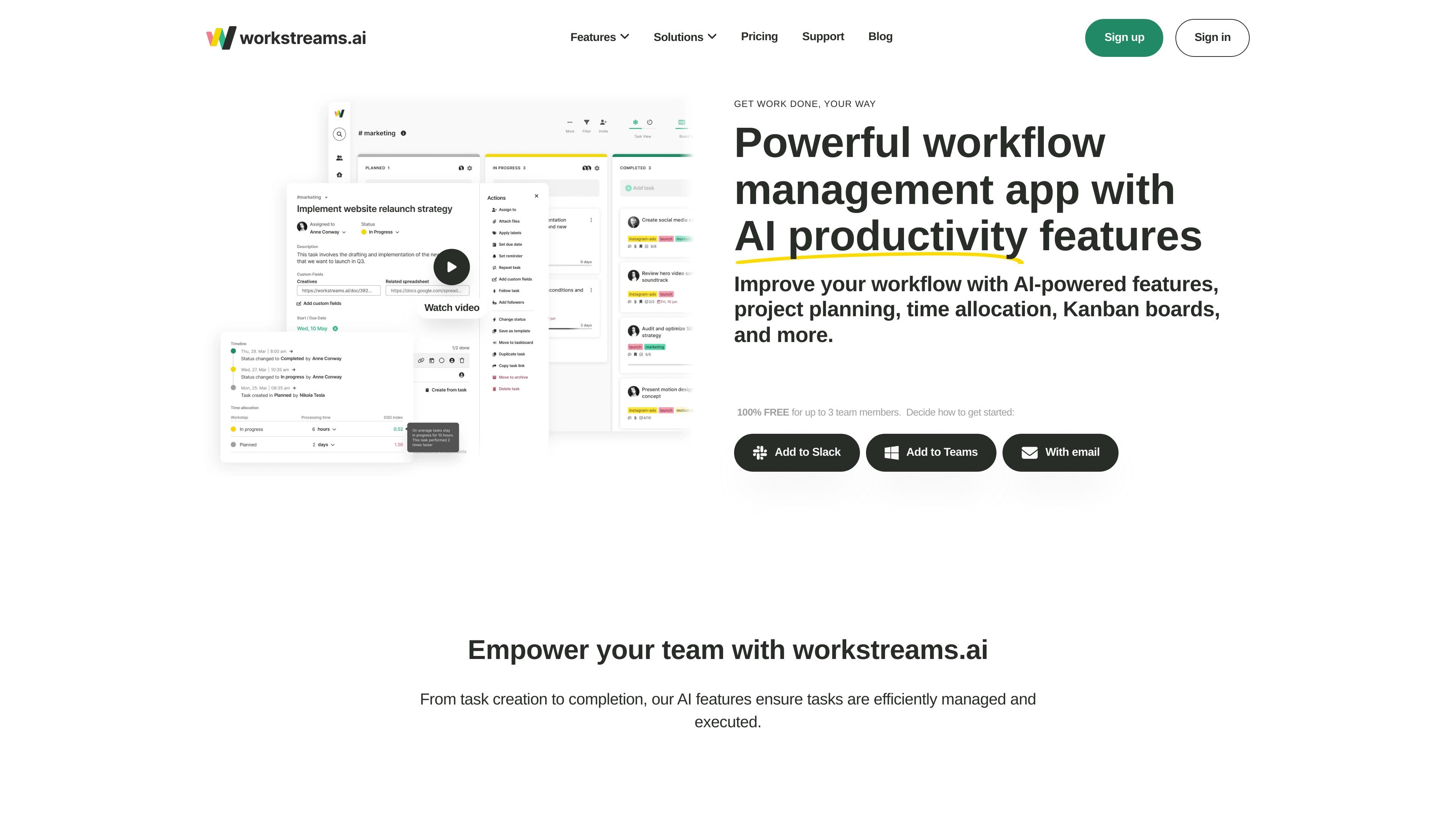
workstreams.ai is a visual task and workflow management tool for teams that need a structured way to create, organize, and move work from one step to the next. The product combines Kanban boards, workflow templates, AI-assisted task writing, and time tracking features in one workspace.
The site positions it as a collaboration layer that fits into Slack, Microsoft Teams, and email-based entry points, so teams can create tasks where they already communicate. It offers a free plan for teams of up to 3 members, with paid Pro and custom Enterprise options for larger or more specialized needs.
Build repeatable workflows with customizable steps, workflow-specific labels, custom fields, ownership, and automatic forwarding between workflows.
Create tasks from prompts, generate task descriptions, turn them into action items, and save prompts as shortcuts for reuse.
Break task descriptions into subtasks to support project planning, delegation, and structured training or onboarding steps.
Track time spent on tasks, compare completion pace, and use the data to spot bottlenecks or refine SLAs.
Work in Kanban boards with notifications, related discussions, filters, task movement, and goal tracking charts where available on higher plans.
Use the built-in calendar to view work by month, week, or day and flag completed or overdue tasks clearly.
Create structured process flows for recurring work, then adapt the steps, labels, and ownership rules to match how the team actually operates.
Use workflow templates and AI task descriptions to plan campaigns, break work into action items, and keep creative and reporting tasks organized.
Route applicant, onboarding, and retention tasks through repeatable steps so HR work stays organized and handoffs are clearer.
Track customer requests, feedback, bug reports, and feature releases in a shared workflow so support and product teams can follow progress.
Work inside Slack or Microsoft Teams channels to create tasks without leaving the conversation, keeping discussion and execution in the same place.
The source indicates that workstreams.ai can be added through Slack, Microsoft Teams, or email. The pricing page also includes a free plan and a Pro trial, but it does not provide a detailed setup checklist.
The product is designed for team workflows: workflows can assign ownership at the workflow or step level, and the pricing page states that the Free plan allows up to 3 team members.
workstreams.ai combines Kanban taskboards, workflows, AI task descriptions, subtask generation, time allocation, calendars, and automation for repeating and forwarded tasks.
The source supports Slack, Microsoft Teams, and email entry points. It does not clearly document a broader native integration catalog or export ecosystem on the pages provided.
The pricing page says the Free plan is available for teams of 3 members or less, while Pro adds unlimited workflows, tasks, automations, and additional management features.