
Upload a source product image
Upload a product photo to start the process. The homepage says a quick phone snapshot is acceptable, provided the image is under 5 MB.

Wordlab is a web app for creating eCommerce product photos from a source image and prompt text—styled visuals without a studio shoot.
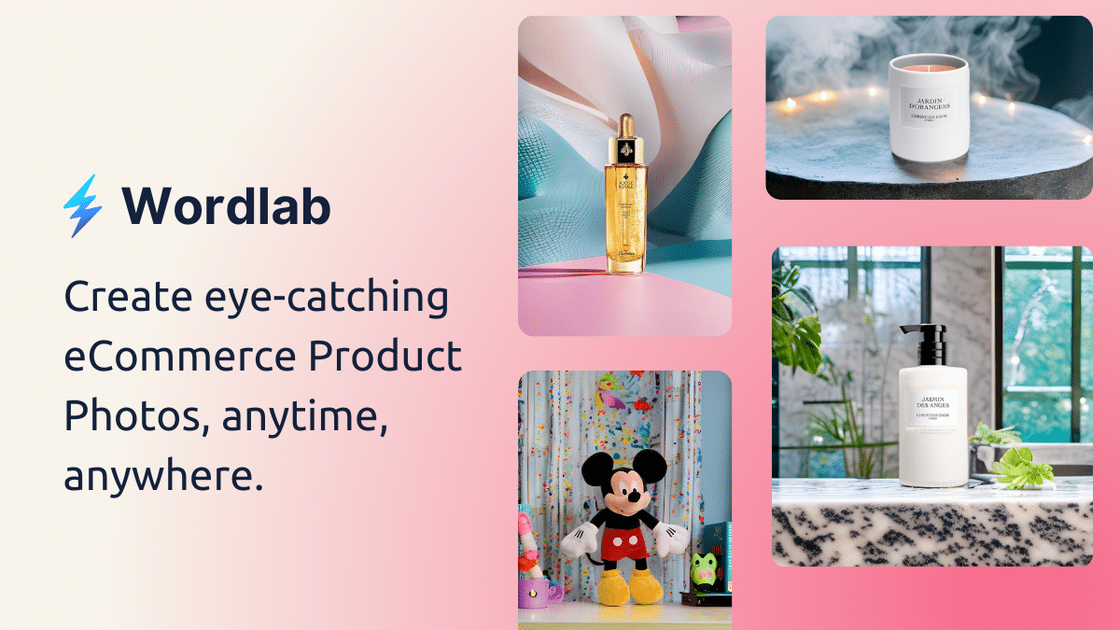
Wordlab is a web-based tool for creating eCommerce product photos from a source image and a text prompt. The homepage positions it as a way to produce studio-quality product photos without the cost and wait of traditional studio shoots, and the about page describes it as a simple app that guides users through the process.
The workflow shown on the site starts with uploading a default product photo, then adding prompt text or selecting a prompt template, and finally generating up to four results. The site also notes that you can try it for free and that new users receive 10 credits every month at no cost.
Upload a product photo to start the process. The homepage says a quick phone snapshot is acceptable, provided the image is under 5 MB.
Type your own scene description or choose from curated prompt templates to set the background and styling direction.
Generate up to four visual results from one input, then browse the options and download the ones you want.
Remove the original background in one click to isolate the product for cleaner eCommerce presentation.
Change the product background color to a chosen color for different listing or creative needs.
Access free background tools for multiple colors, including beige, black, blue, brown, cream, cyan, gray, green, neon blue, orange, pink, purple, red, silver, teal, turquoise, white, and yellow.
Useful for sellers who need product images with a cleaner or more styled backdrop but do not want to arrange a studio shoot.
Helpful when a user has only a quick phone snapshot and wants to turn it into a more polished image for an online shop.
Fits workflows where the team wants to test different visual directions by writing prompts or using preset templates before choosing the final image.
Useful for producing cleaner cutouts or changing background color when a product needs a more consistent presentation across channels.
Relevant for users who want to experiment with different looks at low friction, using the free monthly credits and background tools before committing to broader use.
You upload a product photo, add prompt text or choose a prompt template, then generate up to four results. The interface is described as simple and the first iterations are generated in under a minute.
The homepage says you can upload a default product photo from a phone as long as it is under 5 MB. The tool then uses that image as the starting point for generation.
The site says you can type your own prompt text or select from curated prompt templates.
The homepage says each generation can produce up to 4 visually stunning results.
The tools page shows free background tools and the homepage says you receive 10 credits every month at no cost, but no full pricing plans are published on the pricing URL because it returns a not found page.