Vueform logo

Vueform

Reclamar

Vueform is an open-source form framework for Vue.js 3 to build, validate, and process forms with built-in elements, conditional logic, multi-step workflows, and multilingual support.

Vueform preview

What Vueform is

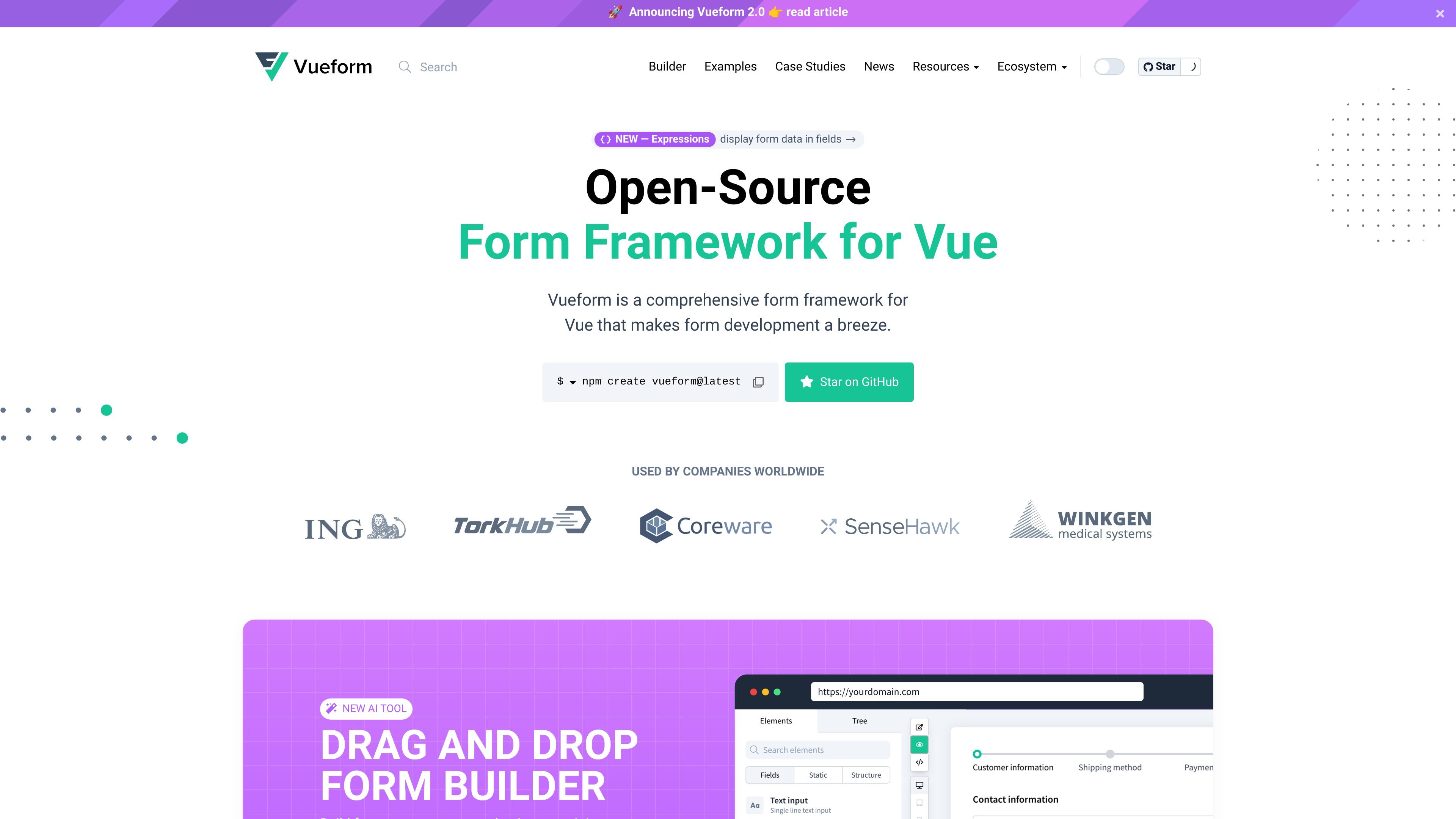
Vueform is an open-source form framework for Vue.js 3 that focuses on building, validating, and processing forms from a standardized schema. The homepage positions it as a comprehensive framework that takes care of rendering, validation, and data handling in one system.

It is designed for both developers building forms directly and teams building dynamic form tools. The site highlights a drag-and-drop builder, JSON-backed forms, and a set of docs that cover installation, conditional rendering, steps, validation, events, styles, and internationalization.

Core capabilities

Prebuilt form elements

Vueform includes a broad set of ready-made elements such as file uploads, date pickers, tags, sliders, phone inputs, checkboxes, lists, objects, and multifile uploads. The homepage shows these as built-in components rather than add-ons you need to source elsewhere.

Validation rules and custom checks

The docs describe more than 50 built-in validation rules, with support for custom rules, async checks, conditional validation, and rules that can watch other field values. This keeps validation close to the form schema instead of pushing it into separate code.

Data-driven conditional logic

Conditional rendering works at the element and form-step level, with support for simple comparisons, arrays, nested paths, list paths, expressions, and functional conditions. The product also notes that hidden elements are excluded from submitted request data.

Multi-step form workflows

Vueform supports breaking long forms into steps with `FormSteps`, `FormStep`, and `FormStepsControls`. The docs present this as a way to structure longer flows into smaller parts for users.

JSON schema storage and rendering

Forms, elements, validation rules, and steps can be stored as JSON and rendered back from JSON. The homepage says this can be used to build dynamic forms and even a form builder tool.

Internationalized form content

The site highlights i18n support and says Vueform is available in 19 languages. It also supports translatable input fields that produce multiple outputs for multilingual content.

Practical use cases

  • Build feature-rich forms quickly

    Use Vueform when you need to assemble standard input-heavy forms with built-in fields like file uploads, date pickers, tags, sliders, and phone inputs without hunting for separate components.

  • Create conditional application flows

    Use the framework for forms that branch based on prior answers, including nested fields, list-based conditions, and step-level visibility rules that hide irrelevant questions and exclude hidden data from submission.

  • Split long forms into steps

    Use Vueform for longer registration, onboarding, or survey experiences where a wizard layout is easier for users than a single long page of fields.

  • Store and generate forms from data

    Use the JSON-based schema support when form definitions need to be stored in a database, generated dynamically, or reused to power a custom form builder.

  • Localize form content

    Use the multilingual fields and 19-language support for forms that need to present or collect content in multiple languages.

Pros and Cons

Pros

  • Combines form rendering, validation, and processing in one framework.
  • Offers a wide range of built-in elements, reducing the need to assemble common inputs from separate packages.
  • Supports conditional forms, nested data, and multi-step flows for more complex workflows.
  • Can store form definitions as JSON, which is useful for database-backed forms and builder-style tools.
  • Includes multilingual support and translatable fields for internationalized content.

Cons

  • The pricing page returns 404, so pricing and plan structure are not verified from the provided source.
  • The documentation is centered on Vue.js 3 and Vue-based environments, so it is not presented as a cross-framework form library.

FAQ

How do you install Vueform?

Yes. The installation docs say Vueform can be added with `npm create vueform@latest`, `yarn create vueform`, `pnpm create vueform`, or `bun create vueform`. The setup flow can install Vueform into Vite, Nuxt, Astro, or Laravel environments.

What framework does Vueform target?

Vueform is built for Vue.js 3, and the installation docs describe it as a form builder for Vue.js 3 projects. The docs also mention a manual installation path for existing Vue.js environments.

What kinds of forms can Vueform handle?

The docs cover rendering forms, styles and layout, data handling, validation, conditional rendering, events, form steps, and i18n. The homepage also shows element types such as text, select, checkbox, date, tags, slider, phone, list, object, and multifile inputs.

Does Vueform support conditional logic?

Vueform supports conditional rendering through element conditions, including nested paths, list references, functional conditions, and conditions on form steps. When a condition fails, the element is hidden and its data is excluded from request data.

Does Vueform support multilingual or JSON-based workflows?

The source says Vueform supports 19 languages for translated content, and that form content can be stored as JSON and rendered from JSON. That makes it suitable for multilingual forms and database-backed form builders.

Quick Facts

Category
Developer Tool
Platform
Vue.js 3
Source domain
vueform.com
Primary use
Build, validate, and process forms
Notable workflows
JSON forms, conditional rendering, multi-step forms, i18n
Pricing
Unverified; pricing page returns 404