
Autocomplete
Use tab completion to apply autocomplete while coding, with support for FIM models.
Void is an open source AI IDE based on VS Code, with autocomplete, chat, agent workflows, and direct local or hosted model connections.
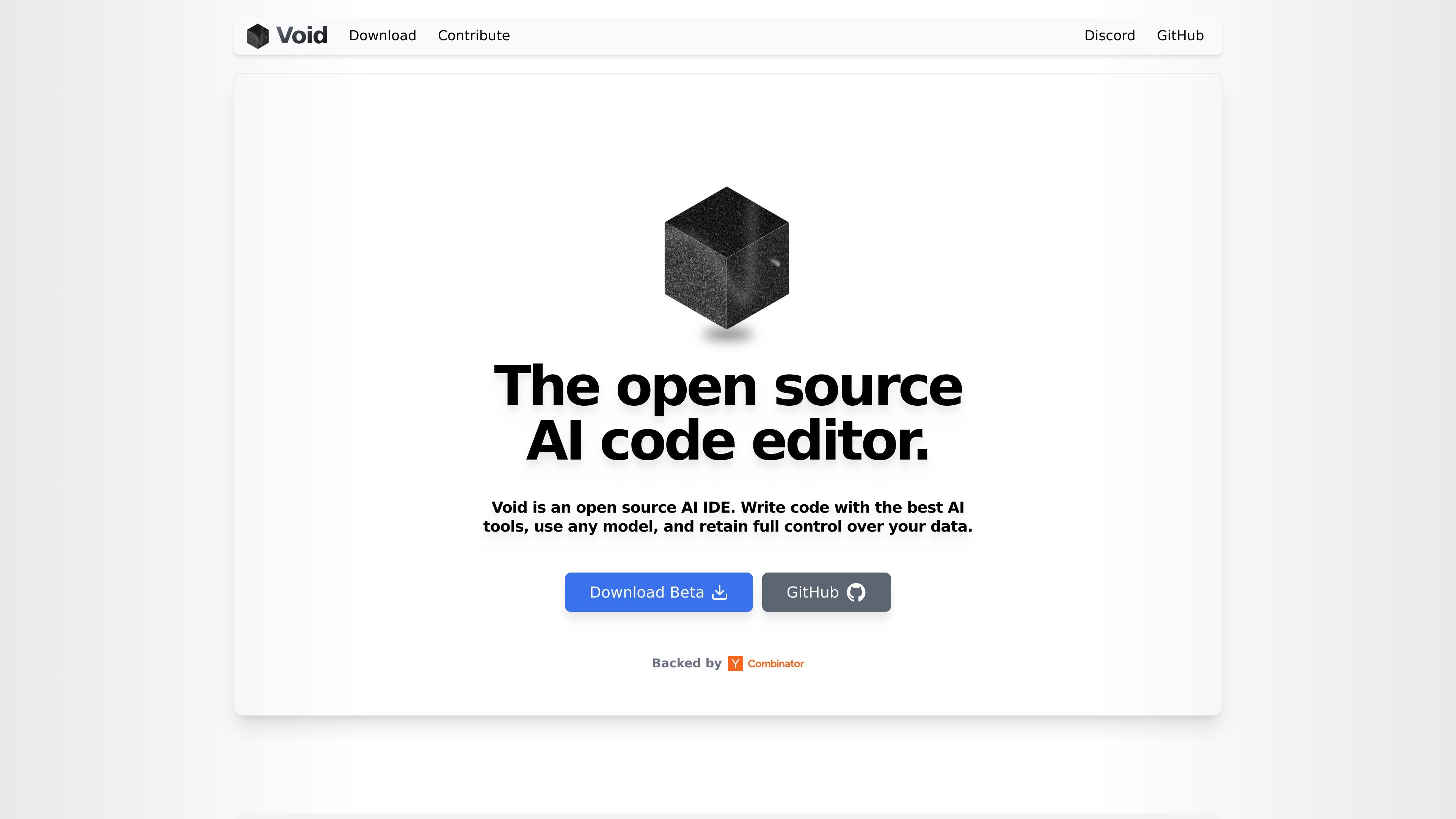
Void is an open source AI IDE built on the VS Code codebase. It is designed for developers who want AI-assisted coding features while keeping control over their editor setup and model connections.
The product combines autocomplete, quick edits, chat, gather mode, and agent mode in one editor. The homepage says users can connect to any model provider or host open source models locally, including DeepSeek, Llama, Gemini, and Qwen.
Use tab completion to apply autocomplete while coding, with support for FIM models.
Edit a selected code region inline for small, targeted changes.
Switch between Chat, Gather, and Agent modes depending on whether you want suggestions, file-scoped edits, or terminal and file control.
Void is a fork of VS Code and can transfer themes, keybinds, and settings in one click.
Connect directly to frontier providers or run local open source models without sending requests through a private backend.
The changelog shows support for checkpoints, lint error detection, Fast Apply, MCP, and terminal tools in Agent mode.
Developers can use autocomplete and quick edit to move from small code suggestions to inline changes without leaving the editor.
For larger tasks, Agent mode can control the terminal, read and write files, search the codebase, and work with background terminals.
Teams or solo users migrating from VS Code can bring across themes, keybinds, and settings with one click.
Users who want to avoid a private AI backend can connect directly to providers or run local open source models on their own infrastructure.
Void's support for checkpoints and lint error detection helps users review and recover from edits while iterating on code.
Void is an open source AI IDE that runs on the VS Code codebase and supports chat, agent, gather, autocomplete, quick edit, and model selection in one editor.
The homepage says Void lets you connect directly to model providers and also host open source models locally, including DeepSeek, Llama, Gemini, and Qwen.
Void includes support for Windows and macOS downloads on the beta page, and the changelog notes that Void now runs on Linux as well.
The pricing page currently returns a 404, so the available sources do not confirm pricing or plan structure.