
AI-assisted starting points
Create wireframes from text prompts, screenshots, diagrams, templates, or a mix of inputs, then refine them directly on the canvas.

Visily is an AI-powered UI design tool for wireframes, mockups, diagrams, and prototypes—built for non-designers and starting from text, screenshots, templates, or diagrams.
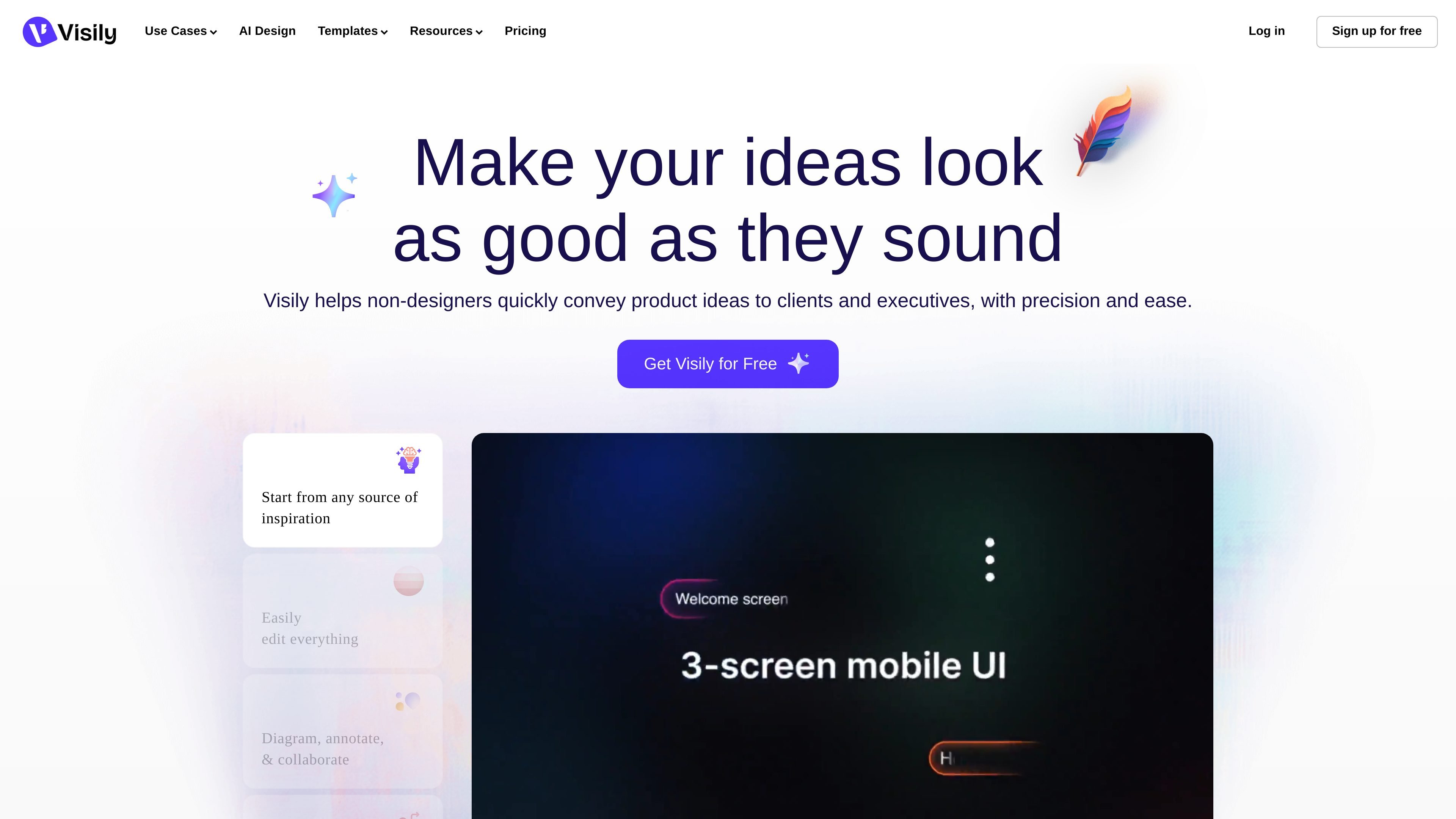
Visily is an AI-powered UI design tool for creating wireframes, mockups, diagrams, and prototypes. The site presents it as software that people without formal design training can use to move from an idea to a polished UI concept quickly.
Users can start from text prompts, screenshots, templates, diagrams, or a blank canvas, then edit the result directly. Visily also positions collaboration as part of the workflow, with commenting, shared libraries, and other team features that help groups review and refine product ideas together.
Create wireframes from text prompts, screenshots, diagrams, templates, or a mix of inputs, then refine them directly on the canvas.
Use drag-and-drop editing and easy canvas controls to adjust layouts, components, and content without a steep learning curve.
Generate hi-fidelity wireframes, mockups, and prototypes, including support for interactive prototyping and theme settings.
Work with teammates through commenting, real-time co-designing, follower mode, and shared asset libraries.
Import and export between Visily and Figma, and export designs to code or common file formats such as JPG, PNG, and PDF.
Use templates, smart components, diagramming tools, and a browser extension that can capture website screenshots for design work.
Turn a written idea, rough outline, or meeting note into a visual wireframe that can be reviewed quickly by teammates or stakeholders.
Use screenshots, templates, or diagrams as a starting point when you need to communicate an interface idea without building it from scratch.
Build higher-fidelity prototypes for client or executive review, then refine the design directly on the canvas before handoff.
Collaborate on product flows and screen sequences with comments, shared libraries, and real-time co-designing during team reviews.
Capture inspiration from existing Chrome pages with the browser extension and incorporate it into a design workflow.
Visily is designed for people who want to create wireframes, mockups, diagrams, and prototypes without needing traditional design experience. The site positions it for non-designers, product managers, startup teams, and cross-functional teams that need to communicate ideas visually.
The homepage says Visily can generate wireframes from text descriptions, convert diagrams into UI screens, and let users edit designs with AI chat. It also supports starting from screenshots, templates, or a combination of inputs.
The site says Visily supports wireframing for both mobile and web platforms. It is used to create high-fidelity wireframes and prototypes, plus flowcharts and diagrams.
Visily includes collaboration features such as commenting, real-time co-designing, follower mode, shared asset libraries, and guest access on some plans. Publicly shared projects and boards can be viewed without an account.
The pricing page indicates a free Starter plan and paid Pro and Business plans, with enterprise availability described as still being designed. The Starter plan covers basic functionality, while paid plans add more AI credits and collaboration or security features.