
Multi-platform video downloads
Paste a YouTube, TikTok, Instagram, Twitter/X, Vimeo, Reddit, Facebook, Dailymotion, Twitch, SoundCloud, or Bilibili link and choose what to save without switching tools.

VidPickr is a browser-based video downloader for YouTube and major platforms. Save high-res video, audio, subtitles, clips, and playlists—no account needed.
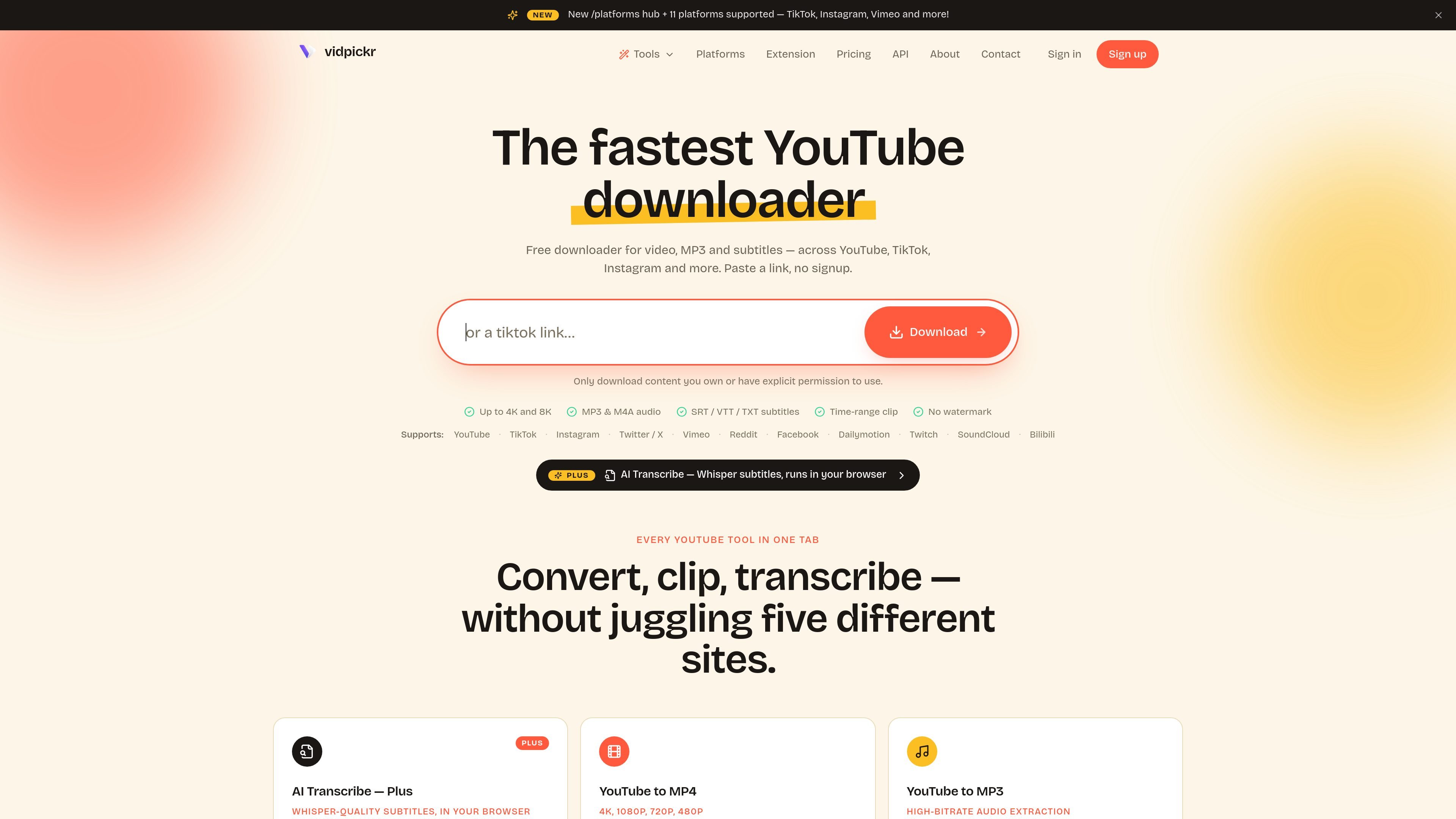
VidPickr is a browser-based downloader for YouTube and several other video platforms. It lets you paste a link and save video files, audio tracks, subtitles, or a clipped segment without creating an account.
The site positions the product as a no-signup tool with browser-side processing. It supports downloads up to 4K and 8K where available, audio export to MP3 or M4A, subtitle formats including SRT, VTT, and TXT, and playlist or channel batch downloads from YouTube.
Paste a YouTube, TikTok, Instagram, Twitter/X, Vimeo, Reddit, Facebook, Dailymotion, Twitch, SoundCloud, or Bilibili link and choose what to save without switching tools.
Save source-quality video at available resolutions up to 4K and 8K, with separate output options for MP4 and audio extraction.
Extract audio as MP3 or M4A, with the site noting MP3 output at 192 kbps and original AAC as M4A.
Download subtitles and transcripts in SRT, VTT, or TXT, including manual captions and auto-generated tracks when YouTube provides them.
Set start and end timestamps to trim a segment before the file is written to disk, instead of downloading the full source first.
For videos with multiple audio tracks, choose the language to keep before merging the final file.
Save a YouTube video in the highest available resolution when you need the full file for offline viewing or editing reference.
Pull only the soundtrack from a lecture, podcast, or music video and export it as MP3 or M4A for listening or editing.
Download captions as SRT, VTT, or TXT for editing, web playback, research notes, or language study.
Trim a highlight, excerpt, or short segment before download so you only save the part you plan to reuse.
Save an entire YouTube playlist or channel into a folder when you need to batch collect multiple videos.
Yes. The site says free downloads work without registration, and the pricing page says the free tier covers single-video downloads, subtitles, and other core download features.
VidPickr supports downloading subtitles in SRT, VTT, or TXT. The subtitle page says manual and auto-generated caption tracks can be downloaded when they are available on the video.
The pricing page says Plus adds AI Transcribe, clip extraction, silence removal, reframe tools, batch playlist and channel downloads up to 200 videos with 3 in parallel, multi-language audio downloads, and API access.
The site says public videos and unlisted videos accessible by URL are supported for subtitle download. It does not claim support for private videos.
The site says downloads are handled in the browser and that no signup is required. It also says the free tier has ads and a brief wait gate between downloads, while Plus removes those.
Los datos de tráfico son solo como referencia.
| abr | 361 |
|---|---|
| may | 2019 |
| jun | 3411 |