
One-click prompt enhancement
Refines a user’s prompt in one step, turning messy input into a clearer prompt before it is sent to the AI tool.

Velocity is a prompt optimizer for AI chat workflows, as a browser extension and web app. Refine prompts for ChatGPT, Claude, and Gemini, with Enterprise team governance.
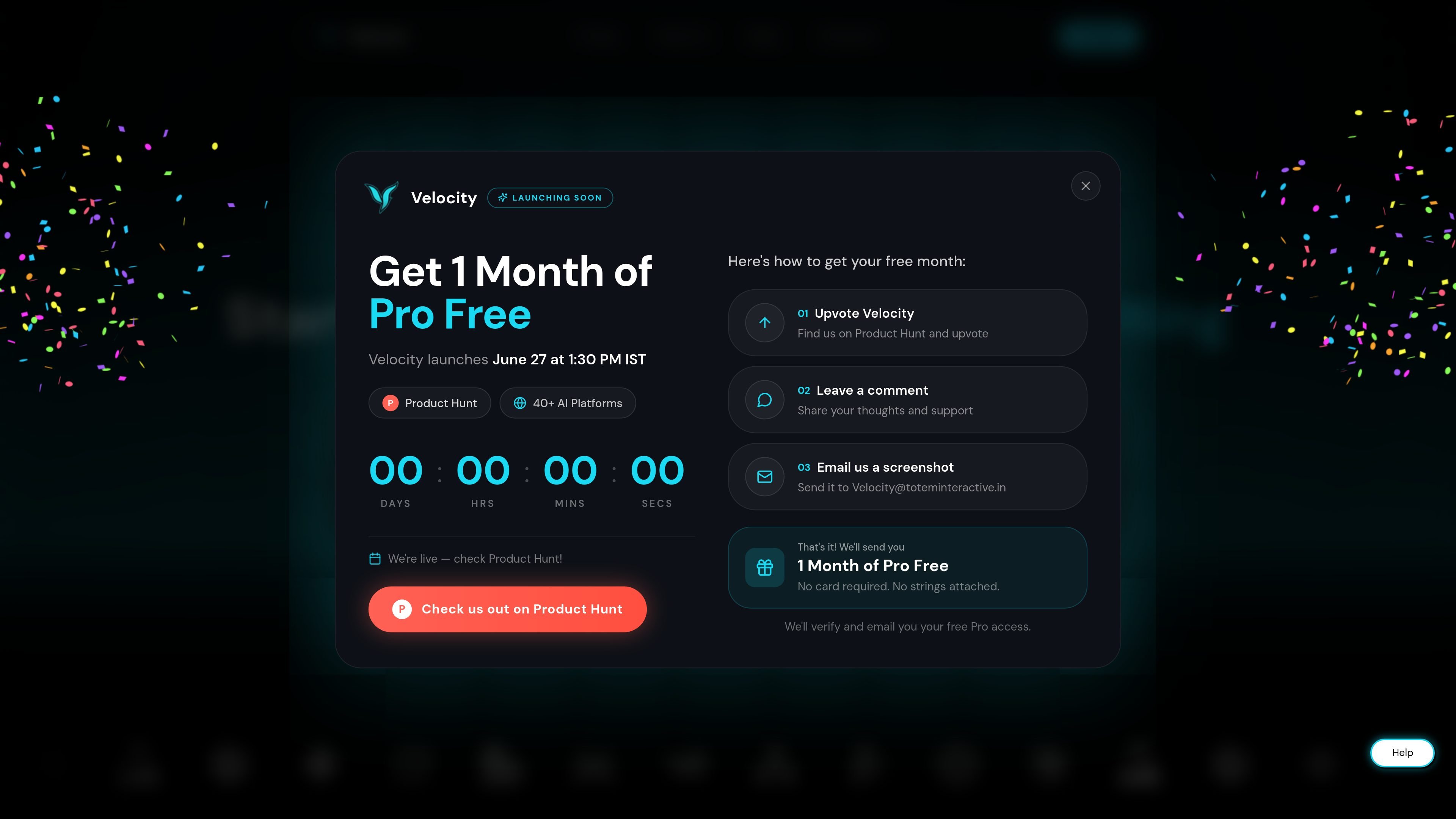
Velocity is a prompt optimization tool for people who use AI chat products regularly and want better results from the same workflow. It positions itself as a co-pilot that improves messy prompts in one click rather than replacing the tools users already rely on.
The product is available through a browser extension and a web app, with support messages that reference ChatGPT, Claude, Gemini, Lovable, Bolt, and 38+ AI tools. The pricing page adds a free plan and paid Pro and Enterprise options, while the enterprise page frames the product as a governance and observability layer for team use.
Refines a user’s prompt in one step, turning messy input into a clearer prompt before it is sent to the AI tool.
Works from the browser and is presented as fitting inside ChatGPT, Claude, Gemini, and other AI tools already in use.
Offers a web app path so the same prompt-improvement workflow can be used on web and mobile.
Includes multiple operating modes on paid plans, including Quick, Best, Build, Research, and Media, so users can choose the level of assistance they need.
Stores memory and personalization settings, with 5 memory slots on the free plan and unlimited memory on Pro.
Adds team-focused controls on Enterprise, including behavior control, output guardrails, usage visibility, context layering, and audit logs.
Type a rough prompt the way you would naturally ask a question, then enhance it before sending it to ChatGPT, Claude, Gemini, or another supported tool.
Use the browser extension to keep Velocity inside the AI tools you already use, instead of switching to a separate drafting workflow.
Choose a paid mode such as Best, Build, Research, or Media when the task needs more structured prompting than the quick default flow.
Save prompt preferences and recurring context in memory slots so repeated work does not start from scratch each time.
Deploy the enterprise version when a team needs governance, usage visibility, and policy controls around AI prompting.
Velocity is designed to fit into existing AI workflows. The home page says it appears inside tools such as ChatGPT, Claude, and Gemini after you add the browser extension, and the pricing page also points to a web app for AI tools.
The enterprise page describes Velocity as an AI observability and governance platform for teams. It can optimize prompts, enforce policies, track usage, and provide audit logs for team deployment.
The product pages support use with ChatGPT, Claude, and Gemini, and the home page also mentions 38+ AI tools. The enterprise page describes it as model-agnostic and says it works with major providers including OpenAI, Anthropic Claude, Google Gemini, and custom LLM deployments.
The pricing page lists a free plan with 3 daily prompt enhancements, 5 memory slots, Quick mode, and Basic Refine & Analyze. The Pro plan adds unlimited enhancements, more modes, unlimited personalisation, and a prompt library.
The source does not give a hard technical limit on prompt length or file support. It does show that Velocity focuses on prompt enhancement, memory, context, and workflow support rather than generating finished outputs on its own.