
Interactive prototype logic
Build prototypes with real interactions, states, variables, expressions, and conditional logic so screens behave more like working products.

UXPin is a UI design and prototyping tool for teams that want code-backed components, realistic interactions, and design-to-development handoff in one workflow. It supports built-in React libraries, AI-assisted layout creation, and export paths for production-ready code.
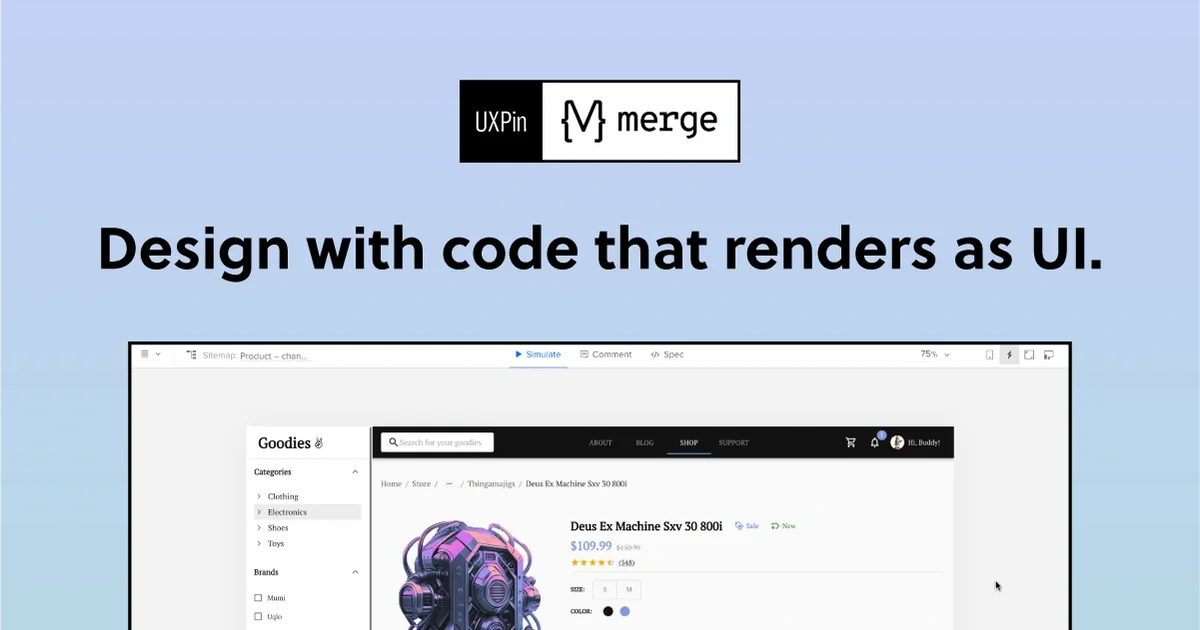
UXPin is a UI design and prototyping tool built around code-backed components rather than static mockups. It lets teams assemble interfaces from coded libraries or their own synced components, then add interactions, states, logic, and variables so the prototype behaves more like the final product.
The product is aimed at designers, product teams, and developers who need realistic prototypes, clearer handoff, and reusable design system workflows. The site also emphasizes AI-assisted layout generation, production-ready React or JSX export, and enterprise support for connected component libraries and Git-based design systems.
Build prototypes with real interactions, states, variables, expressions, and conditional logic so screens behave more like working products.
Start from built-in coded libraries such as MUI, Bootstrap, Tailwind UI, Ant Design, or synced components from your own Git repository.
Use the AI Component Creator to generate code-backed layouts from prompts, with support for OpenAI or Claude models shown on the site.
Copy production-ready React code and specs, open the result in an online dev environment, or export it into your project.
Work from templates and examples for common interfaces and patterns, including dashboards, forms, pricing pages, and onboarding flows.
For enterprise setups, connect custom libraries, Storybook, and Git workflows to keep designs aligned with production components.
Design teams can build high-fidelity prototypes that include interactions, states, and logic, making it easier to validate flow and behavior before development starts.
Teams with established design systems can reuse coded components, sync libraries from Git, and keep design and implementation aligned.
Product teams can use templates and example projects to jump-start common interfaces such as dashboards, forms, pricing pages, and onboarding screens.
Enterprise teams can connect Storybook or Git-based component libraries and use dedicated support workflows to keep larger design-to-code systems organized.
Developers and technical designers can export production-ready React code or JSX to move from prototype to implementation with less manual rebuilding.
Yes. UXPin supports prototypes with real interactions, states, conditional flows, variables, and dynamic content, so it can model behavior beyond static screens.
Yes. The site describes UXPin as suitable for high-fidelity product design, including complex interfaces and production-level detail.
Yes. The pricing page states that all plans start with a 14-day free trial, and the Free plan remains available after the trial ends.
UXPin supports code-backed workflows with built-in React libraries, design systems, Storybook integration, Git integration on Enterprise, and exports production-ready React code or JSX depending on the workflow shown on the site.
The pricing page says paid plans include Core, Growth, and Enterprise tiers. Core and Growth have fixed monthly prices, while Enterprise uses custom pricing and direct sales contact.