
Homescreen AI access
Use ChatGPT from the homescreen for quick answers without opening a separate app.
Twine AI Launcher is an Android launcher with AI assistant access, bringing ChatGPT-style help to your homescreen for quick answers, notes, tasks, reminders, and people memory.
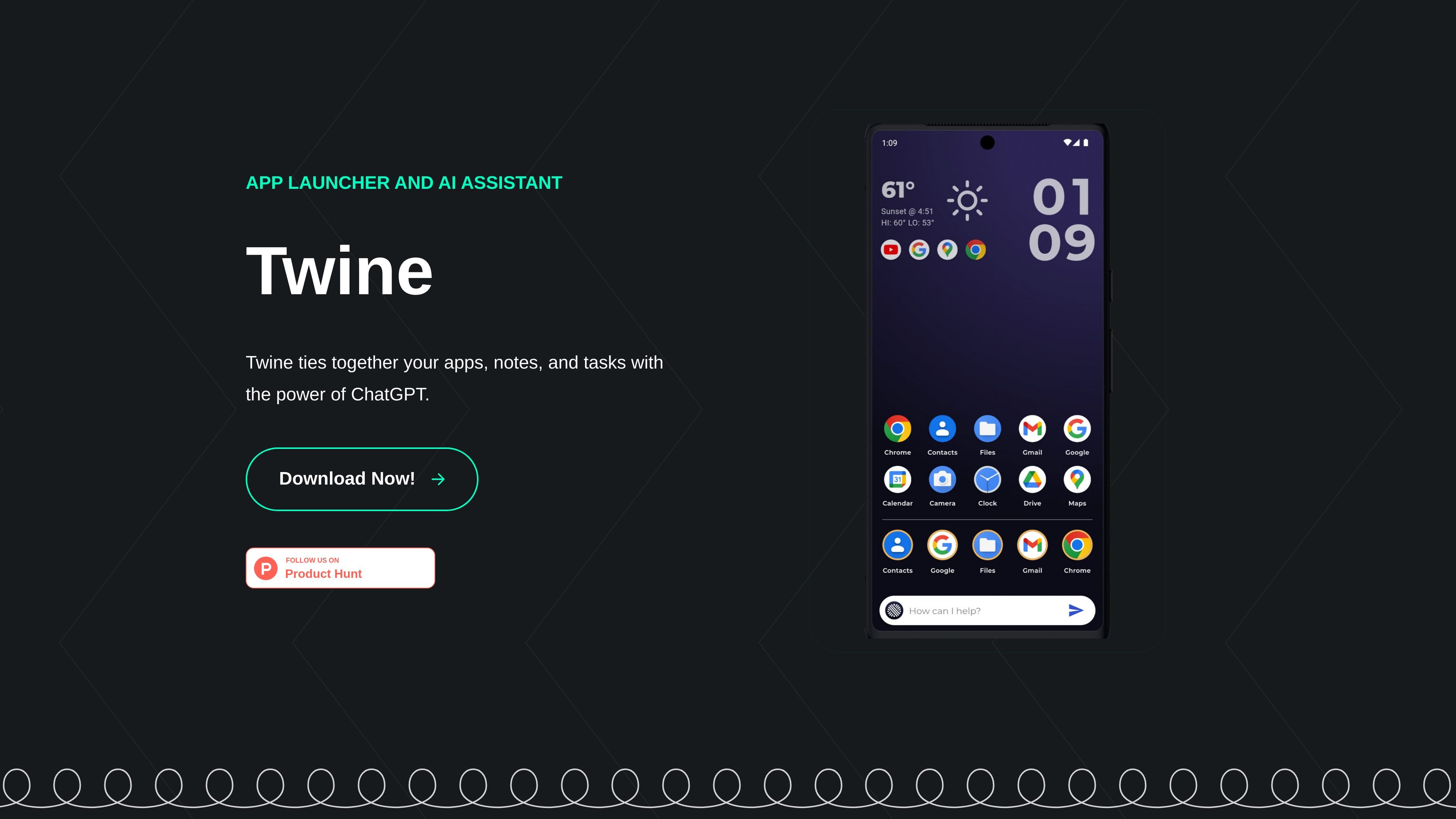
Twine AI Launcher is an Android app launcher that also acts as an AI assistant. The homepage describes it as a way to bring ChatGPT to your homescreen and tie together apps, notes, and tasks in one place.
Its stated purpose is to reduce switching between apps for common everyday actions. From the homepage copy, Twine supports quick answers, note and task creation, reminders, and people-related memory that can help with composing emails or texts.
Use ChatGPT from the homescreen for quick answers without opening a separate app.
Ask for practical help such as weather checks or timers, according to the homepage examples.
Create notes, tasks, and reminders with the AI assistant so you can capture items from the launcher.
Store information about people and reuse it when composing emails or texts based on your notes or tasks.
Tie together apps, notes, and tasks in one launcher interface focused on everyday actions.
Open Twine from the homescreen when you want a quick answer, a weather check, or a timer without navigating to another assistant app.
Capture tasks, reminders, or notes as soon as they come up so they stay tied to the launcher workflow.
Save context about people and use it later when drafting emails or texts from your notes or tasks.
Use a launcher-style interface to keep apps, notes, and tasks in the same place rather than switching among separate tools.
Twine is described as an Android app launcher and AI assistant that lives on the homescreen. The homepage does not show a separate setup guide, so the site only supports that it is downloaded and used from an Android device.
The homepage says Twine can provide quick answers through ChatGPT, create notes and tasks, and remember people-related information from your notes or tasks.
The source only mentions Android and does not provide iOS, desktop, or web support details.
No pricing details are available on the linked pricing page because it returns a page-not-found message. The site does not confirm free or paid plans.