
Text prompt tattoo generation
Enter a tattoo idea in a prompt field and describe the concept in as much detail as you want. The product positions this as the core input for generating designs.

TattoosAI is an AI tattoo generator that turns prompts into tattoo designs in seconds, with many styles and monthly or annual plans.
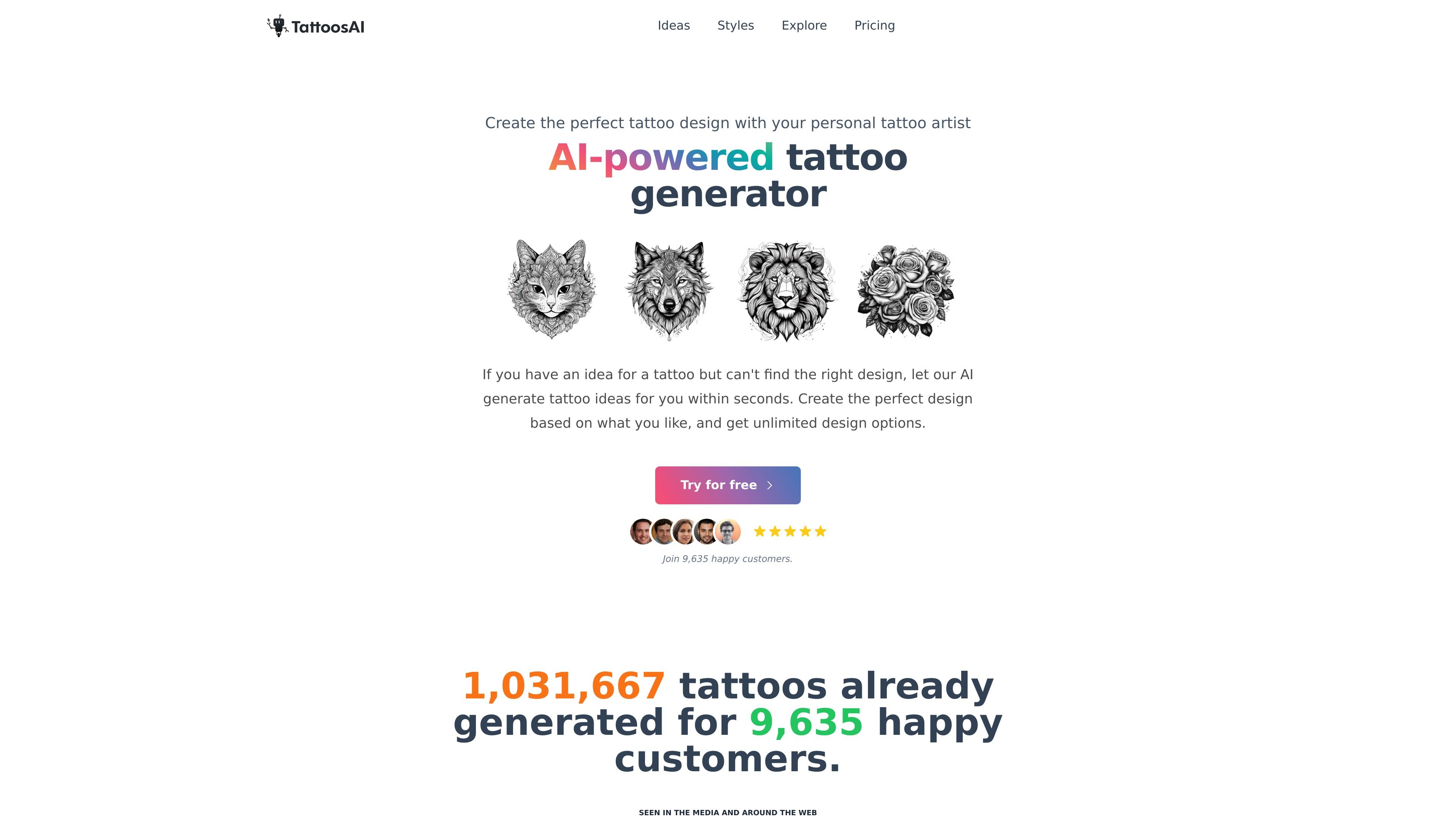
TattoosAI is an AI-powered tattoo generator that creates tattoo concepts from written prompts. Users describe an idea, choose a style, and receive design concepts in seconds.
The site is built for people who have a tattoo idea but need help turning it into a visual design. It supports a wide set of tattoo styles, shows community and idea galleries for browsing, and offers paid plans with unlimited tattoo designs and permanent cloud storage.
Enter a tattoo idea in a prompt field and describe the concept in as much detail as you want. The product positions this as the core input for generating designs.
Select from more than 18 tattoo styles, including sketch, realistic, minimalist, black and white, surreal, geometric, blackwork, Japanese, old school, cartoon, watercolor, dotwork, tribal, abstract, negative space, lettering, biomechanical, portrait, and 3D.
Adjust color and style inputs to refine the generated output. The site also mentions a surprise-me option for style selection.
Generate a few unique concepts from the same prompt instead of a single fixed result. The homepage emphasizes unlimited design options.
Browse community tattoos and tattoo ideas pages for examples and inspiration. These pages surface popular concepts and community-created designs.
Choose between annual and monthly access. The pricing page lists permanent cloud storage, unlimited tattoo designs, and access to a personal AI tattoo designer.
Use the prompt field when you have a tattoo concept but need help turning words into a visual draft.
Browse the style catalog when you already know the look you want, such as sketch, realism, watercolor, or blackwork.
Use the tattoo ideas and community pages to find common motifs, popular combinations, or starting points for your own prompt.
Refine a design by adjusting prompt detail, style, or color when the first result is close but not quite right.
Choose the pro plan if you want to keep generated designs private instead of having them added to the exploration gallery.
Type a tattoo idea into the prompt, then choose a style and color option. The generator returns tattoo concepts based on those inputs.
The product says the more detail you provide, the better the results. You can also use the style and color controls to refine the design.
Yes. The generated designs can be used as a final output or as a starting point that you can keep refining with new prompts.
On the basic plan, designs are added to the exploration gallery. The pro plan is described as the option for keeping designs private.
Not at this moment. The site says a tattoo simulator is being worked on, but it is not available yet.