
AI lip sync generation
Generate matched lip movement from video and audio input, with multiple models tuned for different quality and speed tradeoffs.

Sync Labs is an AI video lipsync and visual dubbing platform for matching new audio to existing video. It supports a web studio, API, and SDK-based workflows for localization, dubbing, and production integration.
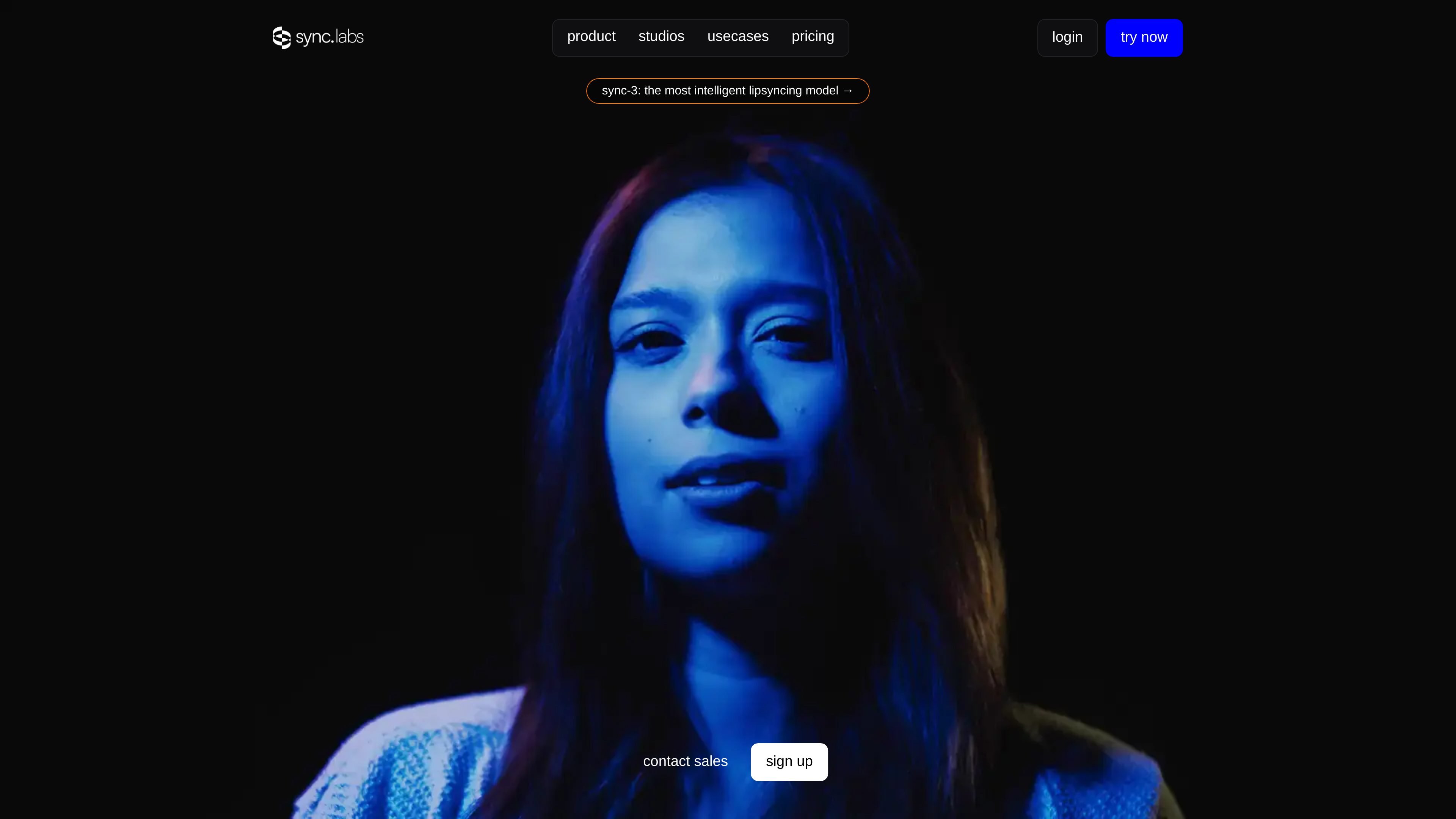
Sync Labs is an AI video lip sync and visual dubbing platform for generating new speech-matched video from existing footage. It is positioned for films, ads, content localization, and other workflows where the speaker's mouth movements need to match new audio.
The product can be used through a web studio or via API and official SDKs, and the site presents several models with different tradeoffs, including sync-3, lipsync-2-pro, and react-1. The docs describe the system as suitable for production integration, batch processing, webhooks, and dubbing workflows that combine video with translated audio.
Generate matched lip movement from video and audio input, with multiple models tuned for different quality and speed tradeoffs.
Work in the browser or through the API, with official Python and TypeScript SDKs for production integration.
Use sync-3 for more demanding shots, including scenes with multiple faces, sharp angle changes, low light, and fast camera movement.
Use lipsync-2-pro for studio-grade editing with 4K support and preservation of facial details such as teeth, freckles, and beards.
Verify whether a video was modified with Sync Labs technology using its proprietary watermarking verification flow.
Scale processing with batch workflows and higher-tier features such as more concurrency, batch API access, and team workspaces.
Localize films, social clips, and other finished videos by matching new translated audio to the original speaker's face and mouth movements.
Generate polished lip sync for promotional content where visual consistency and turnaround matter, including ads and branded videos.
Use the browser studio or API to add lipsync into internal tools, SaaS products, or automated content pipelines.
Handle more demanding scenes such as fast camera moves, low light, multiple faces, or side angles where context and detail preservation matter.
Compare models and outputs directly in Studio before rolling a chosen model into production use.
Sync Labs provides a web studio and API/SDK path for working with its lip sync models. The docs say you can use Studio in the browser or integrate through the API and official Python and TypeScript SDKs.
The pricing page shows a free plan and paid tiers, and the docs describe a free trial with 3 generations per month and a 20-second maximum per generation without a credit card.
The platform supports multiple models with different quality and speed tradeoffs, including sync-3, lipsync-2-pro, and react-1. The docs note that model choice depends on the use case and that sync-3 is native 4K while lipsync-2-pro is 4K-capable on its page.
The docs describe visual dubbing and content localization workflows where you supply video and matching audio, including translated audio in another language. The homepage also says the system works across films, ads, podcasts, games, and animations.
The pricing page lists plan-based limits such as video length, concurrent jobs, voice cloning allowances, and team seats. Higher tiers add longer outputs, more concurrency, batch API access, and larger usage discounts.