
AI-assisted app building
Describe an app in plain English and the AI agent can set up features, layouts, and themes. The source also says you can refine the build with follow-up prompts or switch to the visual editor at any time.

Swiftspeed is an AI app builder for native iOS and Android apps without code. Design, publish, and manage mobile apps with AI, analytics, and monetization tools.
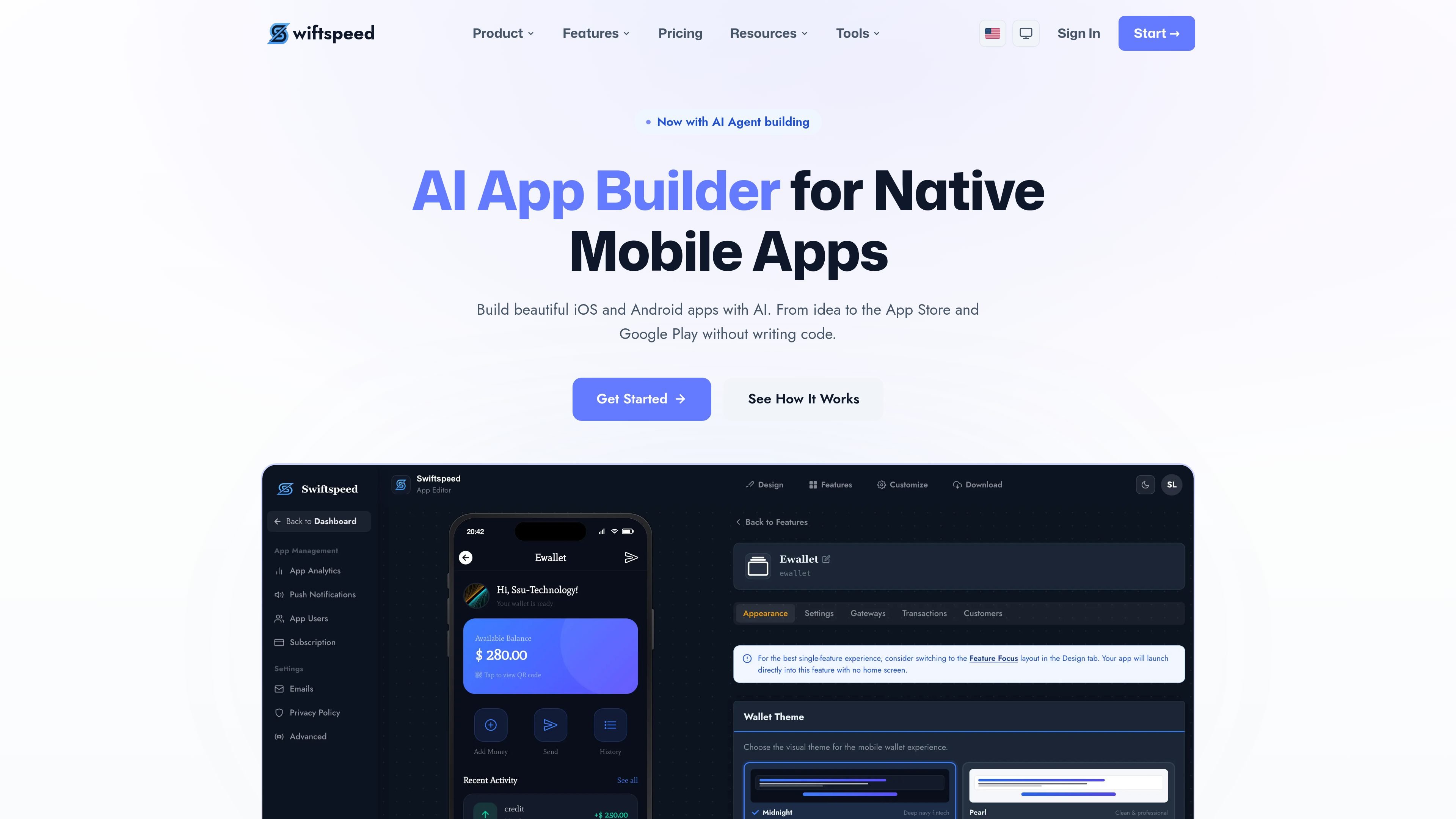
Swiftspeed is an AI app builder for creating native mobile apps for iOS and Android without writing code. It combines an AI-assisted build flow, a drag-and-drop editor, and publishing tools so teams can move from an idea to an app store–ready build in one platform.
The product is positioned for businesses that need mobile apps with engagement, analytics, and monetization features. The site says apps are built natively with Capacitor, supports PWA output, and includes publishing paths for Android APK/AAB and iOS IPA builds.
Describe an app in plain English and the AI agent can set up features, layouts, and themes. The source also says you can refine the build with follow-up prompts or switch to the visual editor at any time.
Use the drag-and-drop editor to arrange screens, pick colors, configure features, and preview changes in real time before publishing.
Build native apps for iOS and Android using Capacitor, with no web views in the final app according to the homepage copy.
Send targeted push notifications, schedule campaigns, segment audiences, and track delivery from the dashboard.
Monitor sessions, screen views, events, and conversions in real time to understand how users interact with the app.
Monetize with AdMob, in-app purchases, and e-commerce features, with additional business-tier support for selling online, direct messaging, and e-wallet capabilities.
Create a customer-facing mobile app from a short prompt, then refine the structure and visuals in the editor before publishing to the app stores.
Build apps that rely on notifications, analytics, and monetization tools, such as subscriptions, AdMob, or in-app purchases.
Assemble an app with e-commerce, direct messaging, or e-wallet features when the product needs commerce or service workflows beyond a simple content app.
Use the platform to generate native Android builds and prepare iOS builds for submission while keeping the app configurable from the dashboard.
Set up a branded app-building platform for clients using the agency plans, which add custom branding, a custom domain, client management, and feature control per app.
Swiftspeed provides a 7-day trial that lets you build one app with the RSS Feed and Website to App features, test it natively on your phone with the Tester app, and then decide whether to upgrade to keep the app and publish it.
Swiftspeed uses per-app pricing, so each app has its own subscription. If you build multiple apps, each one can be on a different plan under the same account.
You can upgrade, downgrade, or cancel at any time. When you upgrade, new features are available immediately; when you downgrade, your current billing period continues until it ends.
Yes. Publishing to Google Play requires a Google Play Developer account, and publishing to the App Store requires an Apple Developer account. Swiftspeed handles the build process, while you manage the store accounts.
The platform supports AI-assisted app creation through its AI agent, which can configure features, themes, and layouts. The source does not document collaboration workflows or team-user limits in detail.