
MIDI performance tools
Connect a MIDI controller to play chords, basslines, and melodies on built-in synths, or use musical typing, arpeggiator, and chord mode from a keyboard.

Suno Studio is a browser-based DAW for building and editing music with MIDI, audio effects, stem separation, and detailed parameter control. It also connects to Suno’s music creation plans, with Studio included on the Premier plan.
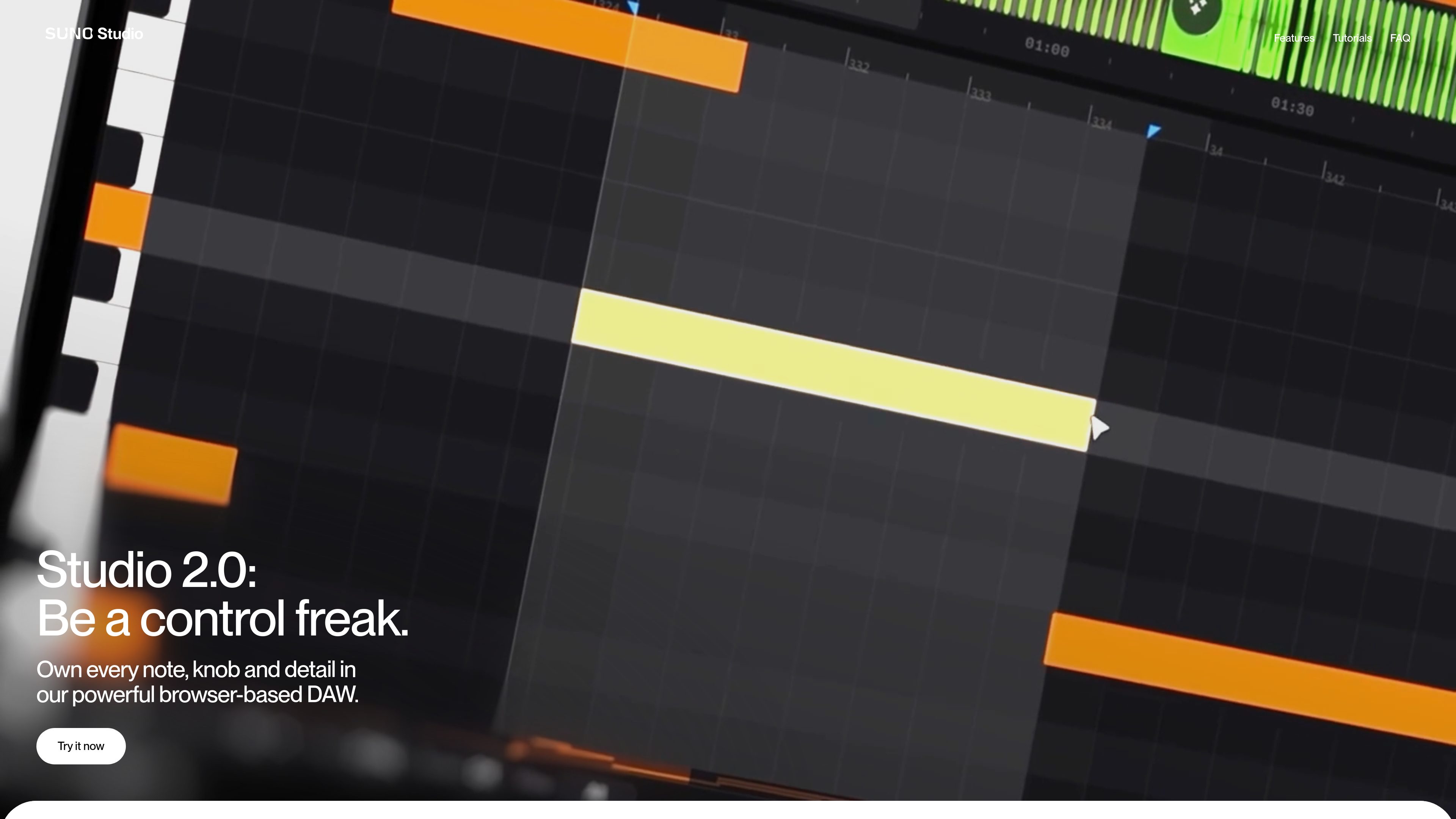
Suno Studio is a browser-based digital audio workstation designed for hands-on music production and editing. The product page describes it as a place to “own every note, knob and detail,” with tools for MIDI performance, audio effects, chat-assisted sound building, stem separation, and precise automation.
The studio is built for users who want to start from imported audio, uploaded stems, or a blank project, then shape the result with detailed edits. It supports exporting full songs, stems, or selected ranges, and the pricing page shows that Studio access is included with the Premier plan.
Connect a MIDI controller to play chords, basslines, and melodies on built-in synths, or use musical typing, arpeggiator, and chord mode from a keyboard.
Use industry-standard effects such as sidechain compression and convolution reverb, or design your own effects to fit a specific sound.
Describe what you want in the chat bar to create sounds layer by layer, build synths and plugins from scratch, and batch rename tracks.
Begin with imported audio, uploaded stems, or a new project, so the workflow can adapt to existing material or fresh ideas.
Adjust BPM, volume, pitch, and other parameters, then draw automation curves or record movement to shape changes over time.
Split audio into components such as vocals, drums, and bass, then export full songs, stems, or selected ranges.
Useful when a track already exists and needs arrangement, mixing, or parameter-level refinement rather than starting from zero.
Fits users who want to perform or sketch chords, basslines, and melodies with a controller or keyboard-based input.
Useful for splitting a recording into stems so vocals, drums, bass, and other parts can be edited separately.
Works for users who want to create custom effects or shape sounds with a combination of built-in processing and personalized plugins.
Helpful when the goal is to export a full song, isolated stems, or selected ranges for another session or workflow.
Suno Studio is Suno’s browser-based DAW for editing, arranging, automating, and exporting music projects with MIDI, effects, and stem separation tools.
The pricing page states that access to Suno Studio is included with the Premier plan.
Yes. The Studio page says you can import audio, upload stems, or start fresh.
The Studio page says you can export full songs, stems, or selected ranges.
The Studio page says you can design your own effects, and the FAQ list includes a question about creating your own plugins. The excerpt does not provide the full answer.