
Download from share links
Paste a Suno share link to fetch a downloadable song link, then save the track from your browser.

Suno Downloader is a browser-based tool for saving AI-generated songs from Suno by pasting a share link and downloading the track.
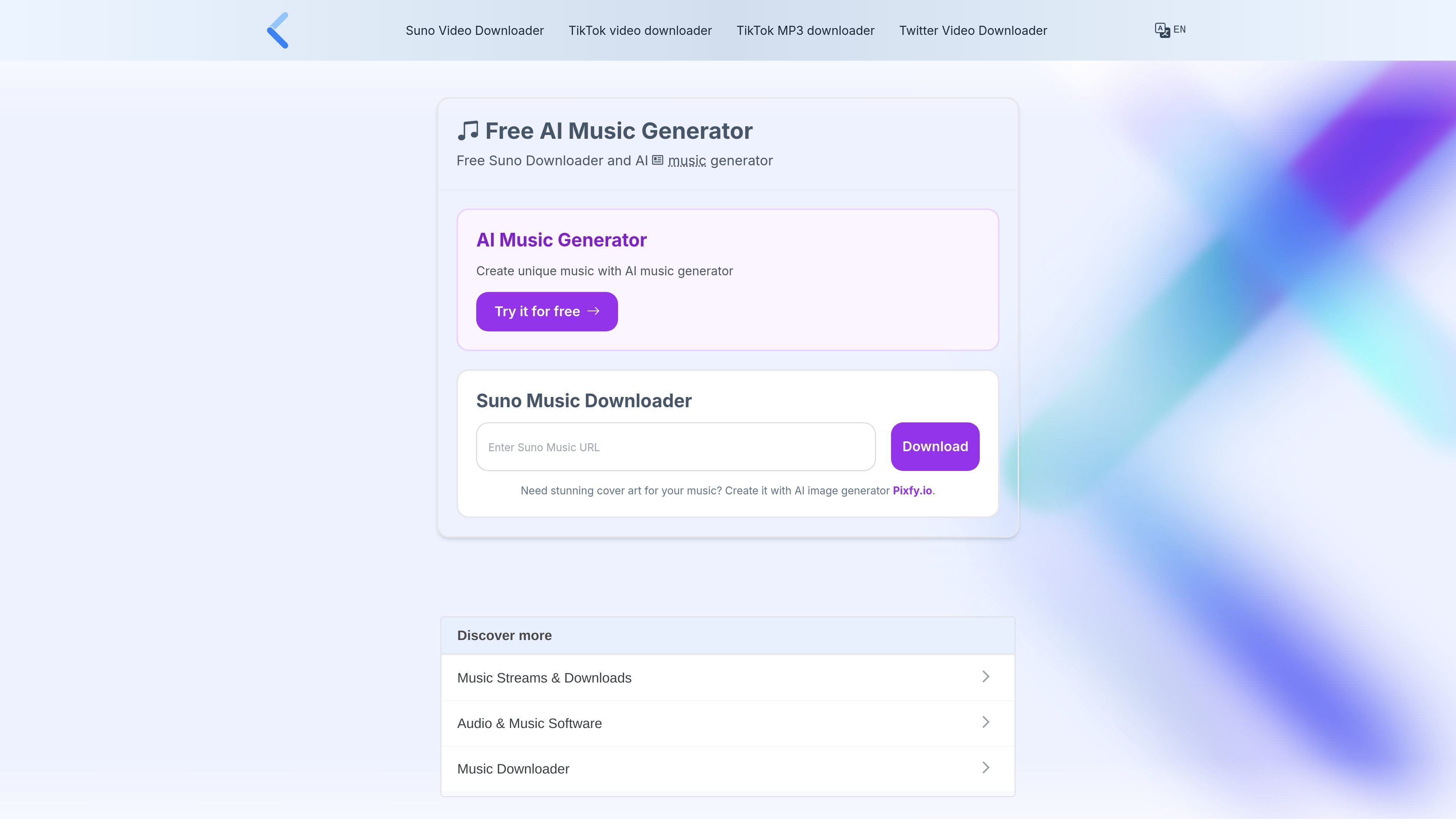
Suno Downloader is a browser-based tool for saving AI-generated songs from Suno by pasting a Suno share link and fetching a downloadable file. The site presents it as a free way to download tracks created on Suno AI, including songs you may want to keep for personal access or sharing.
The same site also includes Suno AI music generation pages and pricing information for AI music plans, so the product area covers both downloading and creating music. The downloader workflow is the clearest part of the offering: copy a Suno song URL, paste it into the form, and download the track through your browser.
Paste a Suno share link to fetch a downloadable song link, then save the track from your browser.
The site says download link retrieval takes only a few seconds depending on your internet speed.
The downloader page says there are no limits on the number of Suno tracks you can save.
Use the tool in a browser on desktop or mobile devices without installing a browser extension.
The site describes support for common operating systems including Windows, Mac, Linux, and Ubuntu.
Save a Suno track you created or received by pasting the shared song URL into the downloader and retrieving the file in your browser.
Access the tool from a desktop or mobile browser without setting up an extension or separate app.
Store multiple tracks without a stated song cap, which is useful when you want to keep a larger personal library of Suno songs.
Retrieve a track quickly when you already have the share link and want the download saved to the browser’s default folder.
Yes. The site describes Suno Downloader as a free tool for saving Suno AI tracks, and it also states there are no restrictions on the number of songs you can save.
The page says you need the share link for the Suno track. Paste that link into the input field, click download to fetch the link, and then click download again to save the track.
The site says the downloader works in a browser on devices with an installed browser and supports common operating systems such as Windows, Mac, Linux, and Ubuntu.
After the file is downloaded through your browser, it is stored in your default download folder.
The pricing page shows paid plans with credits, generation queues, and unlimited downloads. The downloader pages also describe the service as free to use for downloading Suno tracks, but the pages do not provide a detailed explanation of the relationship between the downloader and the AI music generator plans.