
Text, image, and sketch prompting
Generate images from detailed text prompts, and the page also says image or sketch prompts can be used to guide the result.

starryai is an AI image generator and editing app for creating visuals from text, sketches, or images, with background removal, upscaling, and mobile support.
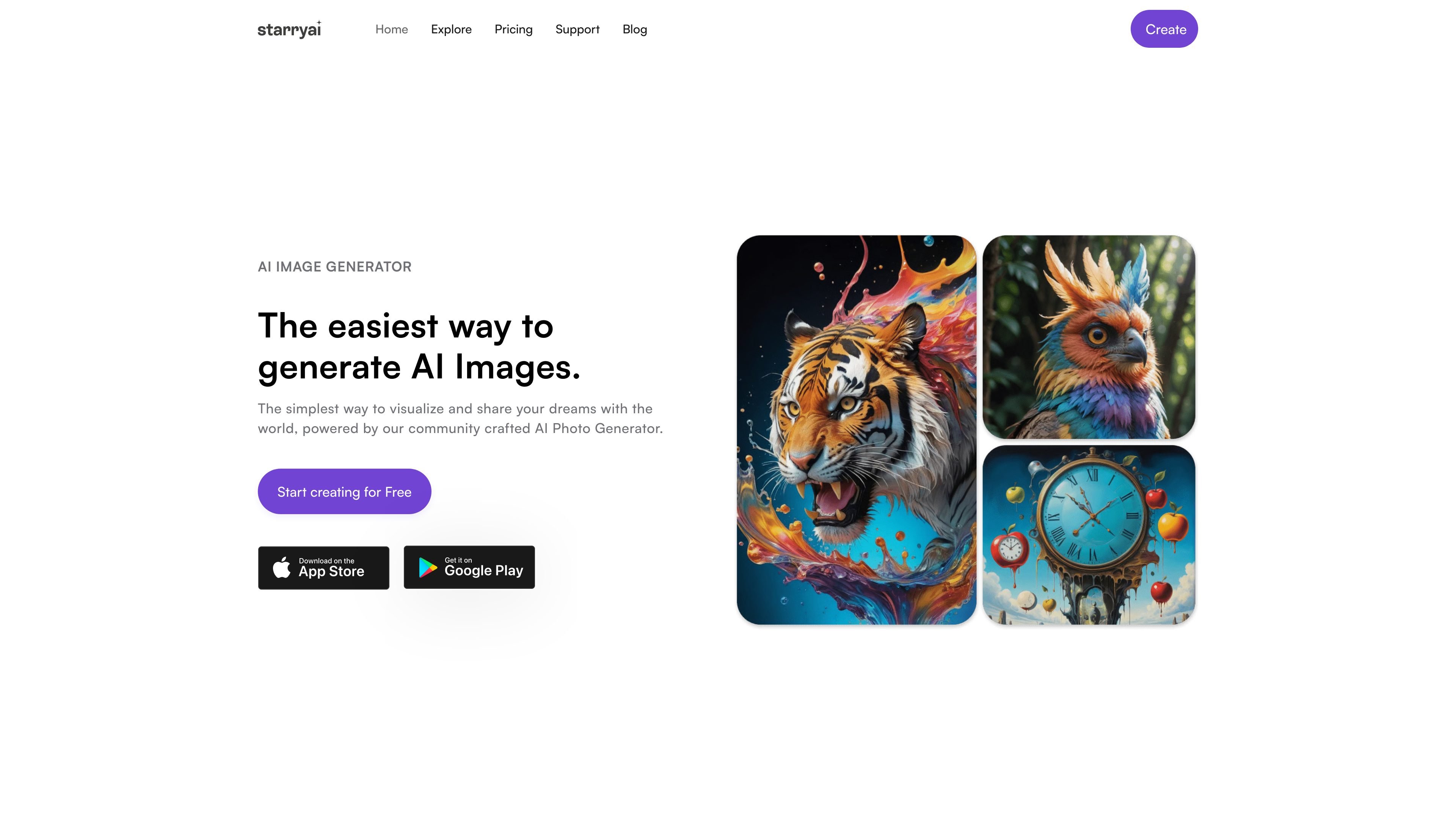
starryai is an AI image generator and visual creation app that turns prompts, sketches, or uploaded images into generated artwork. The site positions it as a simple way to create and share images, with related tools for background removal, enhancement, and upscaling.
The product emphasizes quick creation, a wide selection of styles, and output control through prompt details and style selection. The provided pages also describe mobile access through iOS and Android, plus the ability to download or share finished images.
Generate images from detailed text prompts, and the page also says image or sketch prompts can be used to guide the result.
Choose from a large library of styles and models, including examples such as anime, fantasy, sci-fi, cyberpunk, photography, illustrations, and 3D art.
Create images without a watermark on the free tier up to the stated daily limit, with ownership and no royalties called out on the site.
Regenerate or refine outputs by giving feedback after generation, which the site presents as part of the model’s learning loop.
Download completed images in high resolution or share them directly on social media from the generation flow.
Use the background remover and image upscaler tools, both referenced on the homepage and the background removal page, to edit finished visuals.
Create concept art, stylized portraits, or experimental visuals by describing the desired scene and selecting a matching style.
Produce assets such as logos, T-shirt designs, album covers, or similar visuals where quick iteration matters.
Remove distracting backgrounds from product photos or profile images, then download a transparent result for reuse in other layouts.
Improve existing images with the upscaler and enhancement tools when you need higher-resolution or cleaner-looking visuals.
Generate and share AI images from a phone, then continue editing across devices where the background remover syncs between desktop and mobile.
starryai provides a free AI image generator that lets you create up to 25 AI-generated images daily without a watermark. The site also says monthly and annual subscriptions are available, but the pricing page was not available in the provided sources, so plan details and limits beyond the free tier are not confirmed here.
The image generator accepts text prompts, and the page also says you can use an image or sketch prompt as input. After generating, you can download results in high resolution or share them directly on social media.
starryai says it stores your art indefinitely on its servers so you can access it later. It also states that the images you create are yours, with no royalties, and that Pro users can remove the watermark.
The background remover page says the app is available for iOS and Android devices, and that files can sync across desktop and phone. The homepage also references an app install flow.
The background remover page describes batch background removal for multiple images, while the image generator page focuses on single-image generation and regeneration feedback. The sources do not confirm a broader team workflow or collaboration feature set.