
Text-to-image generation
Generate images from text prompts, with the homepage describing support for “anything you like” in thousands of styles.

Stablecog is a web-based AI image generator for text prompts or input images, with a free plan, paid commercial tiers, and browser controls for models and aspect ratios.
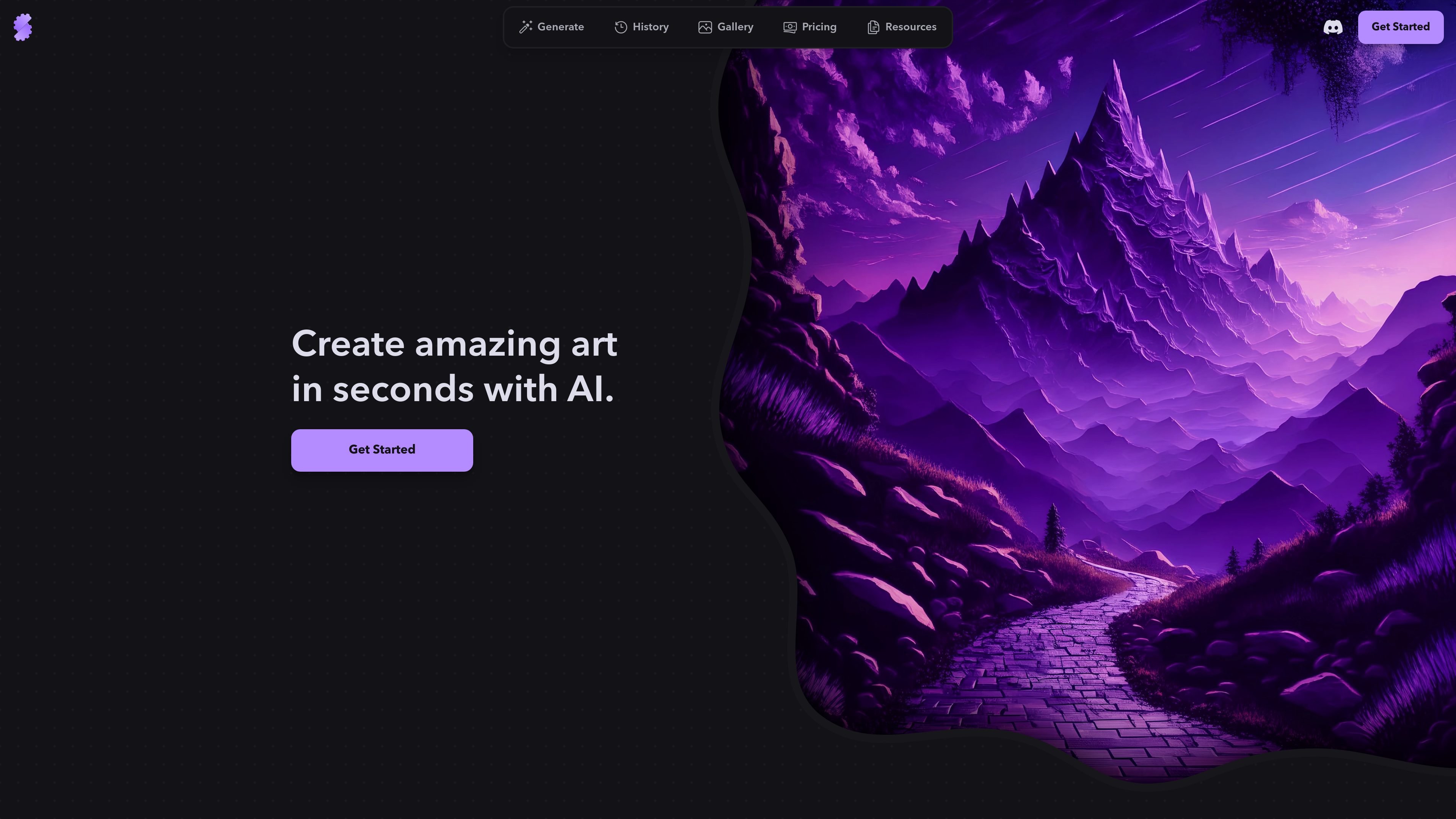
Stablecog is a web-based AI image generator for creating artwork from text prompts or from an input image. The site describes it as free, multilingual, and open-source, and it supports multiple models including Stable Diffusion, FLUX, and Kandinsky.
The product is built for quick image generation in the browser, with generation controls for aspect ratio, model selection, and number of images. A gallery and history area help users review outputs and inspect generation metadata or past work.
Generate images from text prompts, with the homepage describing support for “anything you like” in thousands of styles.
Use an input image as a starting point to generate new artwork, as shown on the homepage.
Choose among multiple aspect ratios, including portrait, square, landscape, mobile, desktop, squarish, and anamorphic formats.
Select from available models shown on the generate page, including FLUX.1, Stable Diffusion 3, Kandinsky 2.2, and SSD-1B.
Adjust the number of images per generation and access advanced settings from the generation screen.
Browse generated work in a gallery that exposes image metadata such as prompt, negative prompt, inference steps, guidance scale, and seed.
Create concept art or illustrations from a prompt when you want fast visual exploration across many styles.
Start from an existing image and generate new variations or related artwork based on that input.
Review prior generations in the history area or gallery when you want to compare outputs, revisit prompts, or inspect metadata.
Use paid plans when you need commercial-use rights, higher monthly image limits, or more parallel generations.
Browse the public gallery for examples and metadata when you want to understand how prompts and settings affect results.
Yes. The pricing page says you can cancel anytime, and billing stops at the end of the current billing cycle.
The gallery page says Stablecog lets you view generated images along with metadata such as prompt, negative prompt, inference steps, guidance scale, and seed.
The generate page shows multiple aspect ratios, model choices including FLUX.1, Stable Diffusion 3, Kandinsky 2.2, and SSD-1B, plus options such as number of images and advanced settings.
The free plan is limited to personal use, while Starter, Pro, and Ultimate plans include commercial use according to the pricing page.
The home and pricing pages describe Stablecog as a free, multilingual, open-source AI image generator.